How to filter audit logs by notifications in Mixpanel
Here is how to filter audit logs by notifications in mixpanel
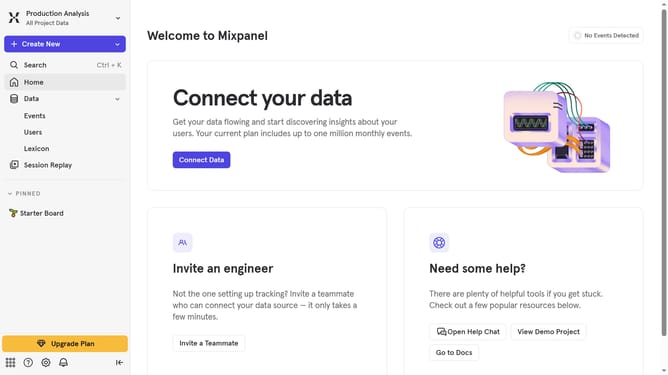
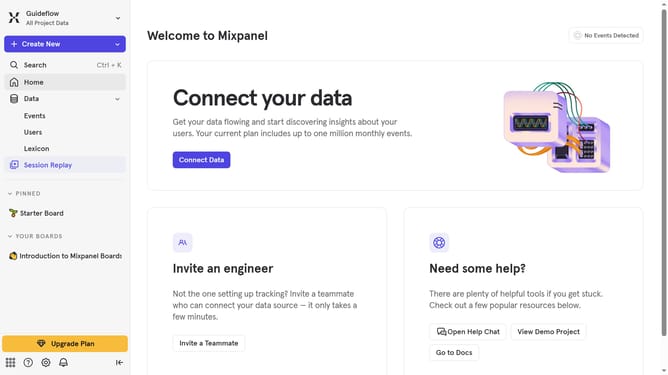
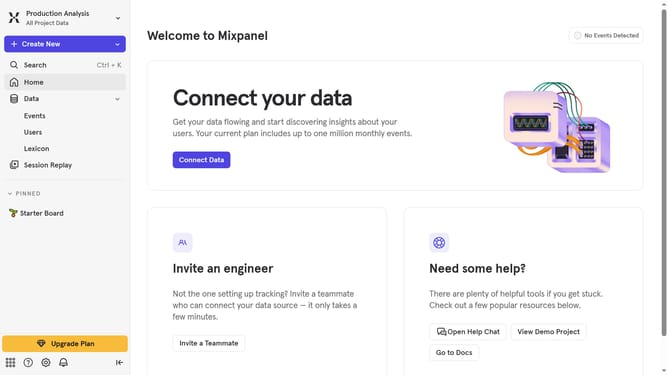
- First click on the gear icon in the left sidebar
- Then hover your mouse cursor over the "Settings" option
- Next, click on "Organization Settings" which appears in a dropdown menu
- Then, in the left navigation panel, click on "Audit Log"
- Next, click on the "Category" dropdown menu
- Finally, click the "Notifications" checkbox
Why should you filter audit logs by notifications in Mixpanel
Mixpanel is a leading product analytics platform that helps you understand user behavior to build better products.
Filtering audit logs by notifications in Mixpanel enhances your analytic capabilities by allowing you to focus on specific interactions. This feature makes it simple to track and analyze notification-related activities within your platform.
Utilizing this functionality helps in pinpointing user responses to notifications and optimizing your messaging strategy. This targeted analysis leads to more informed decisions, enhancing user engagement and driving growth.
Last update