How to filter behaviors by created by you in Mixpanel
Here is how to filter behaviors by created by you in mixpanel
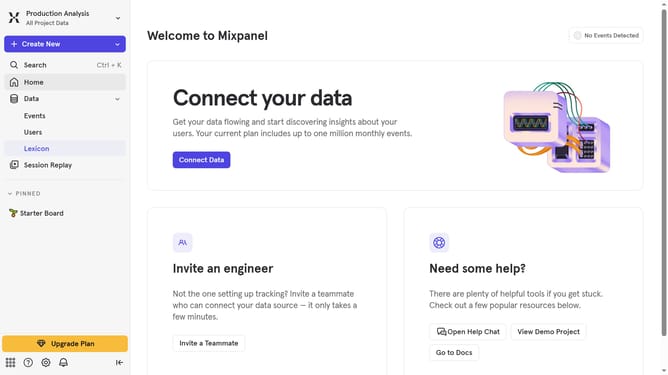
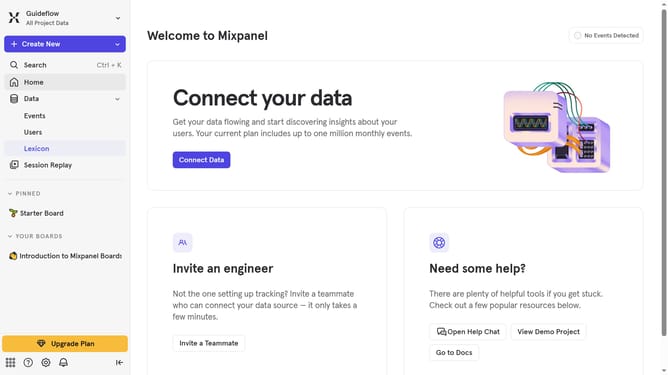
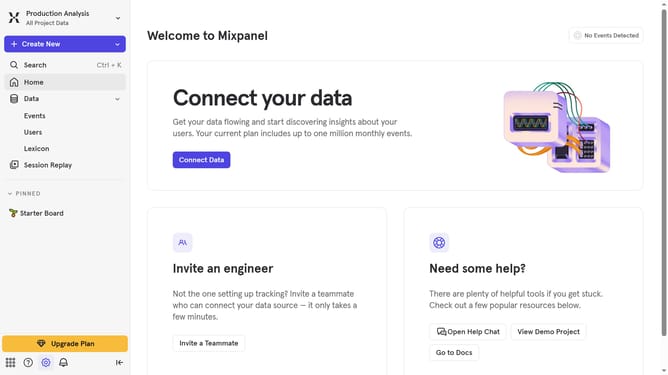
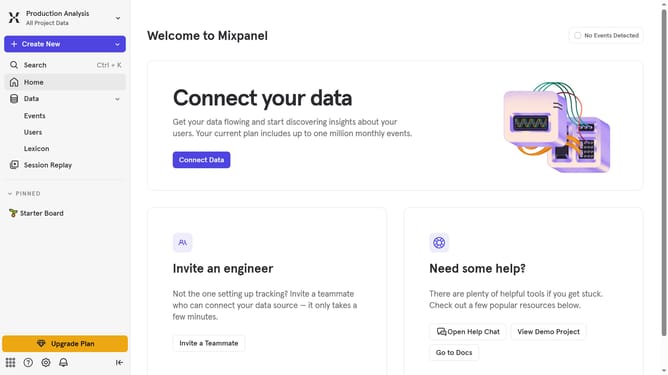
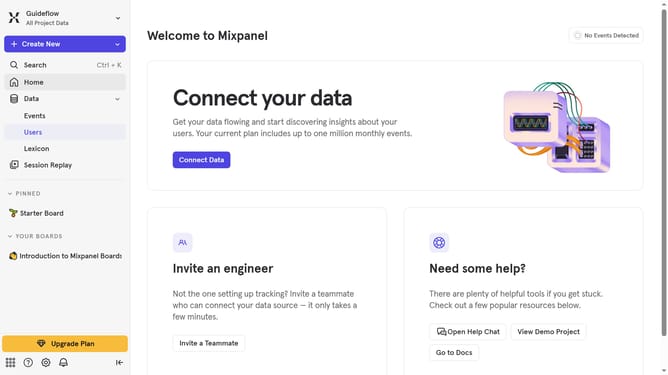
- First click on "Lexicon" in the left navigation panel
- Then click the "Behaviors" in the left navigation panel
- After that, click on the "Filter" button
- Finally, select the "Created By You" checkbox
Why should you filter behaviors by created by you in Mixpanel
Mixpanel is a powerful analytics tool designed to track user interactions and measure engagement across websites and applications.
One of its prominent features allows you to filter behaviors by those created specifically by you, enabling a personalized approach to data analysis.
This feature streamlines the process of identifying relevant patterns and user actions, making it easier to interpret your data efficiently.
Using this tool empowers you to focus your efforts on tailored insights, ultimately enhancing decision-making and improving user experience strategies.
Last update