How to disconnect CleverTap in Mixpanel
Here is how to disconnect clevertap in mixpanel
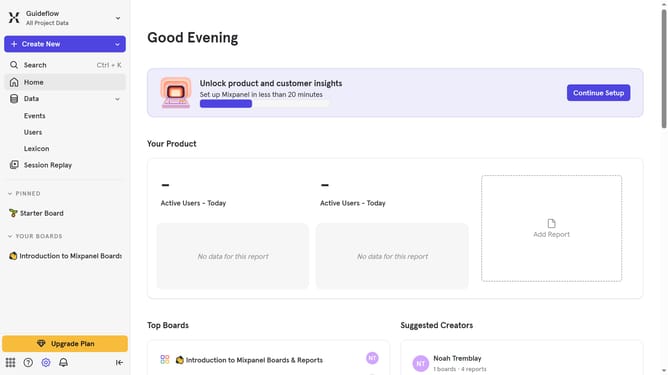
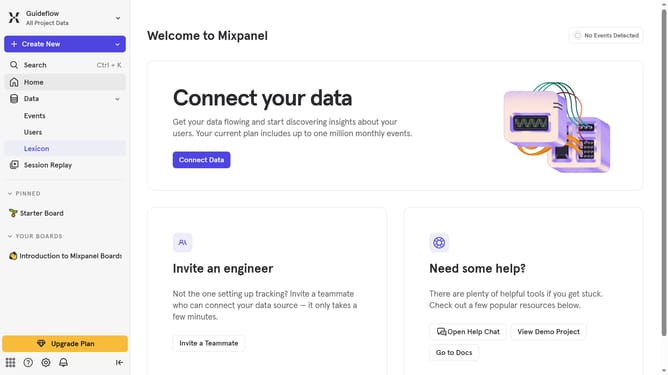
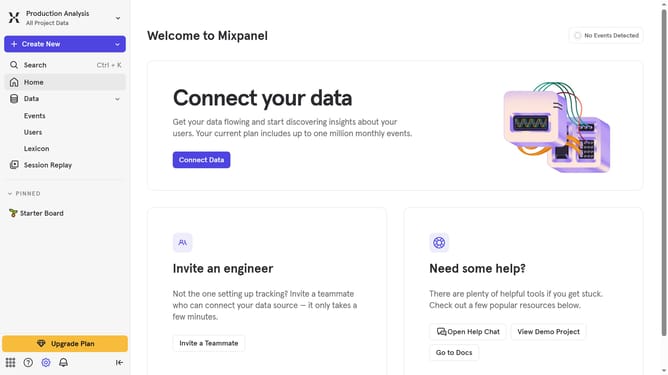
- First click on the "Settings" gear icon in the bottom left menu
- Then select "Integrations" from the sidebar menu
- Scroll down to view more options
- Next, click on the "CleverTap" integration
- Then click on the "Disconnect" button
- Finally, click on the "Disconnect" button in the confirmation dialog
Why should you disconnect CleverTap in Mixpanel
Mixpanel is a powerful analytics tool that helps businesses understand user interactions with web and mobile applications.
One beneficial feature is the ability to disconnect CleverTap, which allows users to streamline data management and ensure clarity in their analytics strategy.
This disconnection enhances focus by eliminating redundancy and potential data discrepancies that can arise from dual-data streams.
For organizations seeking to refine their workflow, disconnecting CleverTap in Mixpanel can lead to more accurate insights and optimized decision-making processes.
Last update