How to hide 30 day volume column in events in Mixpanel
Here is how to hide 30 day volume column in events in mixpanel
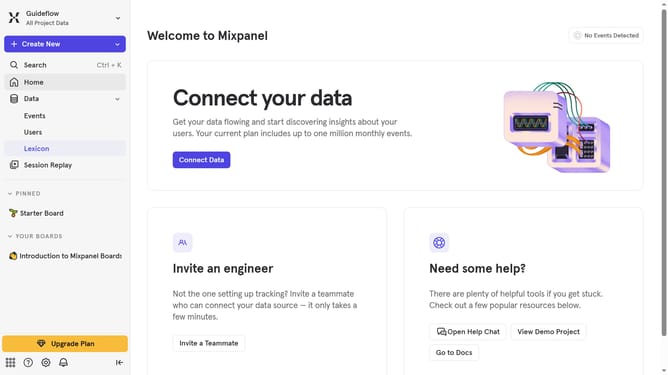
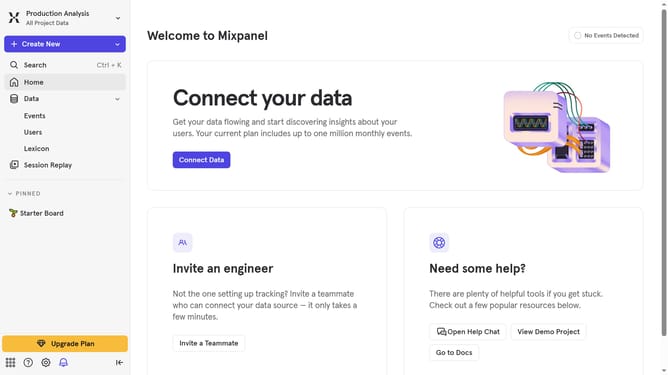
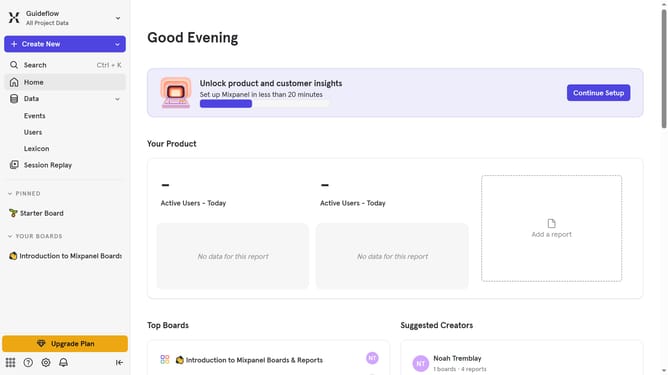
- First click on "Lexicon" in the left sidebar navigation
- Then click on the "Edit Columns" button
- Finally uncheck the checkbox next to "30 day volume" in the column selection menu
Why should you hide 30 day volume column in events in Mixpanel
Mixpanel is an advanced analytics tool designed to help businesses understand user behavior and drive growth.
One useful feature is the ability to hide the 30-day volume column in events, offering a more streamlined view when analyzing data.
This feature enhances focus by allowing users to concentrate on current metrics or specific time frames, reducing clutter and distraction.
By customizing data views, teams can more effectively pinpoint trends and insights that are most relevant to their immediate strategies.
Last update