How to filter audit logs by team removed from data view in Mixpanel
Here is how to filter audit logs by team removed from data view in mixpanel
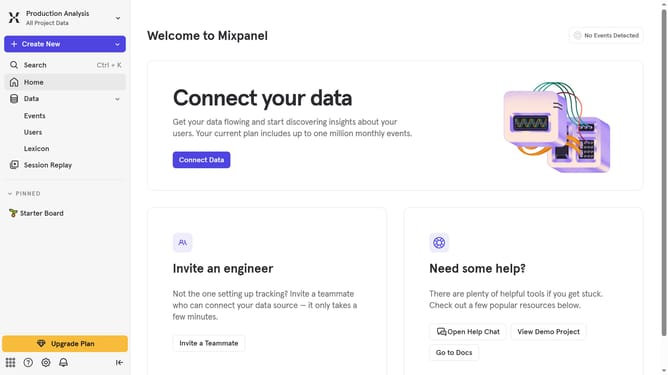
- First click on the settings icon in the bottom left corner
- Then hover your mouse cursor over the "Settings" option in the sidebar
- Next, click on "Organization Settings" from the dropdown menu
- Then select "Audit Log" from the left-hand navigation pane
- After that, click on the "Action" dropdown menu
- Then scroll down in the dropdown menu
- Finally, click the checkbox next to "Team Removed from Data View"
Why should you filter audit logs by team removed from data view in Mixpanel
Mixpanel is a powerful analytics tool that helps businesses track user interaction with web and mobile applications.
The feature of filtering audit logs by team removed from data view in Mixpanel facilitates streamlined examination by removing unnecessary data noise.
This allows team members to focus on relevant data, enhancing efficiency and improving decision-making processes.
By eliminating clutter from unanalyzed team-related logs, organizations gain clearer insights, resulting in more accurate, data-driven strategies.
Last update