How to set property based session timeout settings in Mixpanel
Here is how to set property based session timeout settings in mixpanel
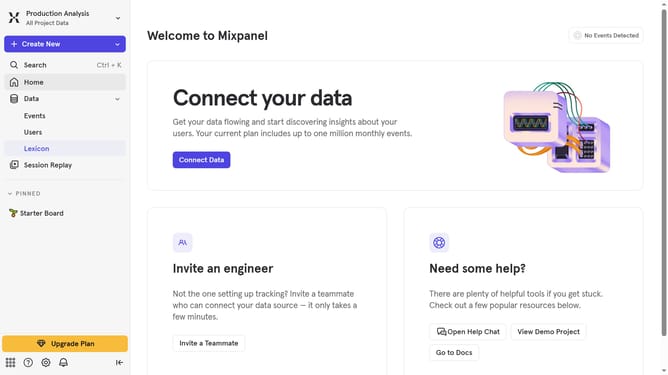
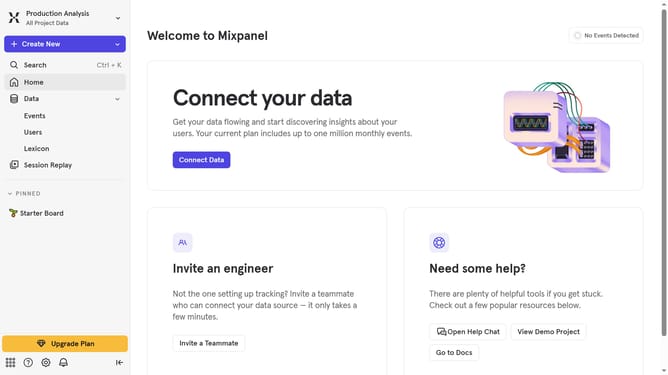
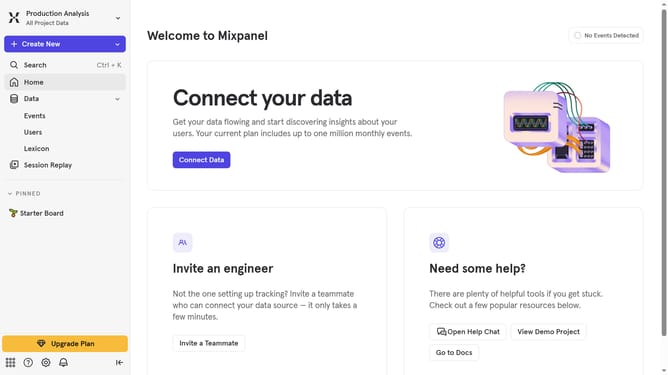
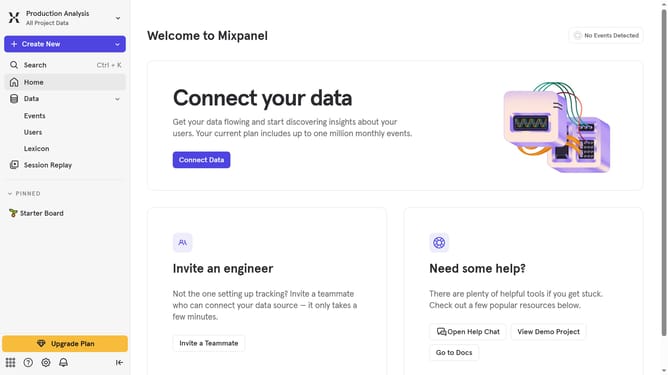
- First click on the settings icon in the bottom left sidebar
- Then hover your mouse cursor over the "Settings" menu
- Next click on the project "Settings"
- Then scroll down to view more options
- Next click on the "Delete" button
- Then click on the "Timeout Based" dropdown menu
- Then select "Property Based" from the dropdown menu
- Next click on the "Select Property" button
- Then click on your desired session from the list
- Finally click on the "Update" button
Why should you set property based session timeout settings in Mixpanel
Mixpanel is a powerful analytics platform designed to help businesses understand user interactions and improve decision-making.
A key feature of Mixpanel is its ability to set property-based session timeout settings, which allows for tailored analytics according to specific user behaviors and properties. By adjusting session timeouts based on user demographics or actions, businesses gain deeper insights into how their users engage with their platforms.
This enhanced understanding can lead to improved user experience, better retention strategies, and ultimately, increased customer satisfaction. The flexibility of customizing session timeouts empowers businesses to align data analysis precisely with their goals.
Last update