How to show description column in behaviors in Mixpanel
Here is how to show description column in behaviors in mixpanel
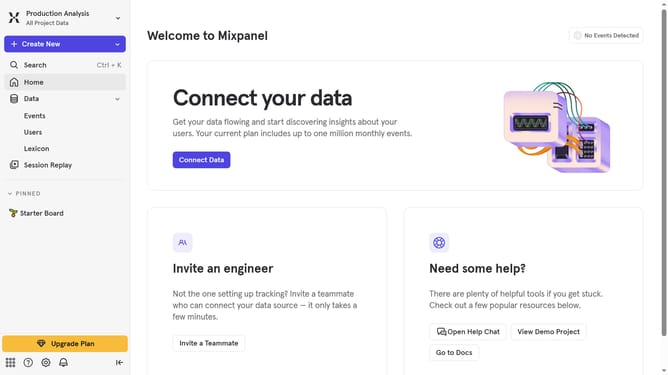
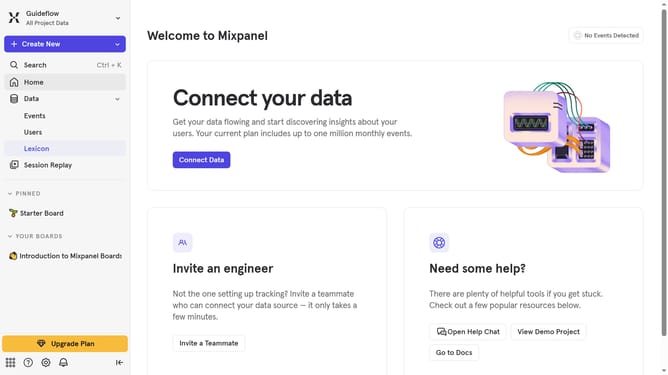
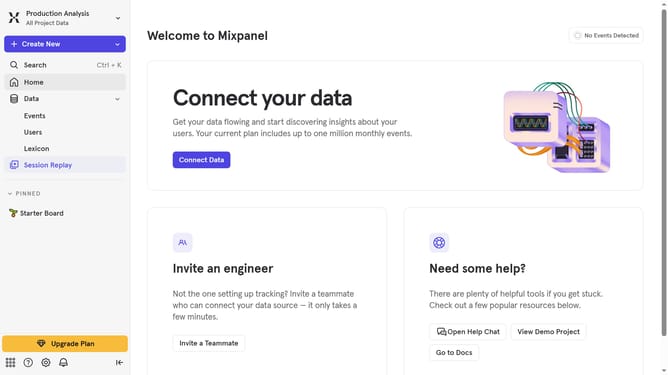
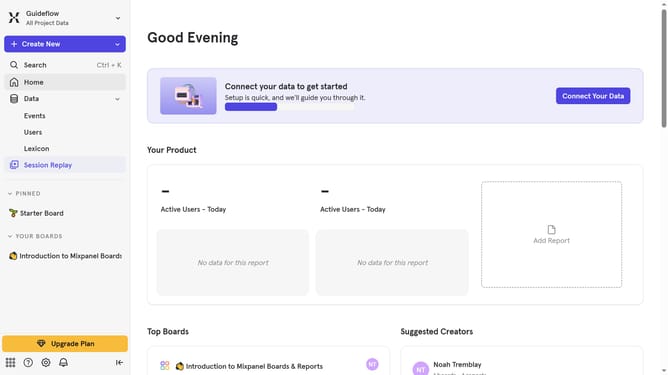
- First click on "Lexicon" in the left sidebar
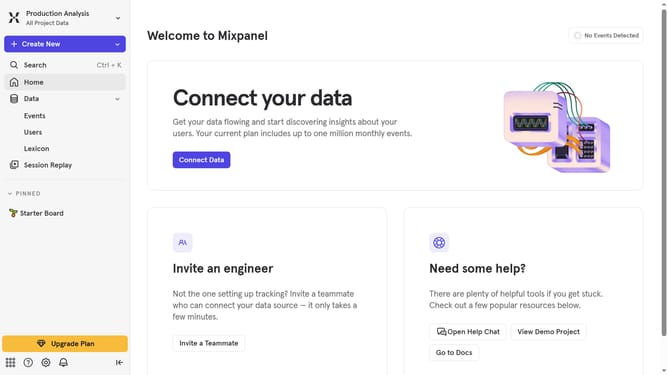
- Then click on "Behaviors" in the left sidebar
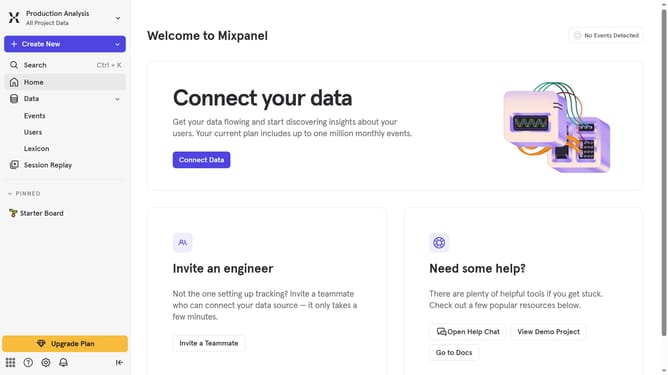
- Next, click on the "Edit Columns" button in the main content area
- Finally, click on the checkbox next to "Description" in the column selection menu
Why should you show description column in behaviors in Mixpanel
Mixpanel is an intuitive analytics platform designed to help businesses understand user behaviors and drive data-informed decisions.
The ability to show the description column in behaviors within Mixpanel offers users a streamlined way to access detailed insights about specific user interactions effortlessly.
This feature enhances clarity by providing context, ensuring that teams can quickly grasp the nuances of user actions, which is instrumental in optimizing engagement and improving product strategies.
By integrating descriptions directly into the behaviors view, organizations can align cross-functional teams with precise understanding, thus fostering a more coordinated approach to leveraging analytics for growth.
Last update