How to disconnect Airship in Mixpanel
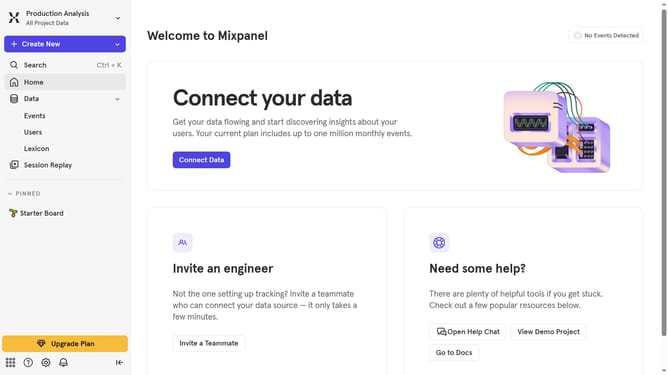
Here is how to disconnect airship in mixpanel
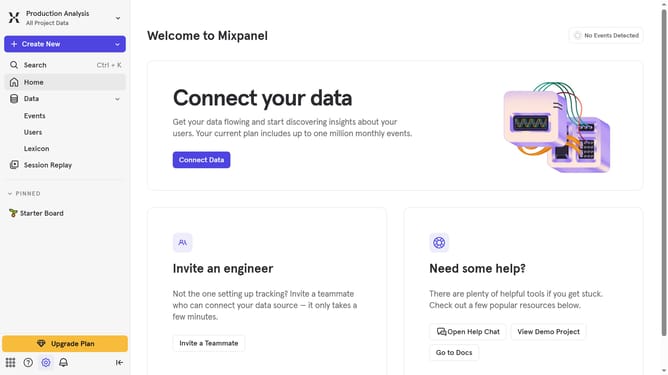
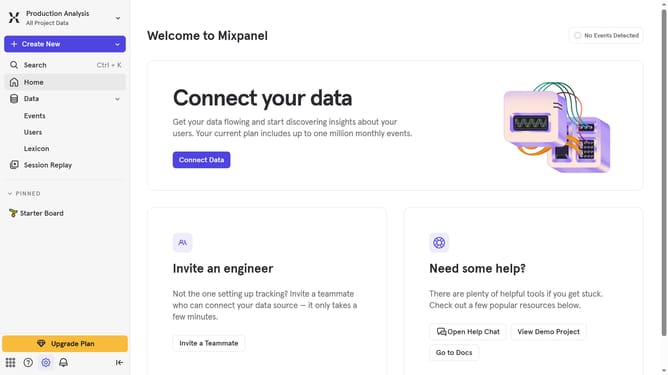
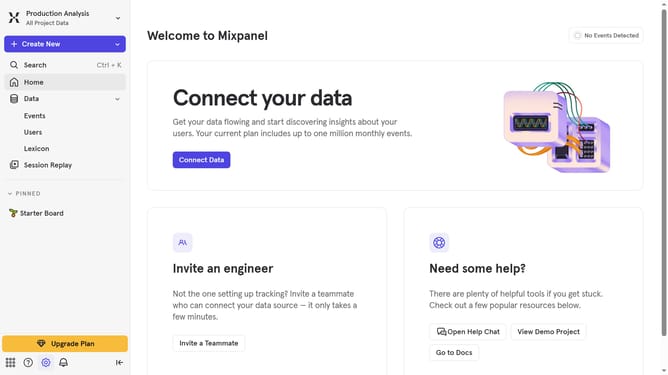
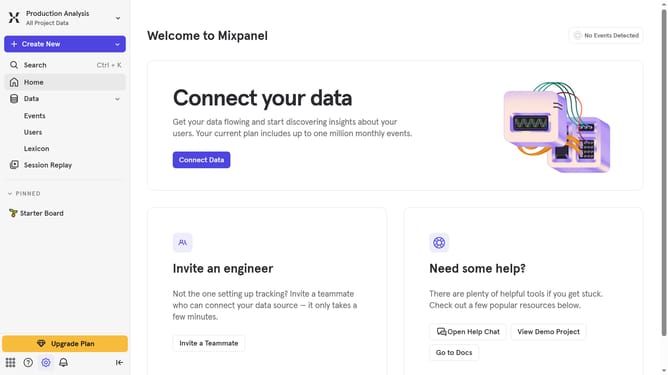
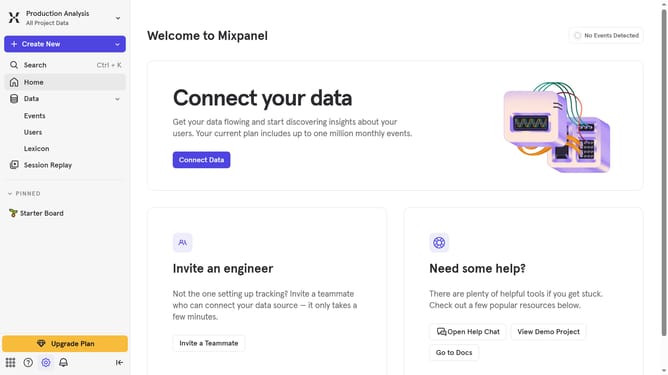
- First click on the gear icon in the sidebar
- Then click on "Integrations" in the sidebar menu
- Then scroll down to view more options
- Then click on the "Airship" option
- Then click on the "Disconnect" button
- Finally click on the "Disconnect" button in the confirmation dialog
Why should you disconnect Airship in Mixpanel
Mixpanel is a powerful analytics platform designed to help businesses track and analyze user interactions with ease.
When it comes to disintegrating third-party integrations like Airship, knowing how to disconnect them in Mixpanel can significantly streamline your data operations. This feature allows users to manage their collaborations more effectively, ensuring that the data ecosystem remains uncluttered and focused.
By disconnecting Airship, businesses gain greater control over their analytics setup, enhancing data accuracy and focusing only on the most meaningful metrics. It’s an essential step for optimizing your insight-driven strategies.
Last update