How to show platforms column in events in Mixpanel
Here is how to show platforms column in events in mixpanel
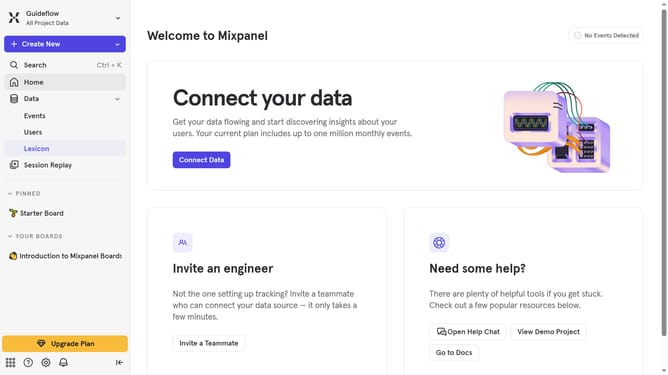
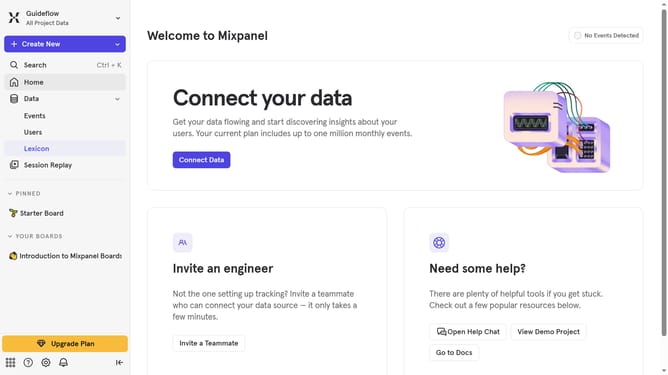
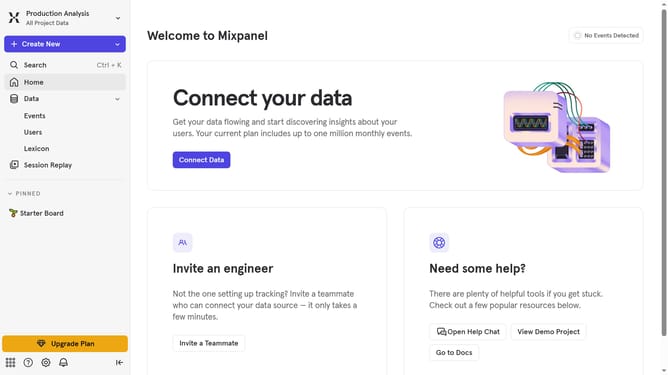
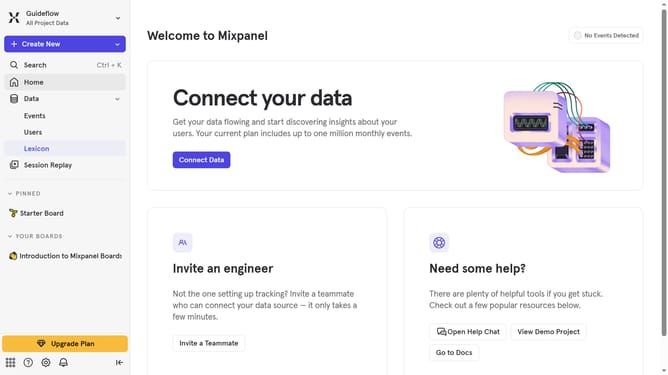
- First, in the left sidebar, click on "Lexicon"
- Then, in the header, click on "Edit Columns" button
- Next, scrolldown in the dropdown menu
- Finally, click on the "Platforms" checkbox
Why should you show platforms column in events in Mixpanel
Mixpanel is a powerful analytics tool designed to track and understand user interactions with your website or application.
Utilizing the platforms column in events within Mixpanel allows teams to easily distinguish which devices or operating systems are being used by their audience. This enhances the granularity of your data view and helps in tailoring user experiences with greater precision.
By displaying platforms, teams can optimize product features or marketing strategies specifically to cater to the needs of their diverse user base, ultimately improving user engagement and retention. Enjoy smoother navigation of your data insights with this essential feature.
Last update