How to turn on email notifications in Mixpanel
Here is how to turn on email notifications in mixpanel
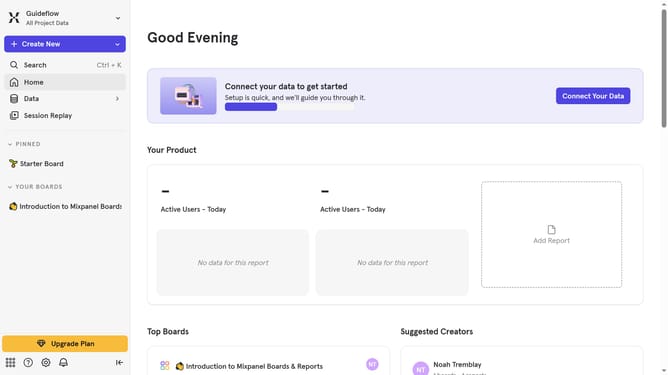
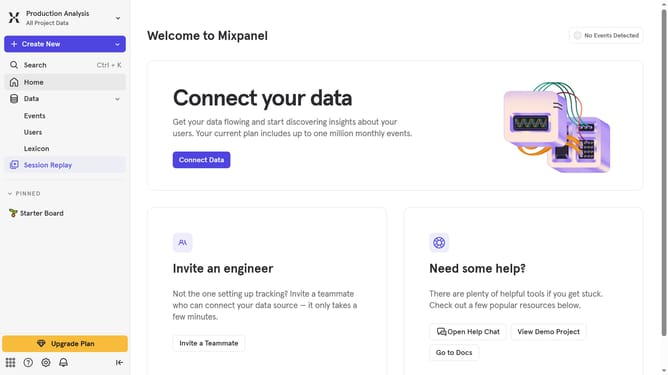
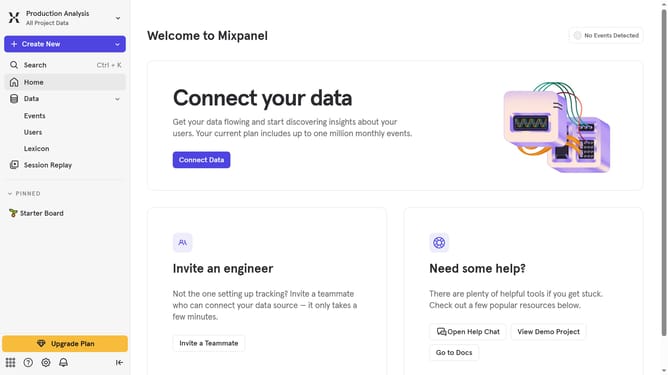
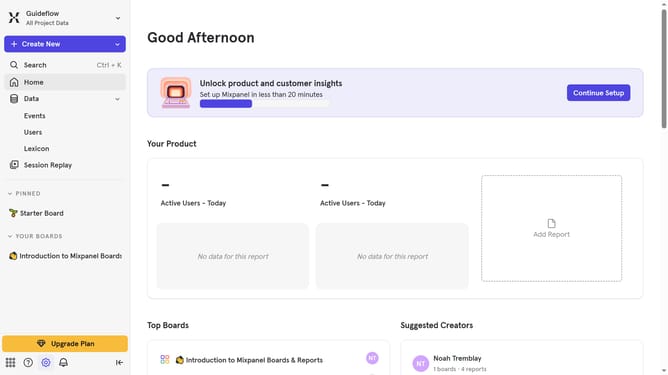
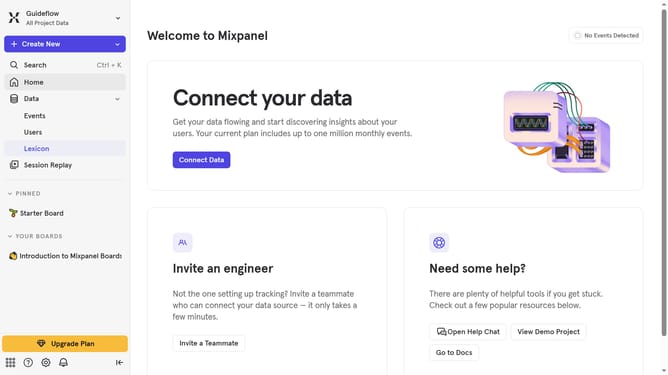
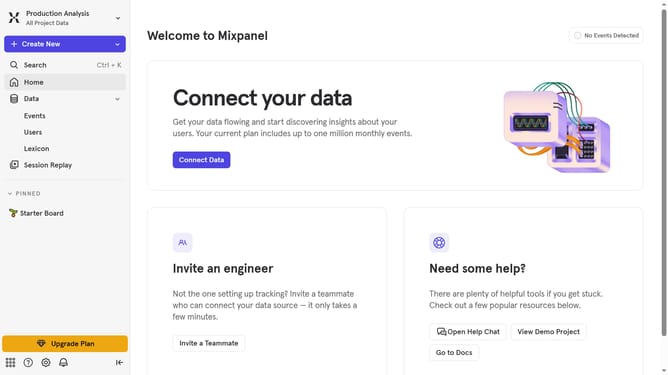
- First click on the "Bell" icon in the header
- Then click on the "Settings" icon
- Finally toggle the "Email notifications" switch
Why should you turn on email notifications in Mixpanel
Mixpanel is a powerful analytics platform designed to help businesses track user interactions with their applications.
Enabling email notifications in Mixpanel ensures you stay informed about essential updates and metrics changes without needing to log in constantly.
This feature is particularly beneficial for teams who prioritize real-time data to make swift decisions. With email alerts, you remain connected to vital analytics, making it simpler to act on insights promptly.
Ultimately, turning on email notifications in Mixpanel enhances efficiency and responsiveness, streamlining data-driven strategies.
Last update