How to connect Insider in Mixpanel
Here is how to connect insider in mixpanel
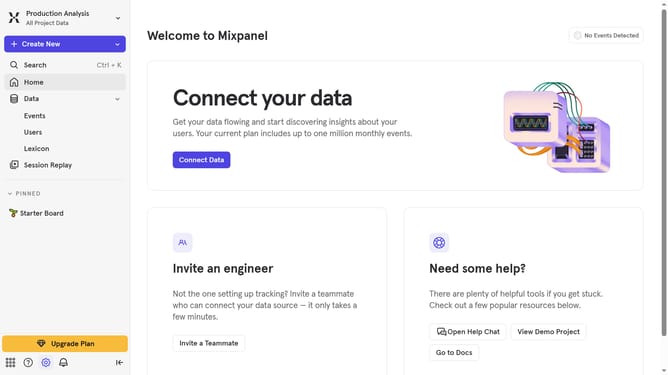
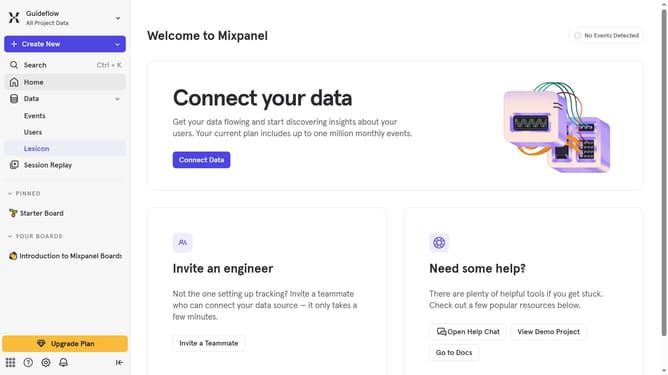
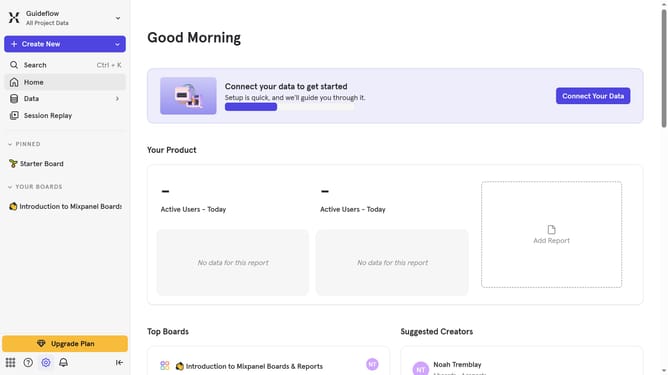
- First, click on the settings icon in the bottom left corner of the window
- Then, click on the "Integrations" option in the left sidebar
- Next, scroll down to view more options
- After clicking on the button, you will see a list of integrations. Click on the "Insider" integration
- In the Integrations panel, click on the "Connect" button for Insider
- Next, click on the "CONNECTOR NAME" text input field and type in your desired connector name
- Then, click on the "API KEY" input field and enter your API key
- Finally, click on the "Continue" button to save the settings
Why should you connect Insider in Mixpanel
Mixpanel is a robust analytics platform designed to understand user behavior and improve business decision-making.
Connecting Insider with Mixpanel elevates your user engagement strategy by providing deeper insights and seamless data integration. This feature enhances your ability to track and analyze campaign performance across platforms.
The integration not only streamlines workflow but also empowers teams to make informed decisions that drive growth. It's a strategic advantage for businesses looking to optimize user experiences.
Last update