How to disable spark in Mixpanel
Here is how to disable spark in mixpanel
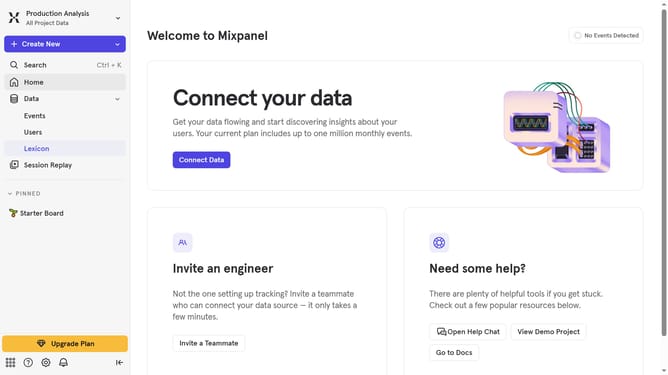
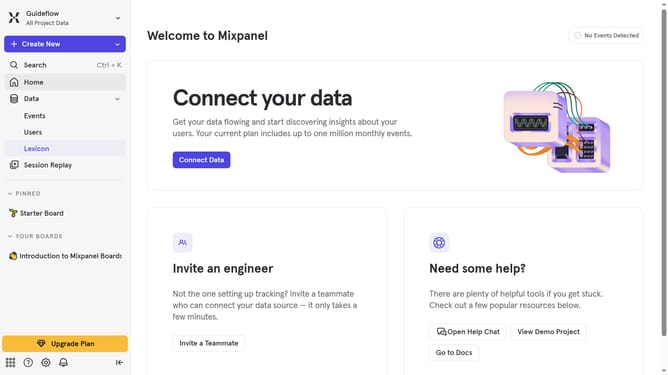
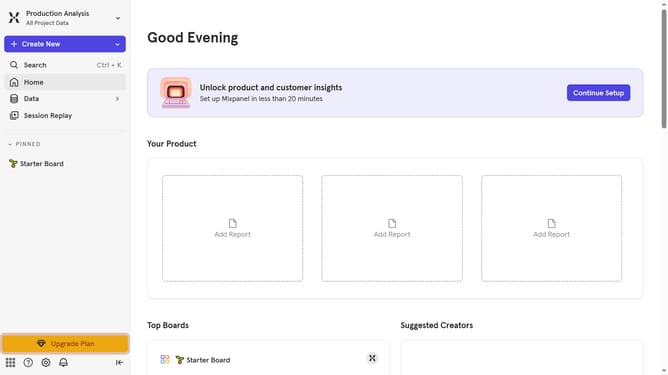
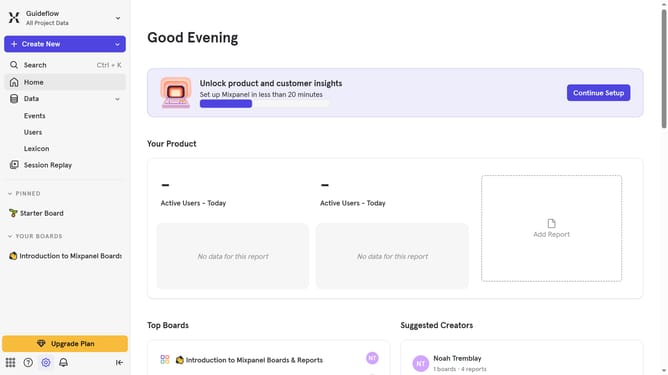
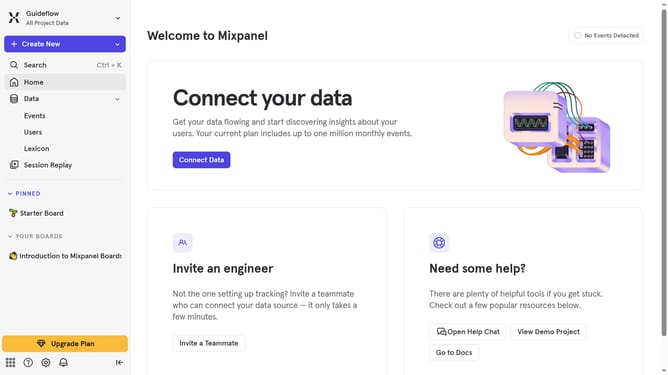
- First click on the "Settings" icon in the sidebar
- Then hover your mouse over the "Settings" option
- Next click on "Organization Settings" from the opened menu
- Finally, click the toggle switch next to “Enable Spark” to turn it off
Why should you disable spark in Mixpanel
Mixpanel is an advanced analytics tool designed to help businesses understand and engage their users better.
Disabling the spark in Mixpanel is a feature that allows users to have a streamlined view of their data without the distraction of additional visual effects. This can be especially beneficial for those who prioritize data clarity and wish to focus on the core metrics without the visual add-ons.
Using a cleaner interface can also lead to faster decision-making processes, as users can quickly grasp essential insights without the clutter. This feature is perfect for teams who value efficiency and aim for precise data interpretation.
Last update