How to filter custom profile properties by created by you in Mixpanel
Here is how to filter custom profile properties by created by you in mixpanel
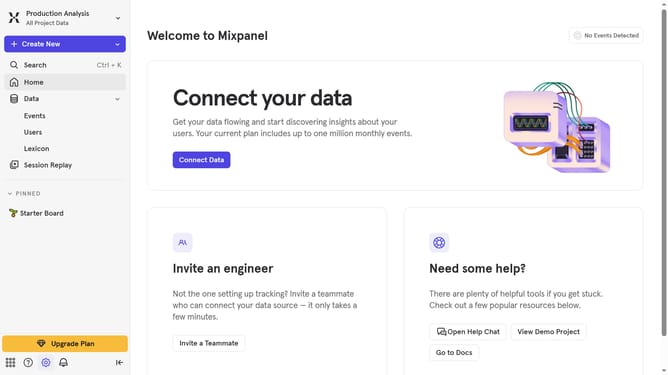
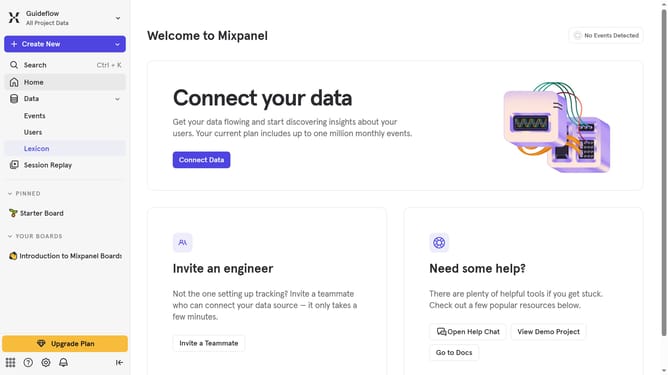
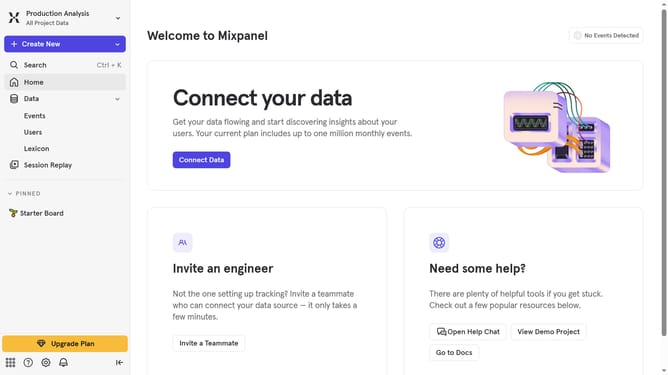
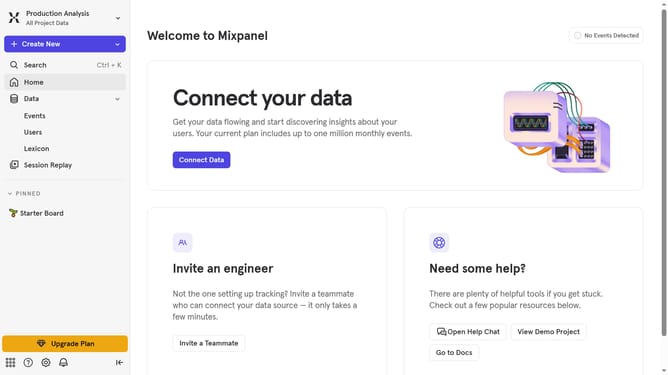
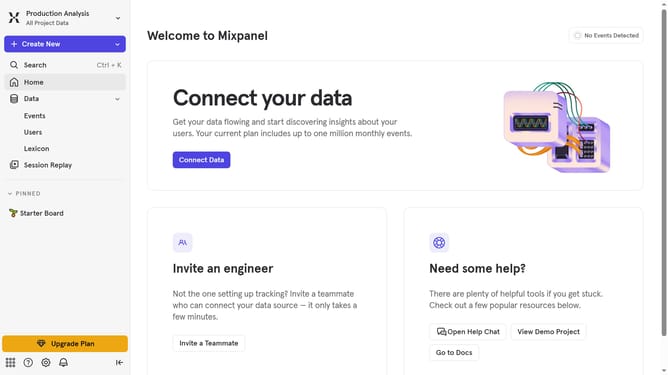
- First click on "Lexicon" in the sidebar navigation
- Then click on "Custom Profile Properties" in the sidebar navigation
- Next, click on the "Filter" button
- Finally, select the checkbox next to "Created By You"
Why should you filter custom profile properties by created by you in Mixpanel
Mixpanel is a powerful analytics tool designed to help businesses understand user interactions and enhance decision-making.
By filtering custom profile properties created by you in Mixpanel, you gain precise insights tailored to your unique business needs.
This feature allows you to align data analysis more closely with your specific objectives, leading to more informed strategies.
Utilizing this capability ensures streamlined data management and improves your ability to cater to distinct user segments effectively.
Last update