How to create a consumer project role service account in Mixpanel
Here is how to create a consumer project role service account in mixpanel
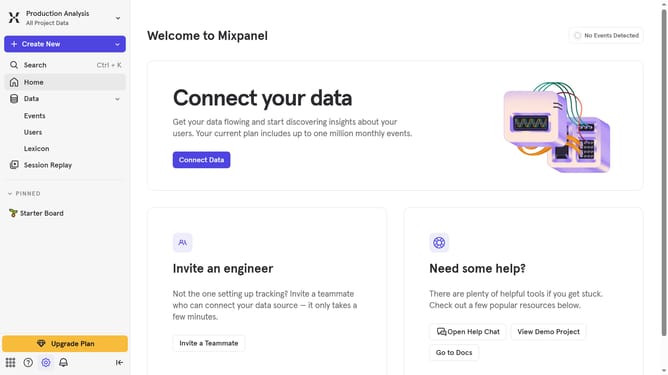
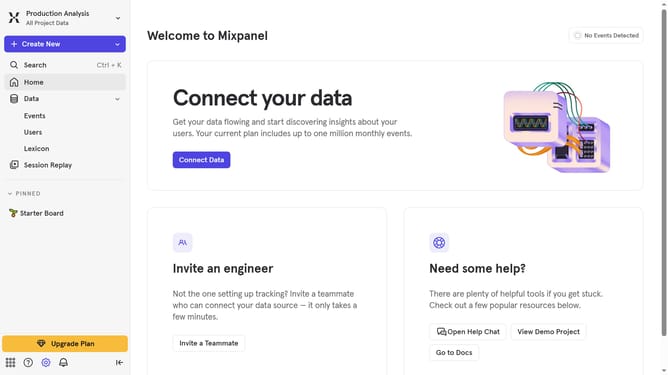
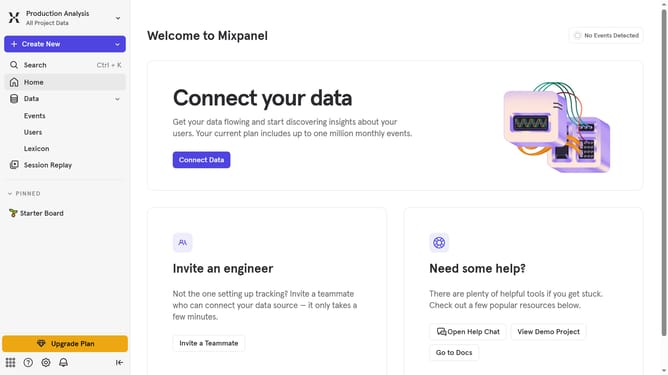
- First click on the "Settings" icon in the bottom left corner
- Then hover your mouse cursor over the "Settings" menu
- Next, click on "Organization Settings"
- Then select "Service Accounts" from the left sidebar
- After that, click on the "+ Add Service Account" button
- Click on the "Name" input field and enter the name for the service account
- Then click on the "Select projects" dropdown
- Select your preferred project from the dropdown menu
- Click on the "Project Role" dropdown menu
- Then select "Consumer" from the dropdown menu
- Then click on the "Create" button
- Finally click "Done" to close the modal
Why should you create a consumer project role service account in Mixpanel
Mixpanel is a powerful analytics tool designed to provide deep insights into user behavior.
Creating a consumer project role service account in Mixpanel allows for the streamlined management of project-specific tasks. This feature ensures that each project has tailored access controls, enhancing security and operational efficiency.
By using this service account, teams can focus on querying data relevant to particular projects without interference, promoting a more organized and optimized workflow.
The benefits include increased data integrity and time savings, making it an invaluable asset for any analytics-driven team.
Last update