How to change service account to admin in Mixpanel
Here is how to change service account to admin in mixpanel
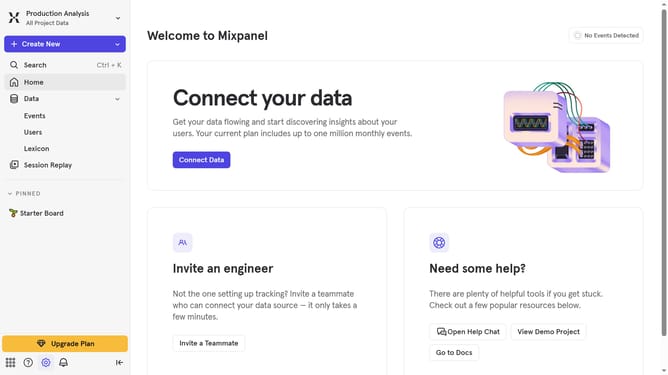
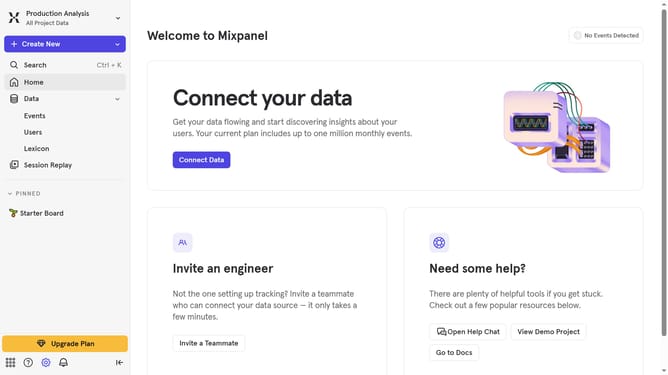
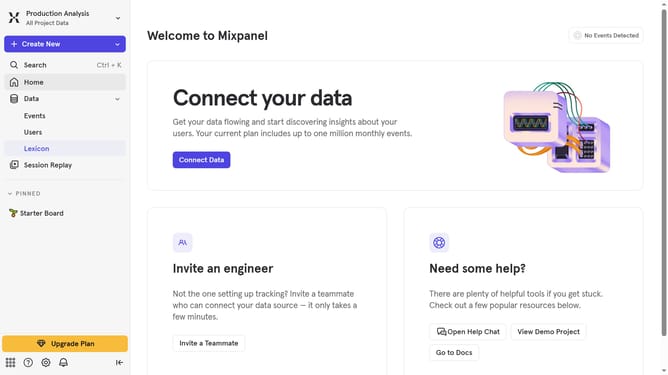
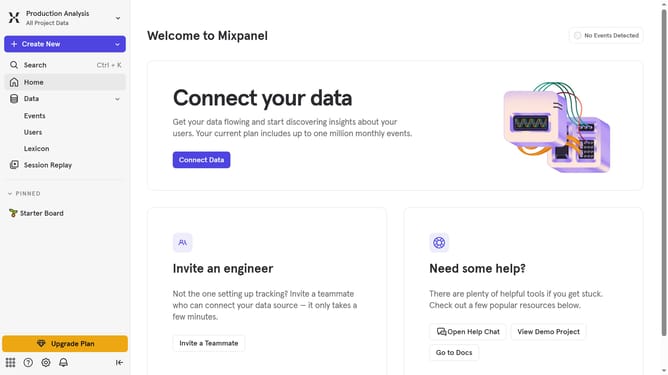
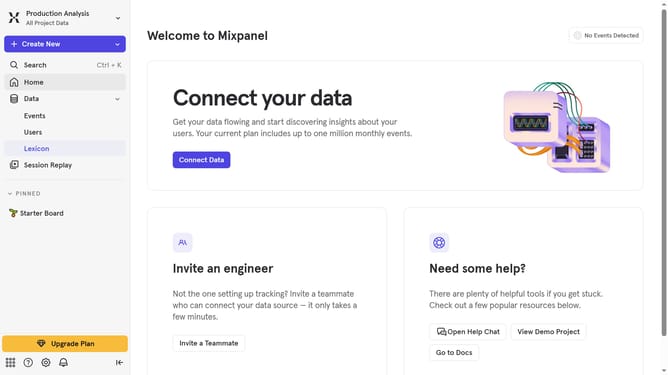
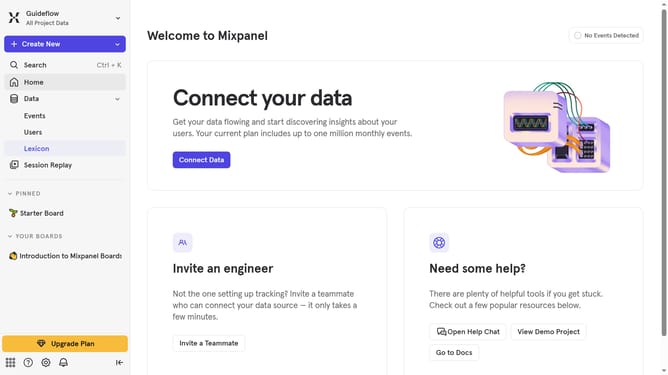
- First click on the gear icon in the bottom left of the screen
- Then hover your mouse cursor over the "Settings"
- Next click on "Project Settings" in the dropdown menu
- Then click on "Project Users" in the left sidebar
- Then click on the "Role" dropdown menu of the service user account you want to change to an admin
- Finally select "Admin" from the role options
Why should you change service account to admin in Mixpanel
Mixpanel is a leading analytics platform that empowers businesses to understand their users' interactions with their products and services.
Changing a service account to an admin in Mixpanel enhances control and access within your team, enabling seamless management of data and user permissions. This feature allows organizations to allocate administrative responsibilities efficiently, ensuring that trusted team members have the authority to make strategic decisions swiftly.
Moreover, by elevating a service account to an admin, businesses can optimize their workflow, encouraging a collaborative environment where insights are acted upon promptly. This ensures that all team members are aligned with the company’s objectives, maximizing productivity and strategic effectiveness.