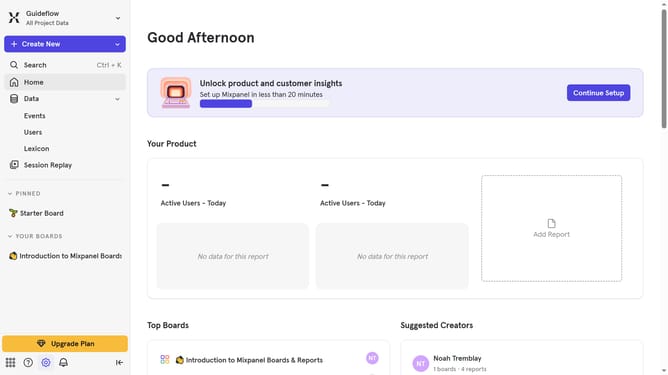
How to show the created column in behaviors in Mixpanel
Here is how to show the created column in behaviors in mixpanel
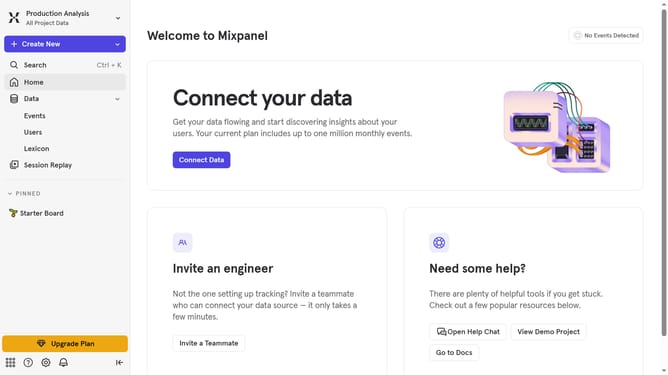
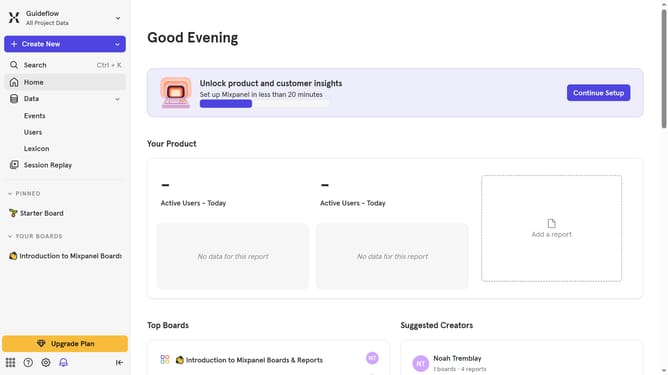
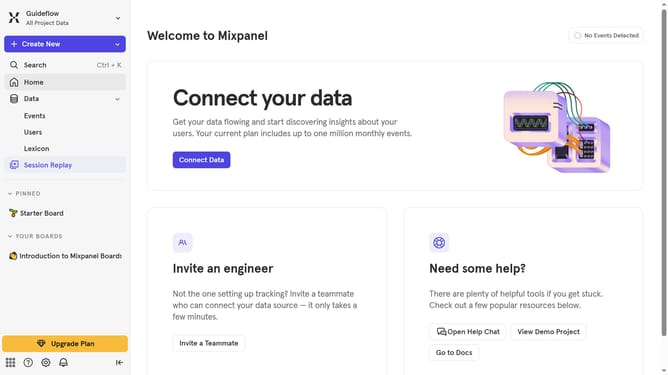
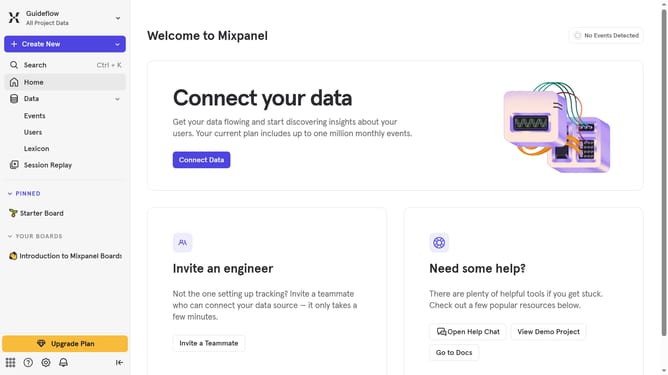
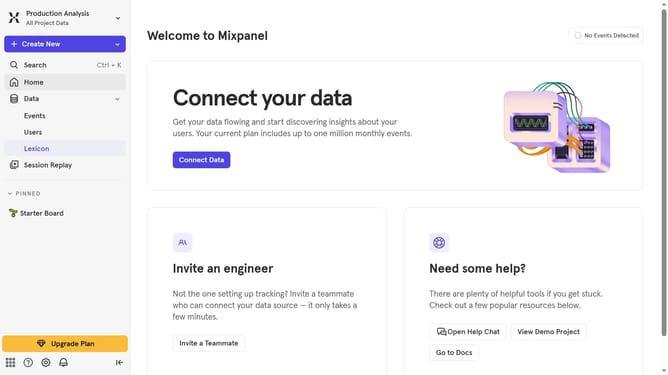
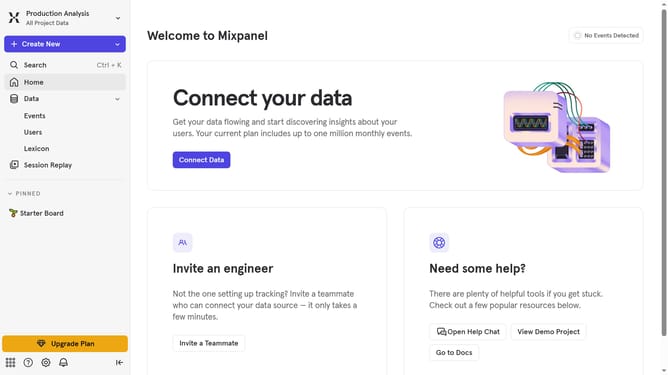
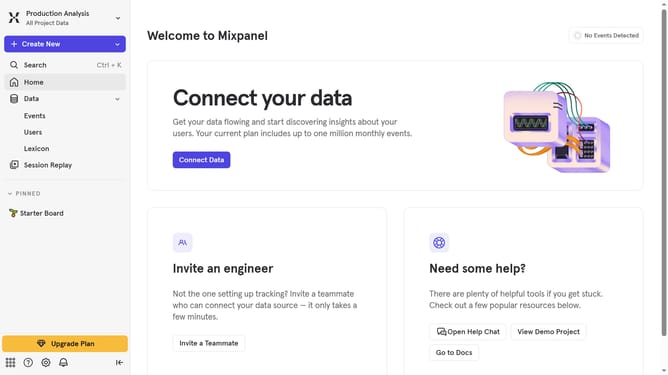
- First, in the left sidebar, click on "Lexicon"
- Next, in the left sidebar, click on "Behaviors"
- Then, click on the "Edit Columns" button
- Finally, click on the "Created" checkbox
Why should you show the created column in behaviors in Mixpanel
Mixpanel is an advanced analytics tool designed to help businesses understand user interactions with their products.
The ability to show the created column in behaviors is a powerful feature in Mixpanel that enhances the depth of data analysis. It enables teams to efficiently filter and categorize user actions, gaining clearer insights into user behavior trends.
Using this feature, businesses can dynamically assess how product changes influence user engagement, which is key to optimizing user experience and driving growth.
Last update