How to show created value column in custom profile properties in Mixpanel
Here is how to show created value column in custom profile properties in mixpanel
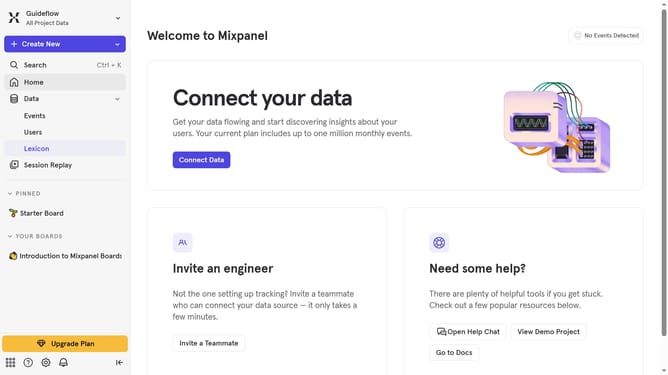
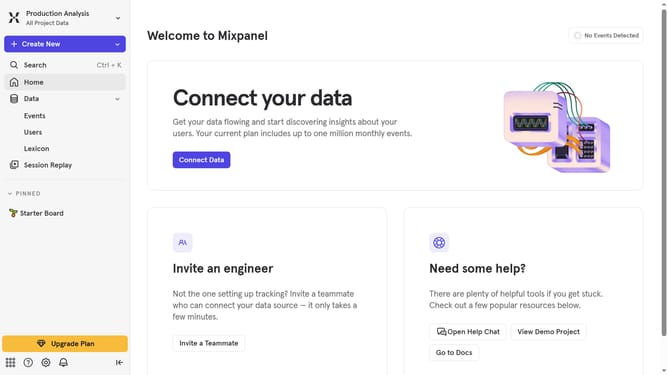
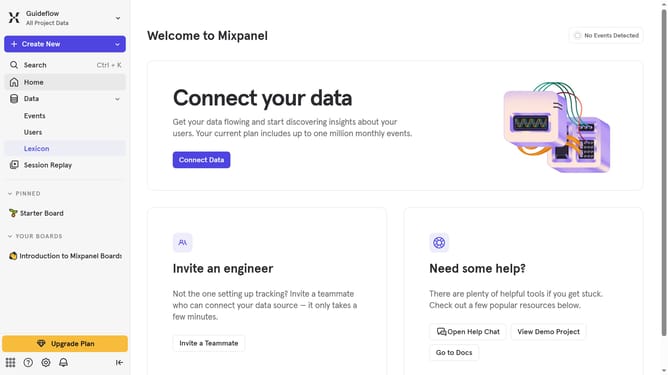
- First click on "Lexicon" in the sidebar
- Then click on "Custom Profile Properties" in the sidebar
- Then click on "Edit Columns" button
- Finally click on the checkbox next to "Created"
Why should you show created value column in custom profile properties in Mixpanel
Mixpanel is a powerful analytics tool designed to help businesses understand user behavior to drive growth and engagement.
Displaying the created value column in custom profile properties within Mixpanel allows for enhanced data visualization and clarity.
This feature enriches your data set by bringing to light the time when each value was initiated, offering deeper insights and facilitating smarter decision-making.
Ultimately, this can help streamline your analytics strategy and boost the efficiency of customizing customer journeys.
Last update