How to show last queried column in events in Mixpanel
Here is how to show last queried column in events in mixpanel
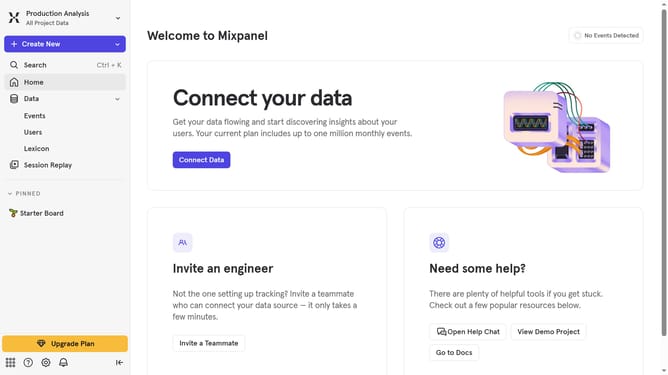
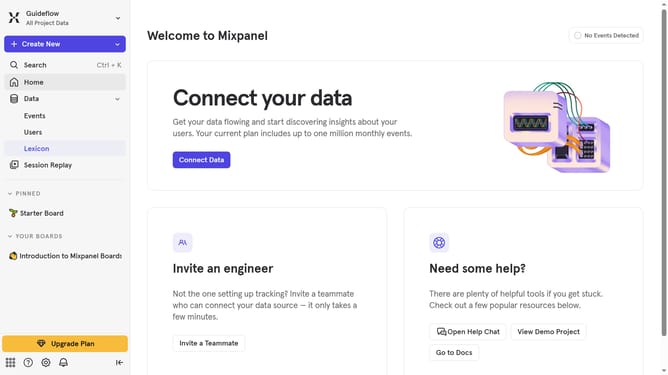
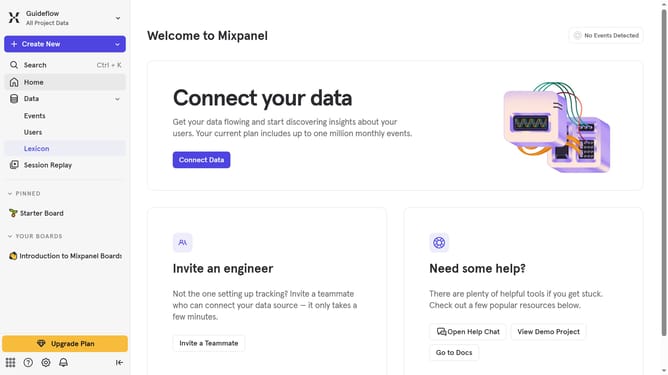
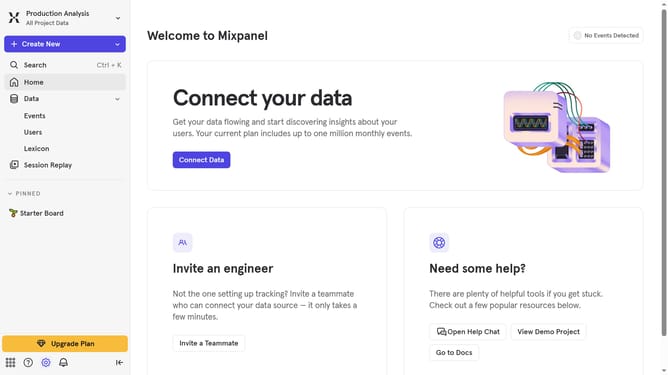
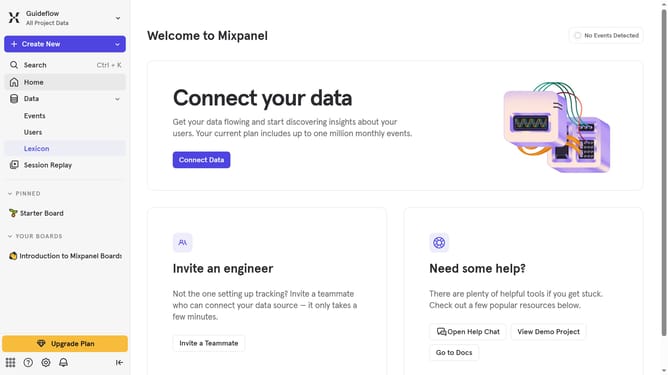
- First click on "Lexicon" in the sidebar menu
- Then click on "Edit Columns" button
- Finally select the checkbox next to "Last queried"
Why should you show last queried column in events in Mixpanel
Mixpanel is a powerful analytics platform designed to help you understand user behavior and drive smarter product decisions.
One highly beneficial feature of Mixpanel is the ability to show the last queried column in events. This feature allows you to easily access and review your most recent query results, saving precious time and effort when analyzing data.
By displaying the last queried column, you can quickly compare outcomes, track changes, and ensure you're consistently making data-driven decisions that enhance user experience.
Last update