Mixpanel
Mixpanel is a product analytics platform for tracking user behavior and engagement.
Website
Industry
Analytics
Share this article:

How to disconnect Xtremepush in Mixpanel

Here is how to disconnect xtremepush in mixpanel

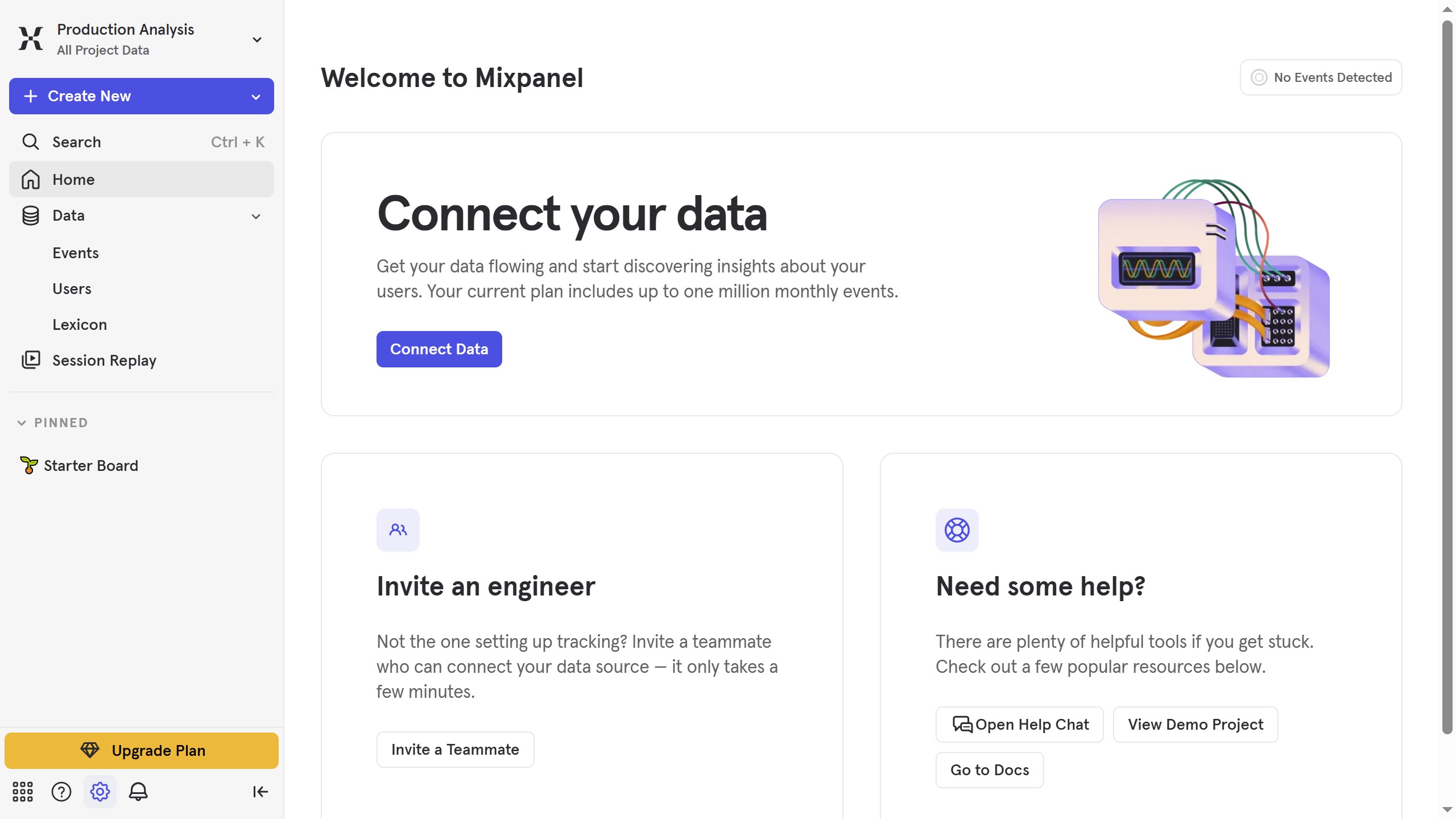
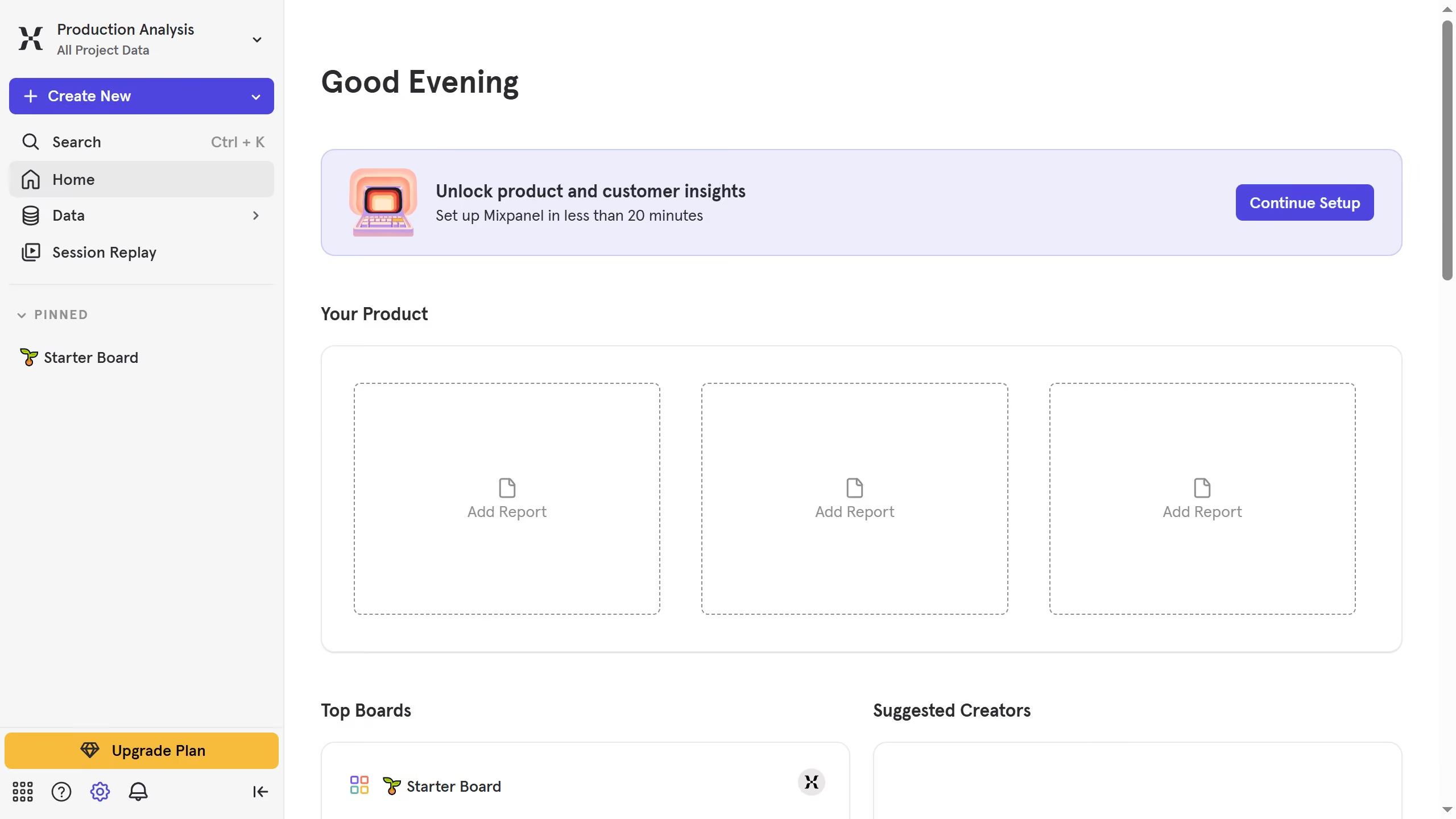
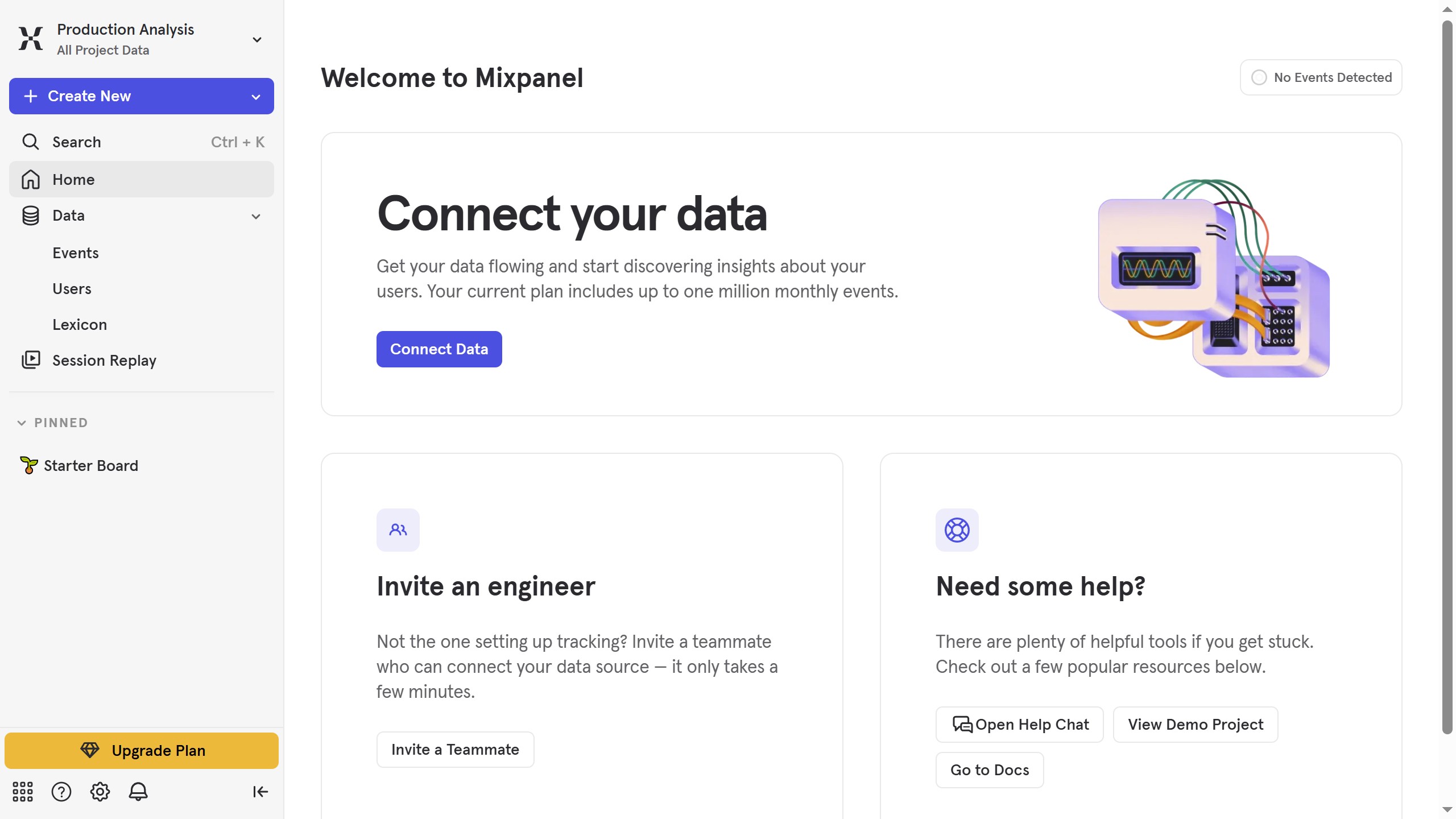
  1. First click on the settings icon in the bottom left corner.
  2. Then click on "Integrations" in the sidebar
  3. Then scroll down to view more options
  4. Next click on the "Xtremepush" integration option
  5. Then click on the "Disconnect" button
  6. Finally click on the "Disconnect" button in the confirmation modal

Create your own interactive guide with Guideflow

Why should you disconnect Xtremepush in Mixpanel

Mixpanel is a powerful analytics tool designed to drive data-driven decision-making by tracking user interactions and behaviors at a granular level.

Disconnecting Xtremepush from Mixpanel helps maintain data integrity by ensuring only relevant integrations are active. This action allows users to streamline their analytics setup, keeping it clutter-free and focused on essential data points.

The main benefit of this feature is simplifying your analytics ecosystem. By removing unnecessary integrations, teams can reduce noise in their data, focusing more effectively on optimizing customer experiences. This positive change ultimately leads to more precise insights and better strategic actions.

Last update
June 10, 2026
Cursor MariaA cursor points to a button labeled "James."

Create your first demo in less than 30 seconds.