How to hide ID column in lookup tables in Mixpanel
Here is how to hide id column in lookup tables in mixpanel
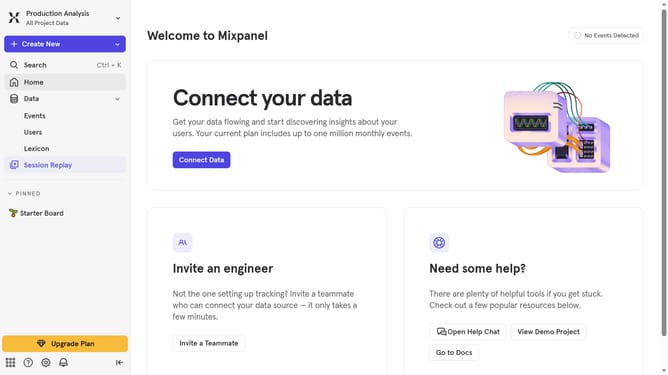
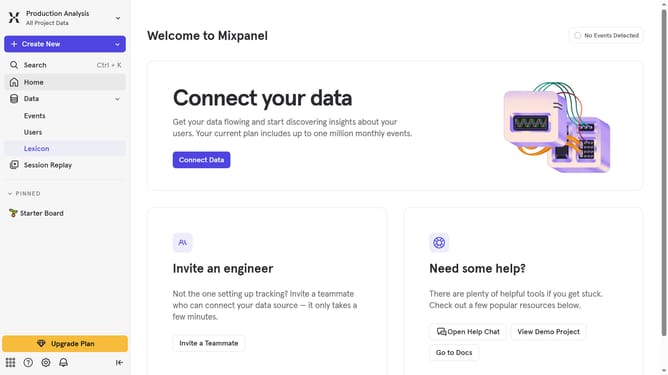
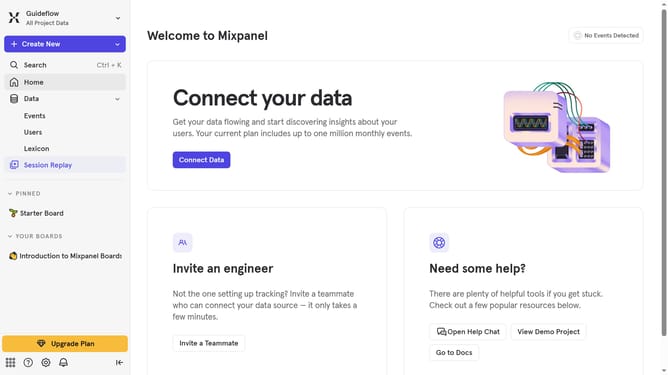
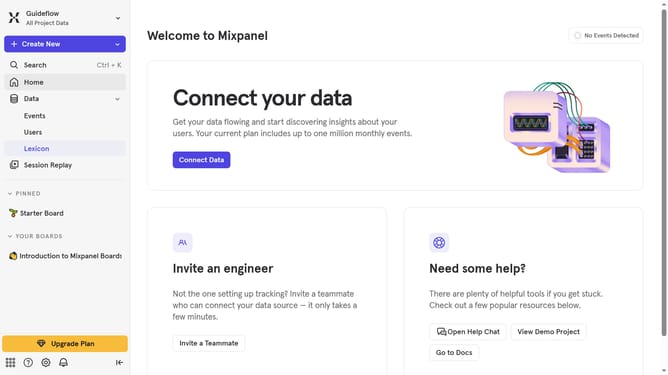
- First, click on "Lexicon" in the sidebar menu
- Then, click on "Lookup Tables" in the sidebar menu
- Next, click on the "Edit Columns" button
- Finally, uncheck the "ID" checkbox to hide the ID column
Why should you hide ID column in lookup tables in Mixpanel
Mixpanel is a powerful analytics tool designed to help businesses understand user interactions and improve their products.
One useful feature is the ability to hide the ID column in lookup tables, which streamlines data presentation and enhances clarity.
This improves readability for teams focusing on key metrics without the distraction of extraneous data.
By refining data visibility, users can make more informed decisions, ultimately leading to better user experience and product outcomes.
Last update