How to connect Apptimize in Mixpanel
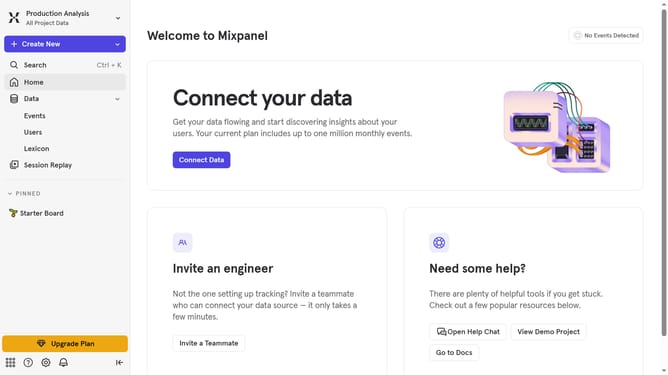
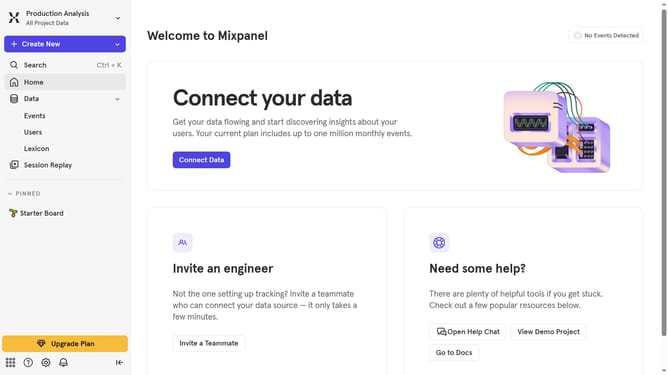
Here is how to connect apptimize in mixpanel
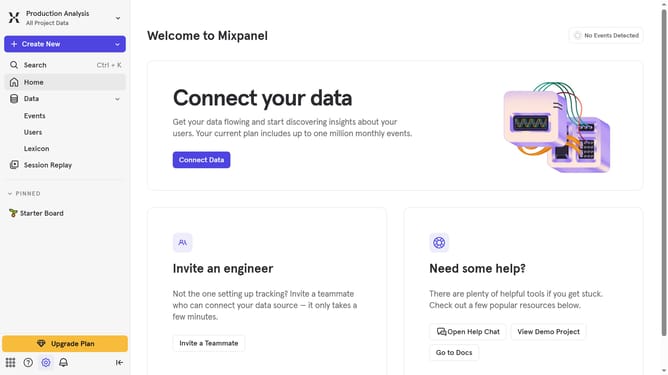
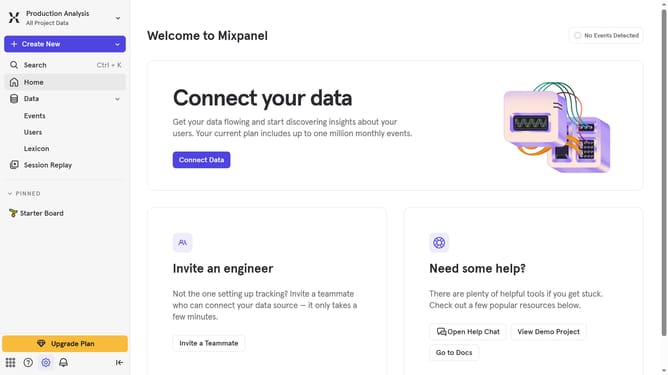
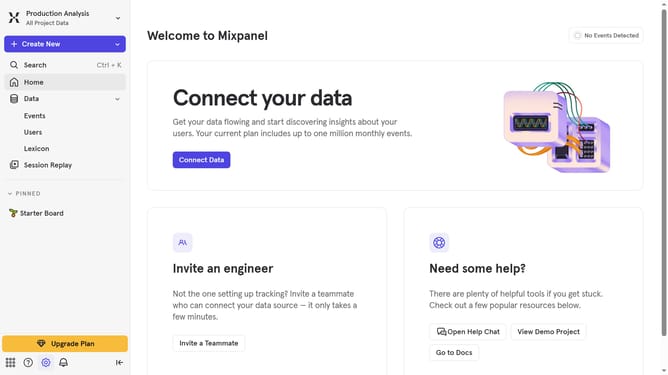
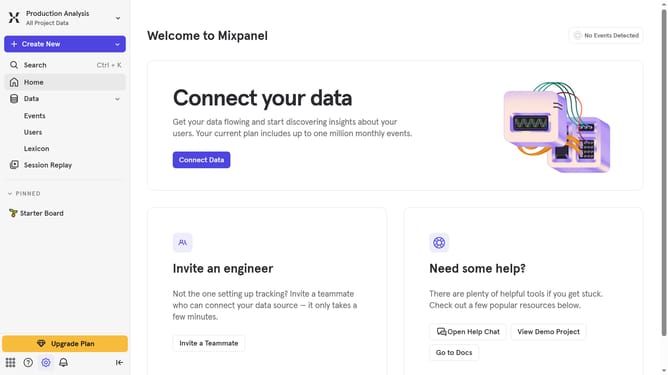
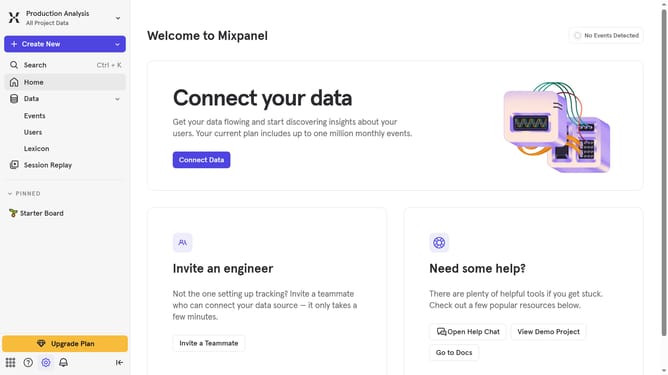
- First click on the settings icon in the bottom left of the sidebar
- Then click on "Integrations" in the sidebar menu
- Then scroll down to view more options
- Then click on the "Apptimize" option
- Then click on the "Connect" button
- Then click on the "CONNECTOR NAME" input field and type in your desired connector name
- Then click on the "APPТIMIZE TOKEN" input field and paste your token
- Then click on the "APPТIMIZE DATACENTER" dropdown menu
- Then select your desired data center from the dropdown menu
- Finally click on the "Continue" button
Why should you connect Apptimize in Mixpanel
Mixpanel is a powerful analytics platform designed to help businesses understand user behavior and harness insights for growth.
Connecting Apptimize in Mixpanel enhances your data strategy by integrating robust A/B testing capabilities with detailed user analytics.
This synergy allows teams to analyze the impact of experiments alongside key user metrics, empowering data-driven decisions.
By leveraging these linked features, businesses can optimize products with precision, leading to improved user experiences and increased ROI.
Last update