How to connect VWO in Mixpanel
Here is how to connect vwo in mixpanel
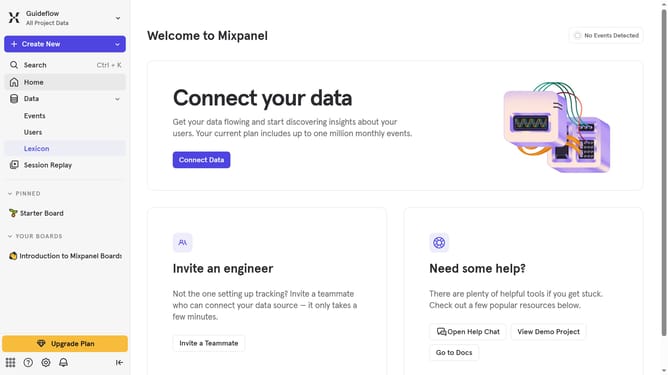
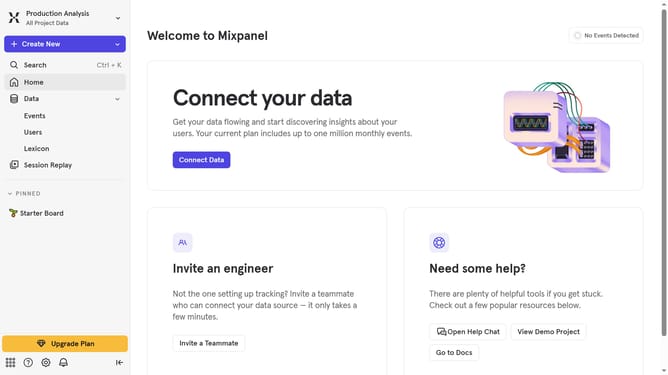
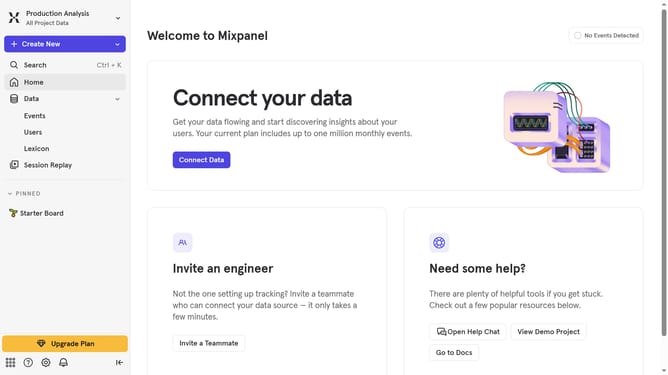
- First click on the settings gear icon in the bottom left sidebar
- Then click on "Integrations" in the left sidebar menu
- Next scroll down to view more options
- Then click on the VWO integration option
- Next click on the "Connect" button
- Then click on the "CONNECTOR NAME" input field and type in your desired connector name
- Next click on the "API Key" input field and enter the API key
- Then click on the "Select a Datacenter to export to" dropdown menu
- Next click your preferred datacenter location from the datacenter options
- Finally click on the "Continue" button
Why should you connect VWO in Mixpanel
Mixpanel is a powerful tool designed to analyze user behavior and enhance decision-making.
Connecting VWO with Mixpanel seamlessly integrates testing and analytics, offering deeper insights into user engagement.
By linking these platforms, businesses can effectively track which variations in their experiments are driving positive user actions, leading to more informed strategy adaptations.
This connection ultimately maximizes optimization efforts, refining user experiences for greater satisfaction and success.
Last update