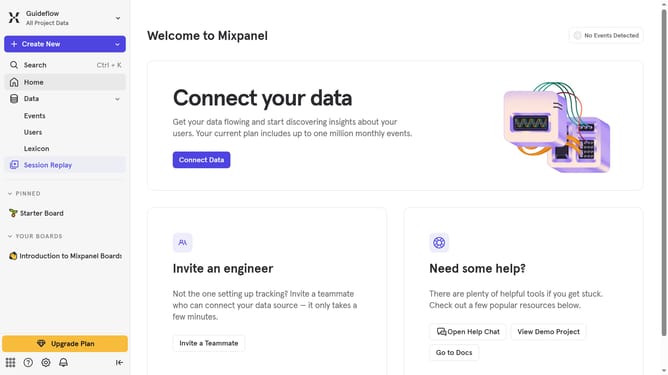
How to connect MoEngage in Mixpanel
Here is how to connect moengage in mixpanel
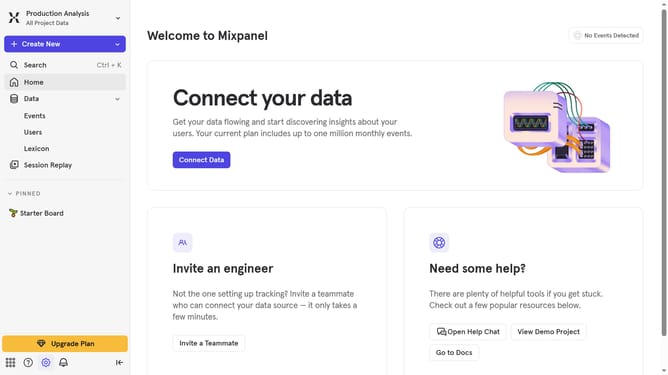
- First click on the "Settings" icon in the sidebar
- Then click on "Integrations" in the menu
- Then scroll down to view more options
- Then click on the on the MoEngage integration option
- Then click on the "MoEngage" connect button
- Then click on the "CONNECTOR NAME" and type in your connector name
- Then click on the "USERNAME" input field and type in your username
- Then click on the "PASSWORD" text input field and type in your password
- Then click on the "MOE-APPKEY" text input field and type in your moe-appkey
- Then click on the "MOENGAGE DATACENTER" dropdown menu
- Then click on your preferred datacenter from the menu
- Finally click on the "Continue" button
Why should you connect MoEngage in Mixpanel
Mixpanel is a powerful analytics platform that helps you understand user behavior and make data-driven decisions.
Connecting MoEngage in Mixpanel allows you seamlessly to integrate sophisticated customer engagement strategies with deep user insights.
This integration empowers businesses to craft personalized marketing campaigns based on comprehensive behavioral analysis, enhancing customer retention and satisfaction.
By combining these tools, organizations can drive growth and improve marketing ROI through targeted, data-informed actions.
Last update