How to duplicate an event in Mixpanel
Here is how to duplicate an event in mixpanel
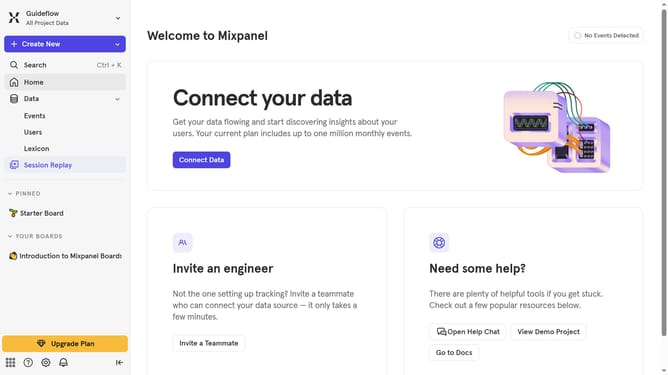
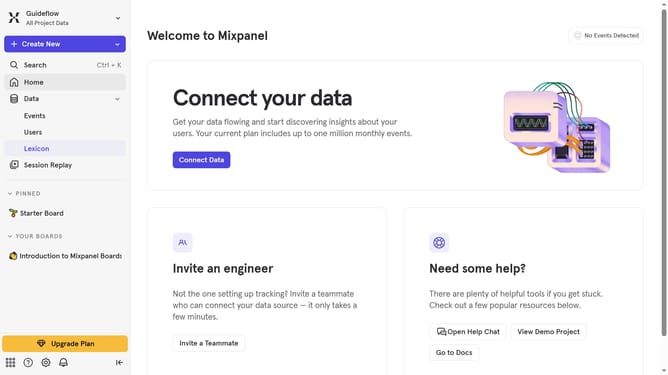
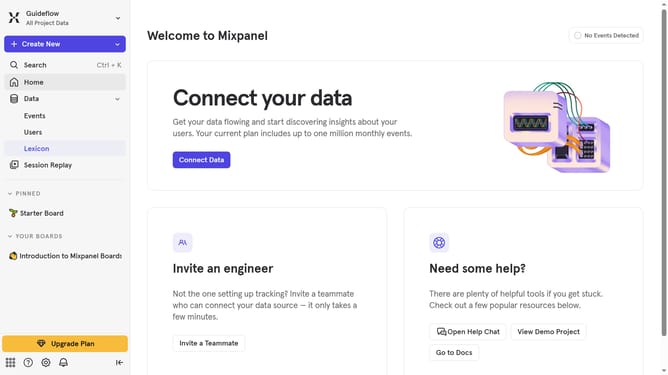
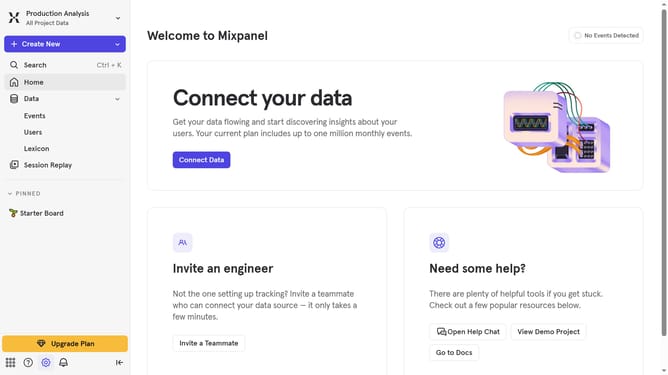
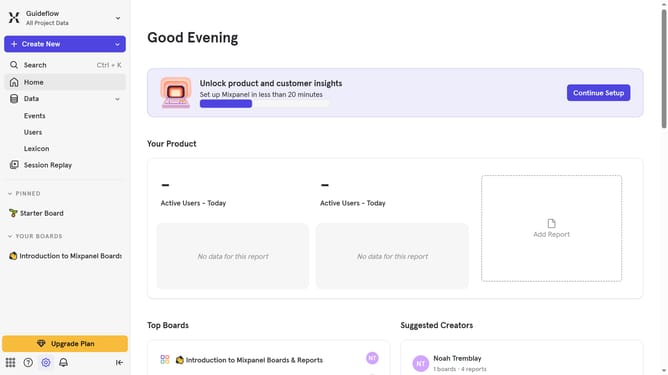
- First click on "Events" in the left sidebar
- Then click on the "three dots" icon next to the event that you want to duplicate
- Finally select "Duplicate" from the dropdown menu
Why should you duplicate an event in Mixpanel
Mixpanel is a powerful analytics platform designed to help businesses understand users' interactions with their products.
The ability to duplicate an event in Mixpanel streamlines the process of replicating commonly used analytics tasks without the redundancy of manual input. This feature is particularly useful for teams constantly refining event tracking or simulating complex user scenarios.
By facilitating efficient event duplication, Mixpanel empowers teams to focus on analysis and strategy, enhancing productivity and decision-making with accurate data insights.
Last update