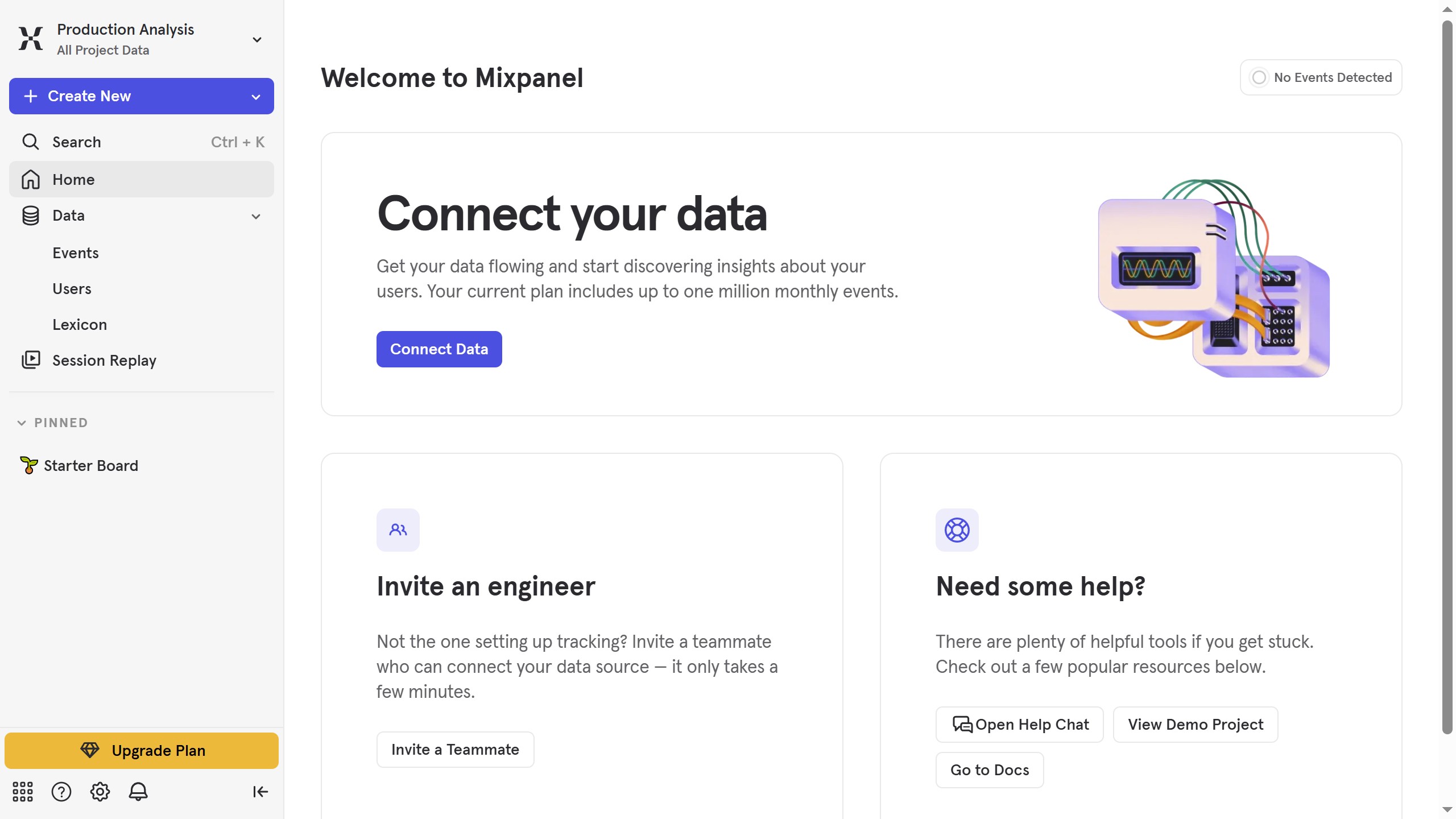
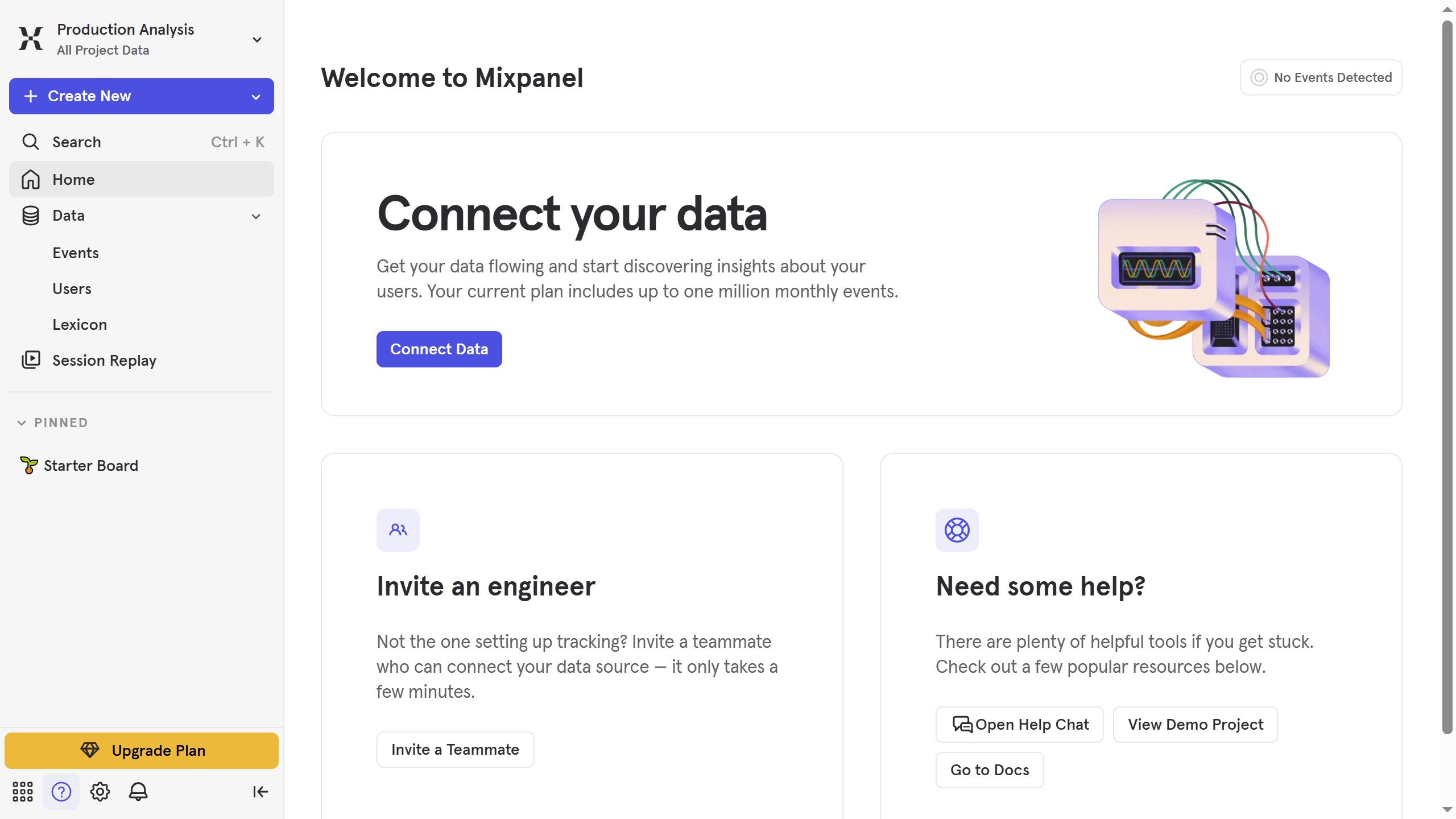
Here is how to filter events by filtered status in mixpanel
- First click on "Lexicon" in the left sidebar
- Then click on the "Filter" button in the main content area
- Finally select the checkbox next to "Filtered" in the filter options


Create your own interactive guide with Guideflow
Mixpanel is a powerful analytics tool designed to help businesses understand user interactions and improve decision-making.
Filtering events by filtered status in Mixpanel allows for precise data analysis. By focusing on specific user actions or statuses, teams can glean insights that directly impact product development and marketing strategies.
This feature makes it easy to identify patterns, track user engagement, and tailor experiences to meet customer needs, ultimately driving growth and enhancing user satisfaction.
Why leading companies build with Guideflow