How to connect mParticle in Mixpanel
Here is how to connect mparticle in mixpanel
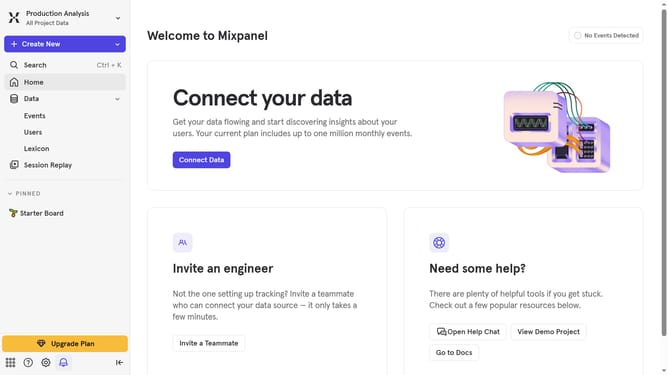
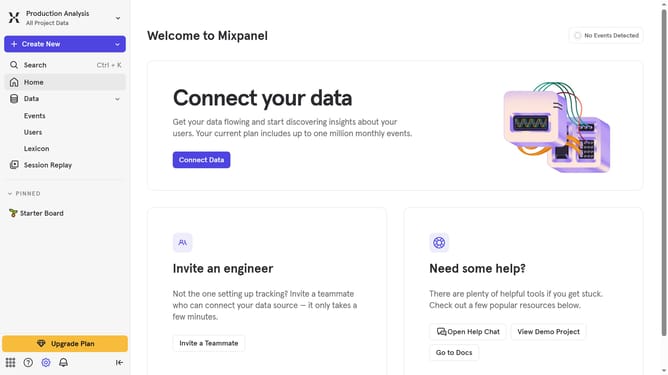
- First, click on the gear icon in the bottom left corner of the screen
- Then, in the left sidebar menu, click on "Integrations"
- Next, scroll down to view more options
- After that, click on the "mParticle" option
- Then, click on the "Connect" button
- In the "Set up mParticle" pop-up, click on the "CONNECTOR NAME" input field and type in your connector name
- Next, click on the "URL" input field and type in the url for your connection
- Finally, click on the "Continue" button
Why should you connect mParticle in Mixpanel
Mixpanel is a leading analytics platform designed to help businesses understand user behaviors to improve their products.
Connecting mParticle to Mixpanel allows seamless integration of data streams, providing a consolidated view of user interactions across multiple channels.
This connection amplifies data accuracy and enriches insights, empowering teams to make informed decisions based on real-time analysis.
Such an integration is invaluable for businesses aiming for precise targeting and enhanced user engagement strategies.
Last update