How to connect Kameleoon in Mixpanel
Here is how to connect kameleoon in mixpanel
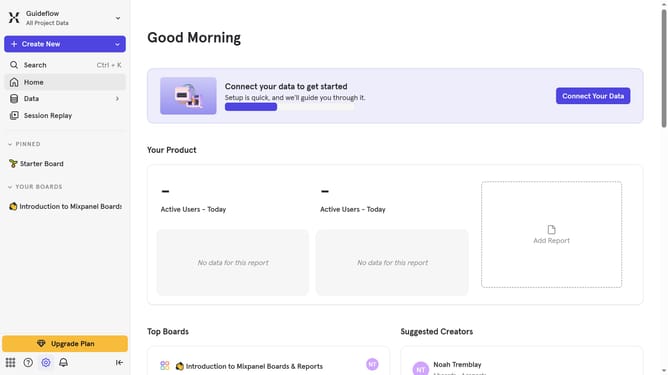
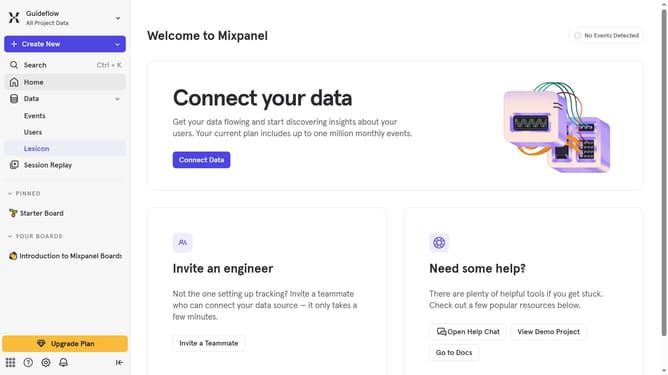
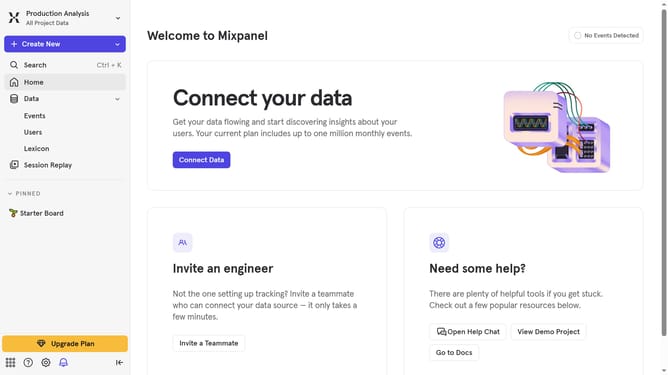
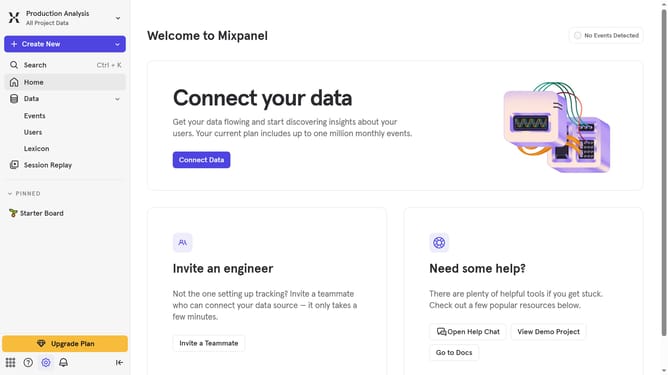
- First, click on the "Settings" icon in the bottom left corner of the toolbar
- Then, click on the "Integrations" from the dropdown option
- Next, scroll down to view more options
- After that, scroll down and click on the "Kameleoon" integration
- In the pop-up window, click the "Connect" button
- Then, in the "CONNECTOR NAME" input field, type in your desired connector name
- Next, click on the "API KEY" text input field and enter your API KEY
- Lastly, click the "Continue" button to proceed
Why should you connect Kameleoon in Mixpanel
Mixpanel is a powerful analytics tool designed to help businesses understand user behavior through data-driven insights.
Connecting Kameleoon to Mixpanel allows you to enhance your analytical capabilities by streaming experiment data directly into your Mixpanel account.
This integration ensures you can track, test, and analyze your audience’s interactions effortlessly, providing a holistic view of the user journey.
By unifying Kameleoon’s sophisticated experimentation tools with Mixpanel’s advanced analytics, teams can make more informed decisions to optimize user experiences effectively.
Last update