How to connect Interable in Mixpanel
Here is how to connect interable in mixpanel
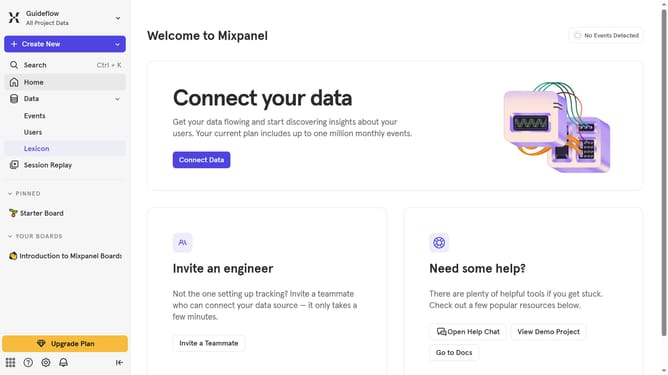
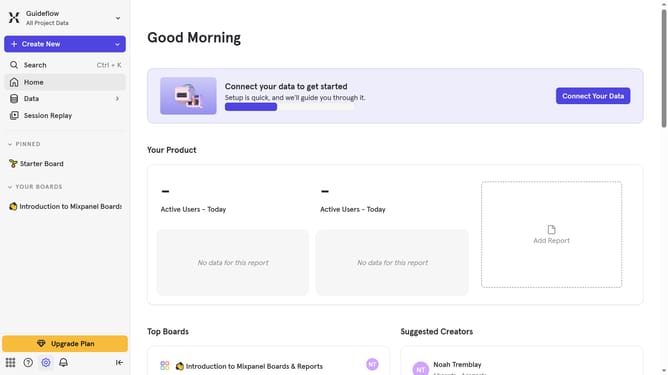
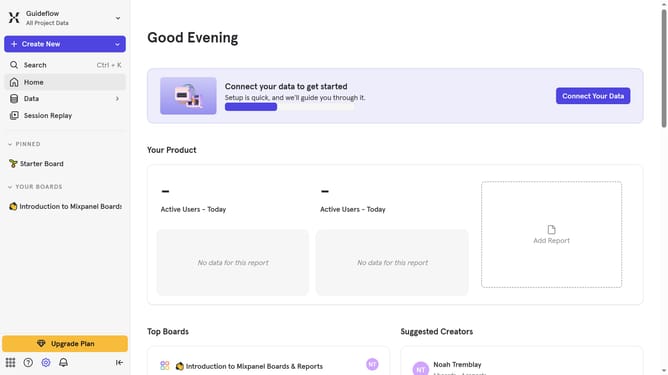
- First click on the settings icon in the bottom left sidebar
- Then click on "Integrations" in the left sidebar menu
- Scroll down to view more options
- Then click on the "Interable" integration option
- In the "Set up Iterable" modal, click on the "Connect" button
- Then, click on the "CONNECTOR NAME" text input field and type in your desired connector name
- Next, click on the "Iterable API Key" input field and enter your Interable API KEY
- Then, click the "Select a Datacenter to export" dropdown
- Next, select your desired Iterable datacenter option from the datacenter dropdown list
- Finally click on the "Continue" button
Why should you connect Interable in Mixpanel
Mixpanel is a powerful analytics tool that helps businesses track user interactions and behaviors in their applications.
By connecting Iterable with Mixpanel, you gain the ability to seamlessly integrate marketing automation with robust user analytics. This connection allows for a streamlined flow of data, giving marketers a deeper understanding of user journeys and behaviors.
With this integration, you can craft more personalized marketing strategies, enhance the precision of targeting efforts, and ultimately, improve customer retention and engagement.
Using Iterable in Mixpanel empowers businesses to drive data-informed decisions, ensuring campaigns are not only well-targeted but also highly effective.
Last update