How to enable MCP in Mixpanel
Here is how to enable mcp in mixpanel
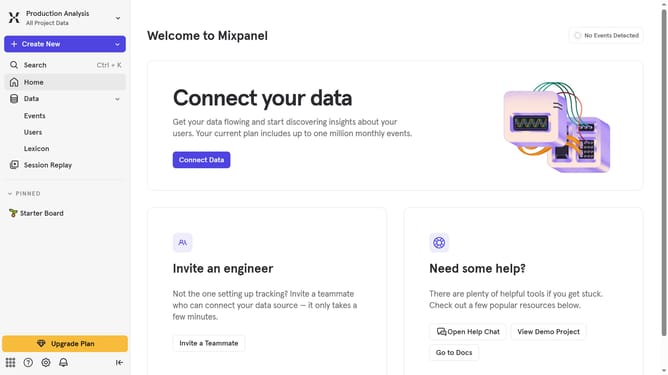
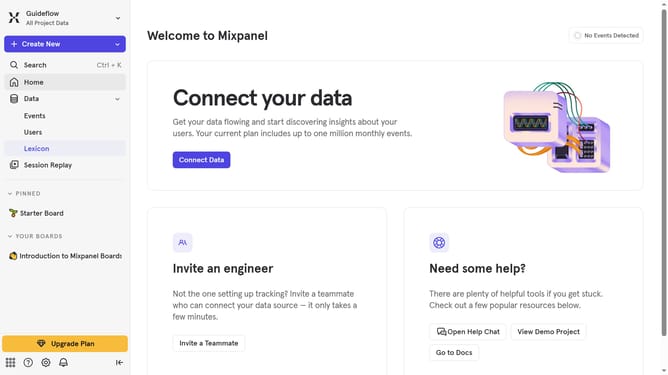
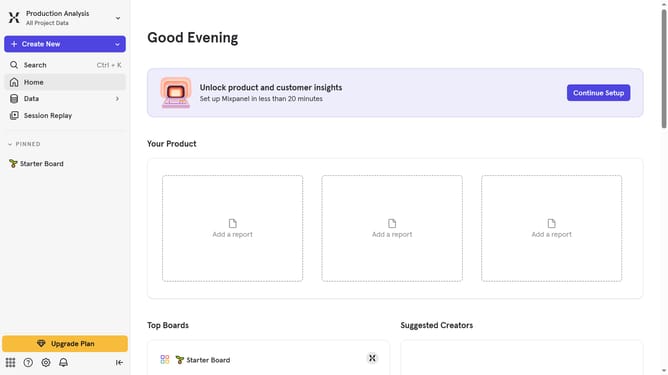
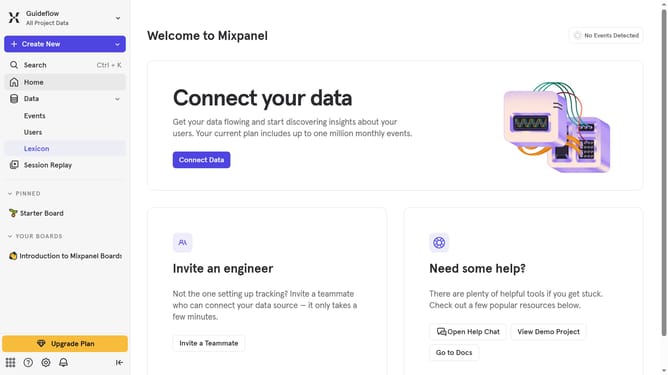
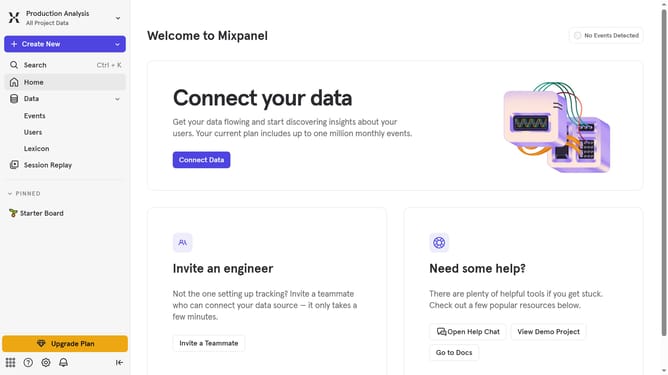
- First click on the "Settings" gear icon in the left sidebar
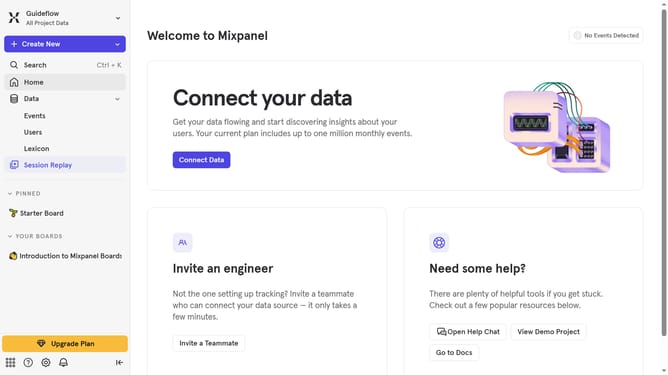
- Then hover your mouse cursor over the "Settings" option
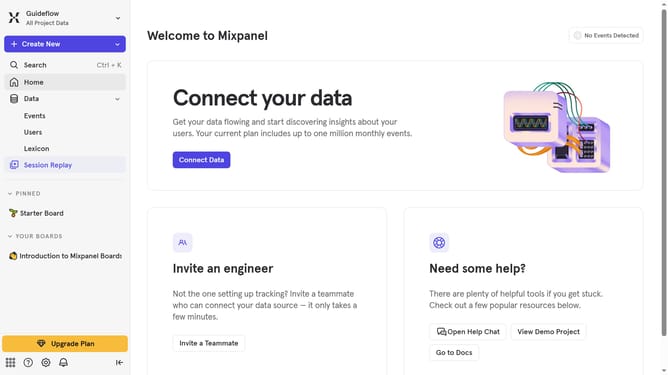
- Next click on "Organization Settings"
- Finally toggle the "Access for projects in your organization" setting to ON
Why should you enable MCP in Mixpanel
Mixpanel is a powerful analytics platform that helps businesses understand user behavior to drive data-informed decisions.
Enabling the Multi-Channel Persistence (MCP) feature in Mixpanel allows businesses to capture and merge user data across multiple platforms and devices seamlessly. This results in a comprehensive view of customer interactions, enhancing the accuracy of data analysis.
MCP helps organizations improve user engagement strategies by offering a unified user journey. By leveraging MCP, businesses can optimize touchpoints, leading to increased user retention and satisfaction.
Last update