How to hide events with property column in event properties in Mixpanel
Here is how to hide events with property column in event properties in mixpanel
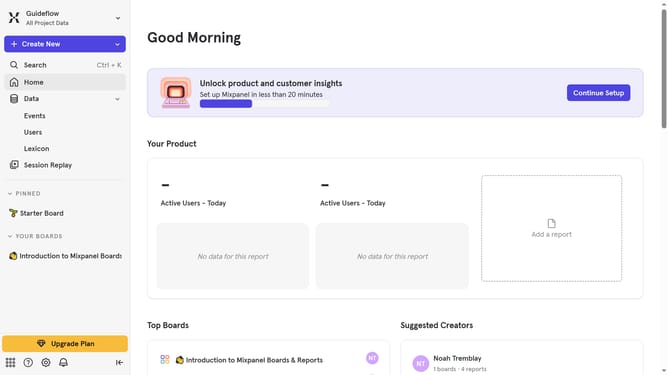
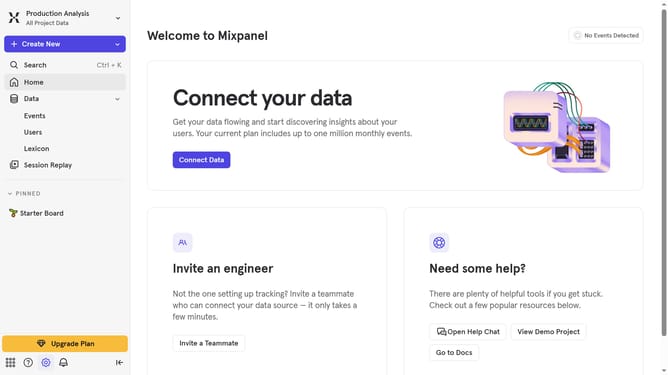
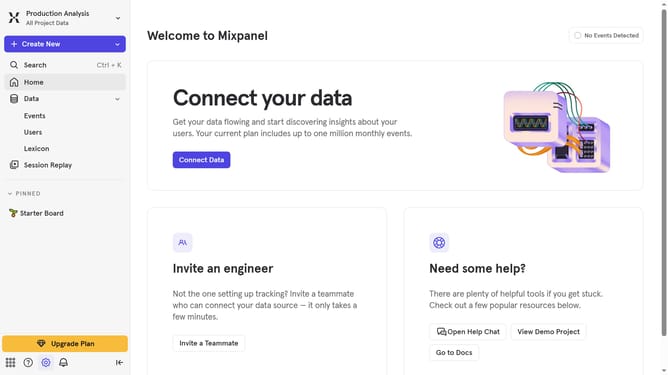
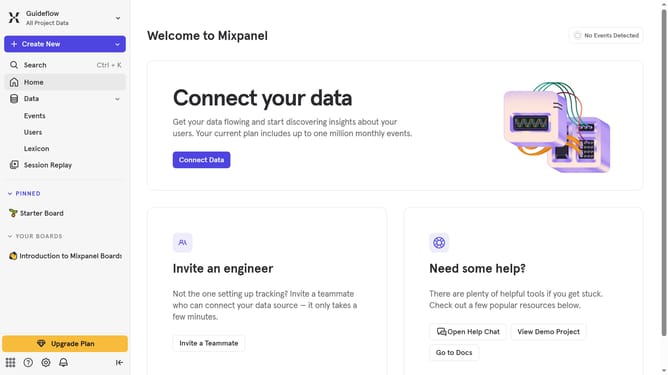
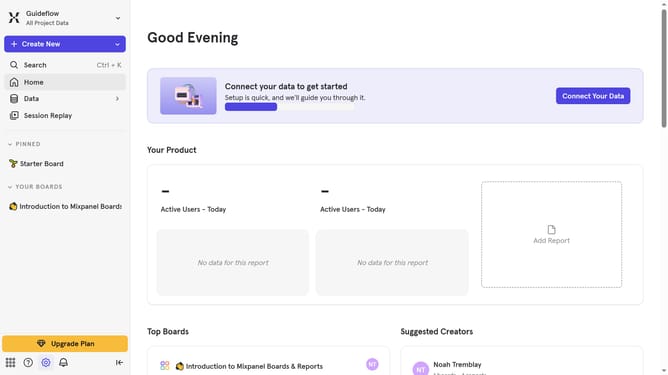
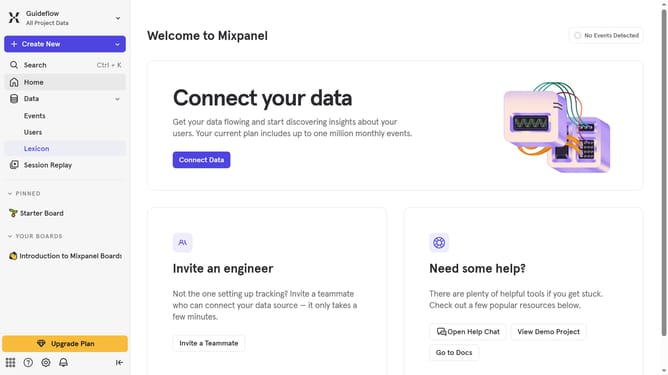
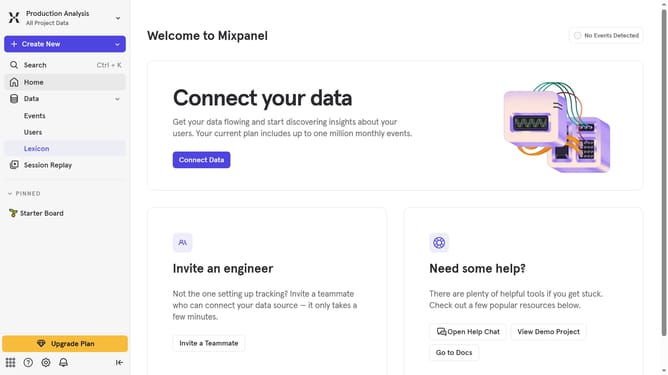
- First click on "Lexicon" in the left sidebar
- Then click on "Event Properties" in the left sidebar
- Next click on "Edit Columns" button
- Finally uncheck "Events With Property" checkbox
Why should you hide events with property column in event properties in Mixpanel
Mixpanel is a powerful analytics tool designed to help businesses understand user behavior.
One noteworthy feature in Mixpanel allows users to hide events using the property column in event properties. This feature is incredibly useful for streamlining data, ensuring that only pertinent events are visible and reducing the clutter of seldom-used data points.
Utilizing this feature allows teams to efficiently focus on critical analytics, enhancing decision-making and project strategies. By ensuring that only relevant data stands out, businesses can save time and improve overall analytical precision.
Last update