How to connect Productboard in Mixpanel
Here is how to connect productboard in mixpanel
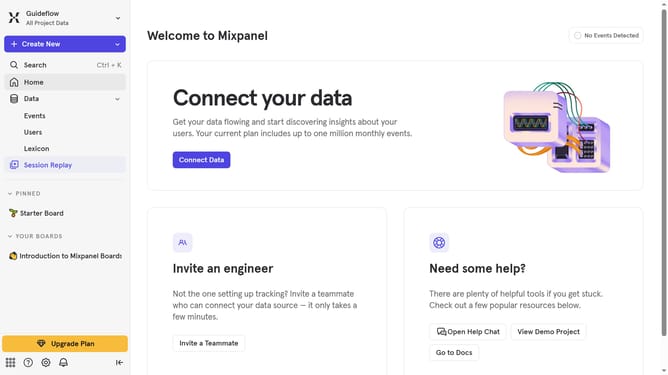
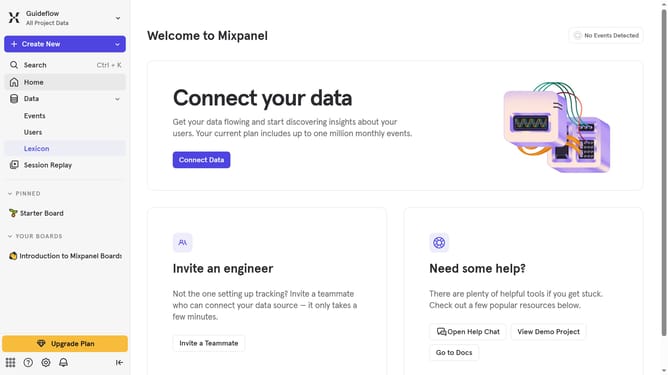
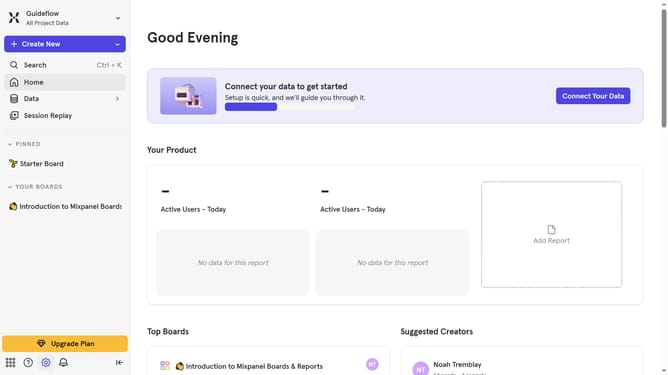
- First click on the Settings icon in the bottom-left corner of the interface
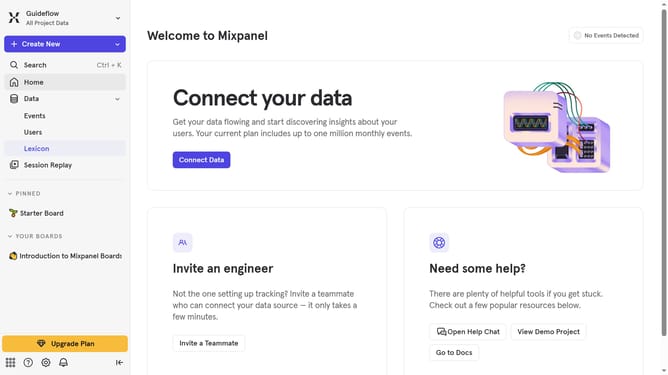
- Then click on "Integrations" from the left sidebar menu
- Scroll down to view more options
- Now click on the "Productboard" option
- Click on the "Connect" button
- Then click on the "CONNECTOR NAME" text input field and type in your desired connector name
- Next click on the "ACCESS TOKEN" text input field and enter your access token
- Finally, click on the "Continue" button
Why should you connect Productboard in Mixpanel
Mixpanel is a powerful analytics tool designed to track user interactions and provide insights for better decision-making.
Connecting Productboard in Mixpanel integrates streamlined feedback management and data analysis. This connection enhances strategic product development by combining qualitative customer needs with quantitative usage patterns.
With this feature, teams can align their roadmap with real user data, ensuring product improvements reflect true customer priorities and drive success efficiently.
Last update