How to filter alerts by paused status in Mixpanel
Here is how to filter alerts by paused status in mixpanel
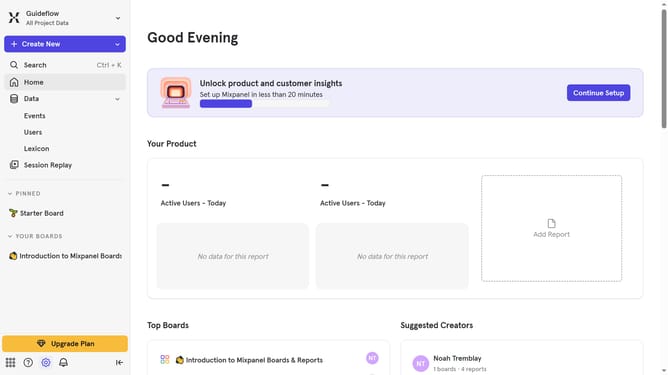
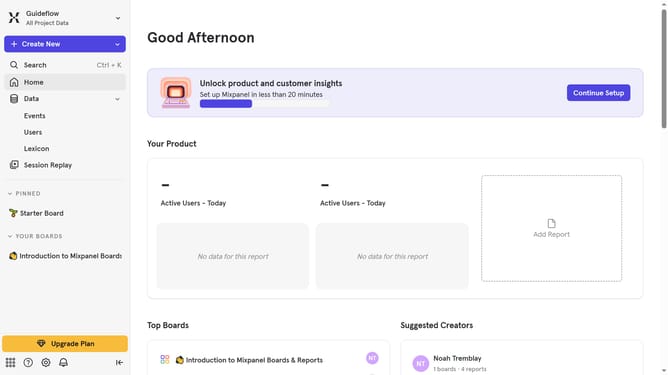
- First click on the settings icon in the left sidebar
- Then click on "Settings" in the dropdown menu
- Next, click on "Project Settings" from the expanded menu
- After that, click on "Alerts" in the project settings sidebar
- Then click on the "Status" dropdown menu
- Finally, select the "Paused" checkbox
Why should you filter alerts by paused status in Mixpanel
Mixpanel is an innovative analytics platform that empowers businesses to understand user behavior deeply.
One remarkable feature of Mixpanel is the ability to filter alerts by paused status, streamlining your workflow by focusing only on active alerts. This feature enhances productivity by allowing teams to prioritize current tasks over those that are paused or irrelevant at the moment.
Utilizing the filter ensures that your team is not overwhelmed by excess information, making your data-driven decisions more efficient and effective. Experience the clarity and precision that comes from filtering alerts with Mixpanel’s intuitive interface.
Last update