How to invite a user for the consumer role in Mixpanel
Here is how to invite a user for the consumer role in mixpanel
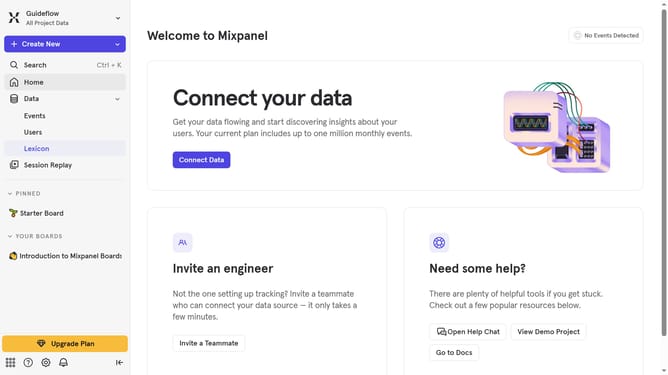
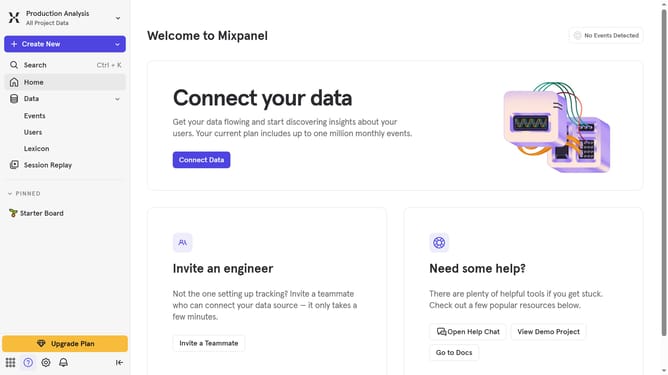
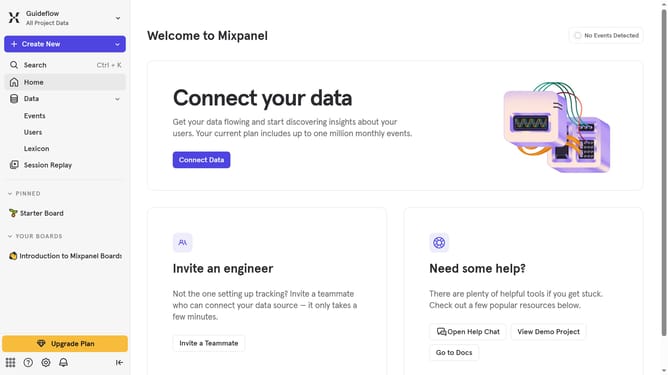
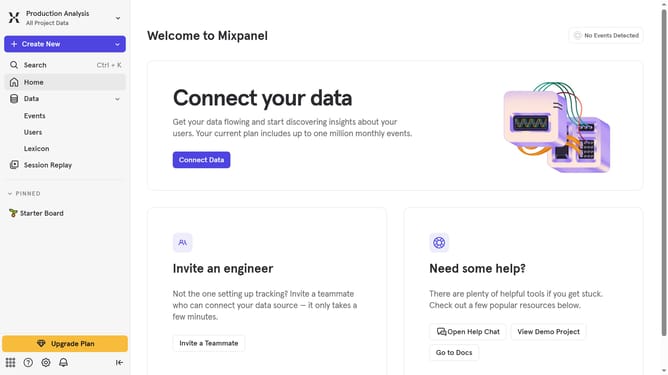
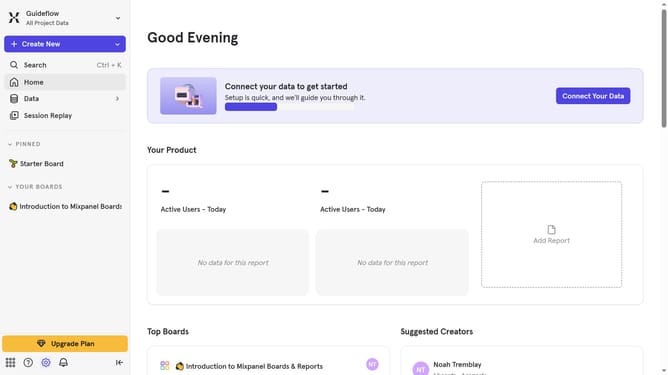
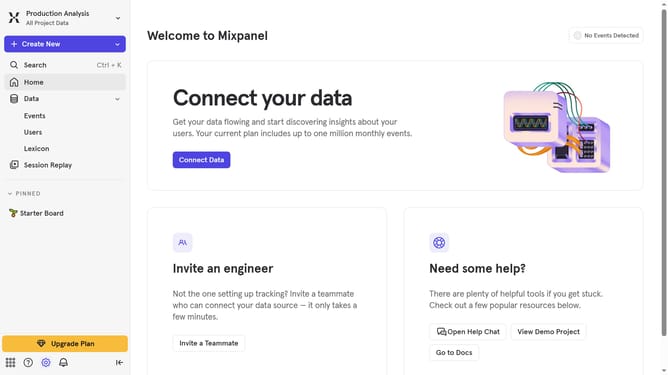
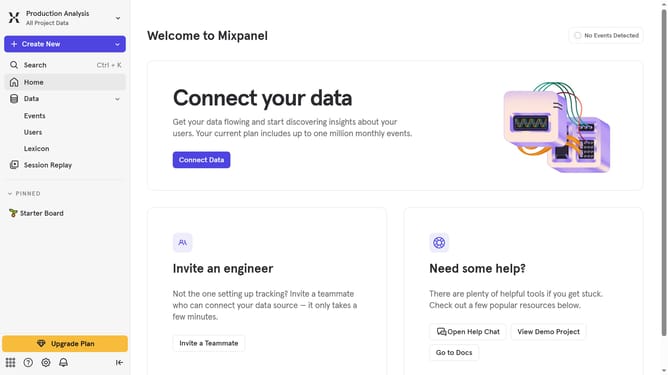
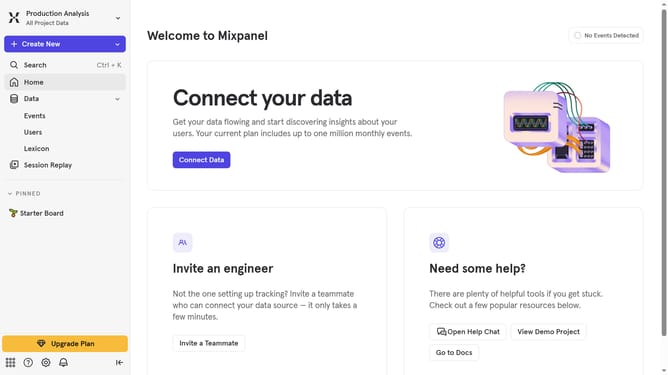
- First click on the settings icon in the bottom left of the sidebar
- Then hover your mouse cursor over the settings menu
- Next, click on "Project Settings" in the new dropdown
- Then select "Project Users" from the left side menu
- Click on the "+ Invite Users" button
- Next click on the "User" dropdown menu
- Then click on the text input field and type in the email of the person you want to invite as a consumer
- Then click on the dropdown results
- Then click on the "Role" dropdown menu
- Then select "Consumer" from the role dropdown list
- Finally click on the "Invite" button
Why should you invite a user for the consumer role in Mixpanel
Mixpanel is a powerful analytics platform designed to help businesses track user interactions with their products.
Inviting a user for the consumer role in Mixpanel simplifies collaboration and ensures that relevant team members have access to insights without overwhelming them with admin tasks.
This role allows users to view data and reports, enabling informed decision-making and promoting a more data-driven team culture.
Such streamlined access improves efficiency and supports smoother communication across different departments.
Last update