How to hide example value column in custom profile properties in Mixpanel
Here is how to hide example value column in custom profile properties in mixpanel
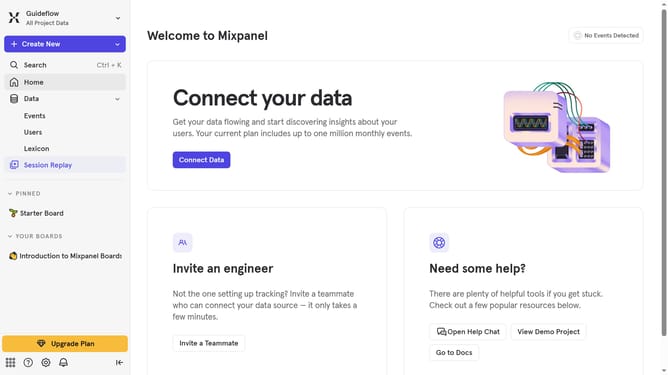
- First click on "Lexicon" in the left sidebar
- Then click on "Custom Profile Properties" in the left sidebar
- Next click on the "Edit Columns" button
- Finally uncheck the "Example Value" checkbox
Why should you hide example value column in custom profile properties in Mixpanel
Mixpanel is a powerful analytics platform designed to help businesses understand their user interactions at a granular level.
The feature to hide the example value column in custom profile properties streamlines the data view, allowing for a cleaner and more focused analysis environment. By removing unnecessary columns, users can concentrate on the metrics that matter most to their business objectives.
This feature also enhances data confidentiality and minimizes distractions, ensuring that teams can work efficiently with only the most relevant information at their fingertips.
Last update