How to reconnect Mailchimp in Mixpanel
Here is how to reconnect mailchimp in mixpanel
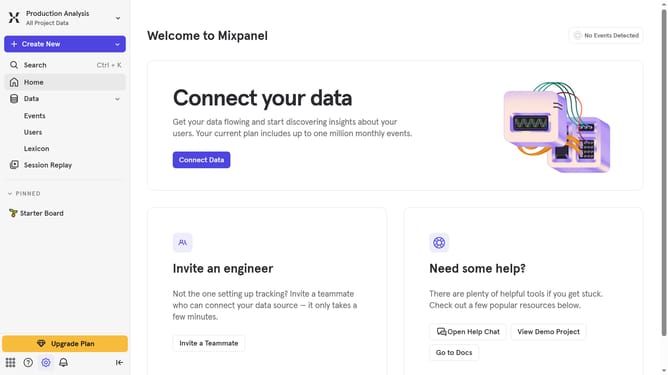
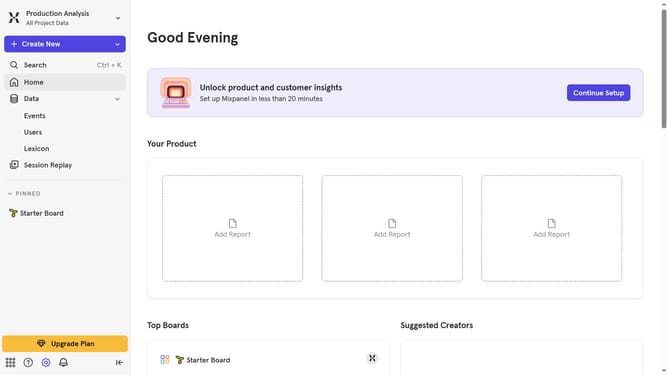
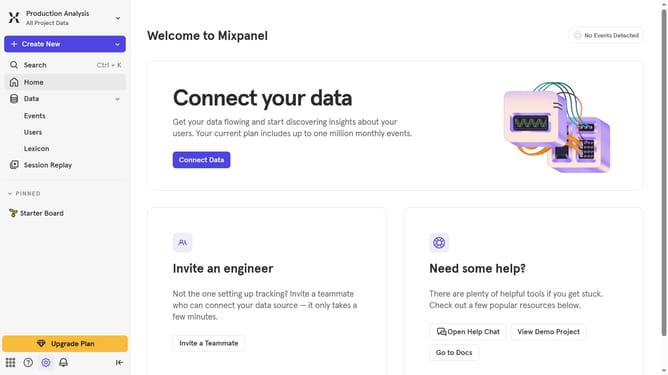
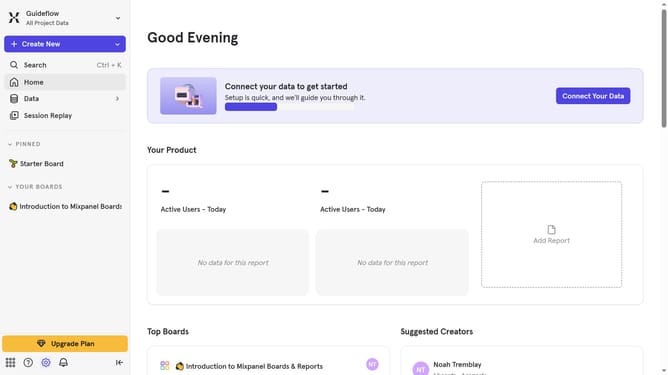
- First click on the settings icon in the bottom left menu
- Then click on "Integrations" in the sidebar
- Next, scroll down to view more options
- Then click on the "Mailchimp" integration
- Next, click on the "Re-connect" button
- Then click on the "API KEY" text input field and type in your API KEY
- Finally click on the "Continue" button
Why should you reconnect Mailchimp in Mixpanel
Mixpanel is a powerful analytics platform designed to help you understand user behavior and make data-driven decisions.
Reconnecting Mailchimp in Mixpanel ensures a seamless integration between two essential marketing tools, enhancing your ability to analyze and reach out to your audience more effectively. This feature allows you to synchronize user data effortlessly, maintaining up-to-date information across platforms.
Utilizing this integration, you can improve targeted campaigns, personalize user experiences, and maximize conversion rates through strategic insights. Ultimately, it breathes life into your marketing strategy, marrying data analytics with effective outreach.
Last update