How to filter user & teams current users by billing admin in Mixpanel
Here is how to filter user & teams current users by billing admin in mixpanel
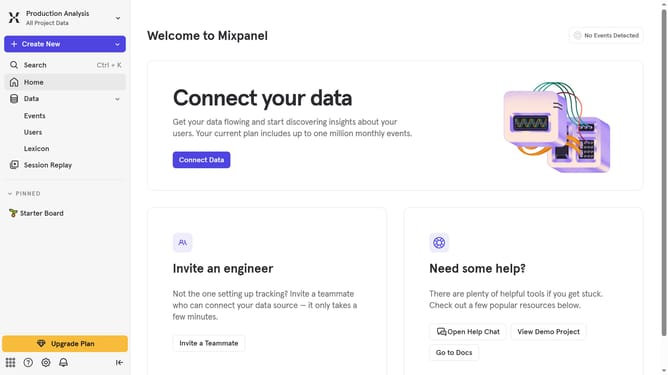
- First click on the gear icon in the bottom left sidebar
- Then hover your mouse cursor over the "Settings" option in the expanded sidebar menu
- Next, click on "Organization Settings"
- In the left navigation panel, click on "Users & Teams"
- Then click on the "All Roles" dropdown menu
- Finally, select "Billing Admin" from the dropdown
Why should you filter user & teams current users by billing admin in Mixpanel
Mixpanel is an advanced analytics platform designed to help businesses understand and optimize user engagement.
Featuring sophisticated user management, Mixpanel allows billing admins to effortlessly filter current users and teams. This feature offers admins the ability to streamline operations by providing quick insights into user activity and team dynamics.
Utilizing this filtering capability, businesses can make data-driven decisions, leading to more effective team management and enhanced operational efficiency. The ability to easily view and manage user dynamics fosters a more cohesive and productive environment.
Last update