How to connect Airship in Mixpanel
Here is how to connect airship in mixpanel
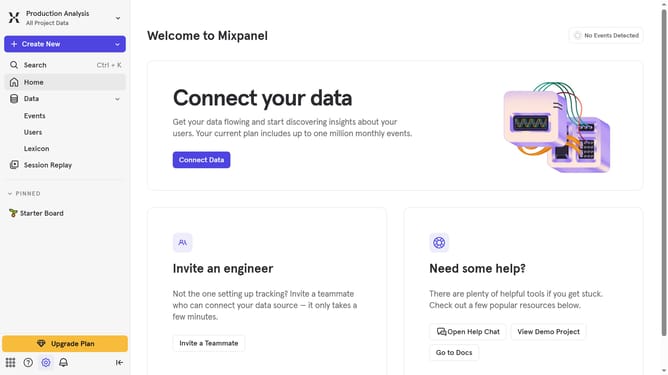
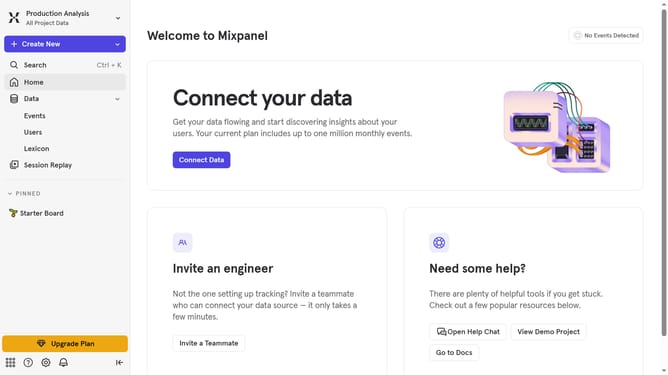
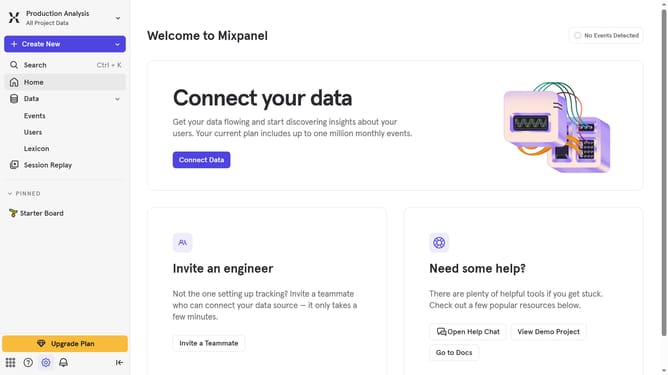
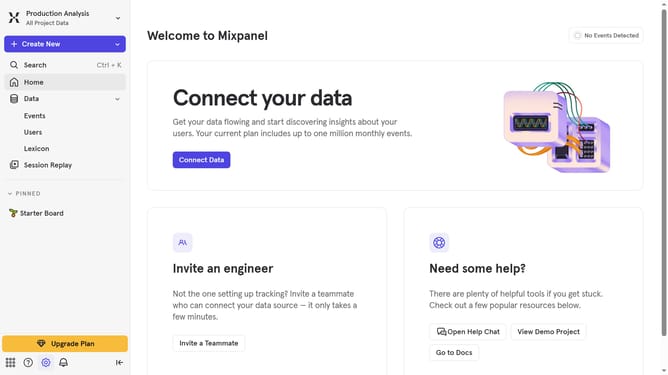
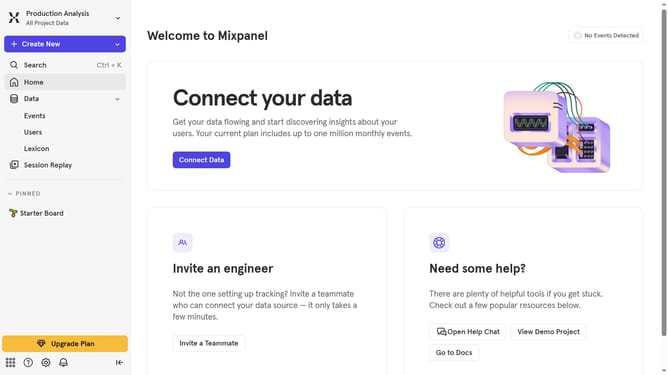
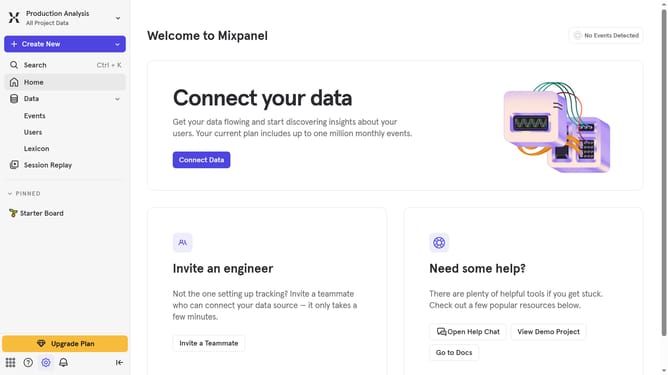
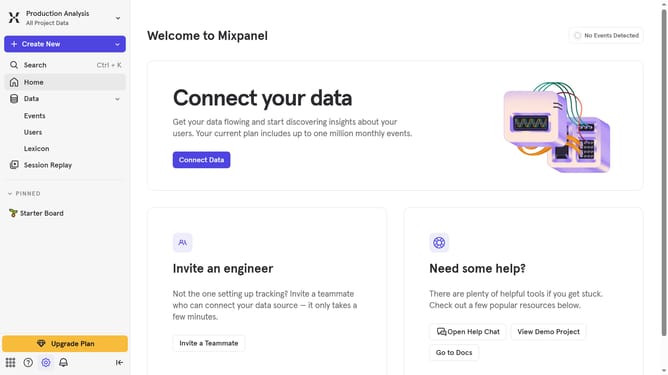
- First click on the gear icon in the bottom left of the screen
- Then click on "Integrations" in the sidebar menu
- Then scroll down to view more options
- Then click on the Airship option to have the connect option
- Then click on the "Connect" button
- Then click on the "CONNECTOR NAME" input field and type in the connector name
- Then click on the access token input field and paste the access token
- Then click on the "AIRSHIP DATA CENTER" dropdown menu
- Then select your preferred data center option from the list
- Finally click on the "Continue" button
Why should you connect Airship in Mixpanel
Mixpanel is an advanced analytics platform designed to help businesses understand user behavior in real-time.
By connecting Airship to Mixpanel, organizations can seamlessly integrate powerful communication capabilities with data insights, enhancing their engagement strategies.
This integration allows businesses to utilize Mixpanel's robust analytics to create targeted, data-driven messages via Airship, ensuring that communication is both relevant and timely.
As a result, companies benefit from improved customer retention, increased satisfaction, and more efficient marketing campaigns.
Last update