How to disconnect mParticle in Mixpanel
Here is how to disconnect mparticle in mixpanel
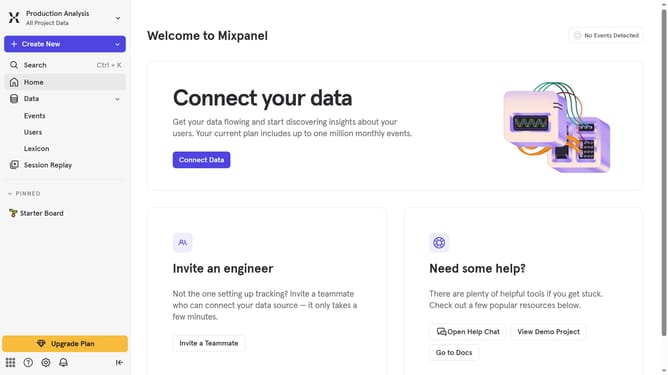
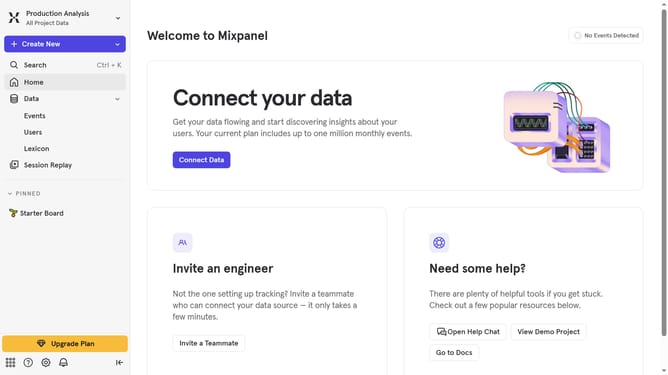
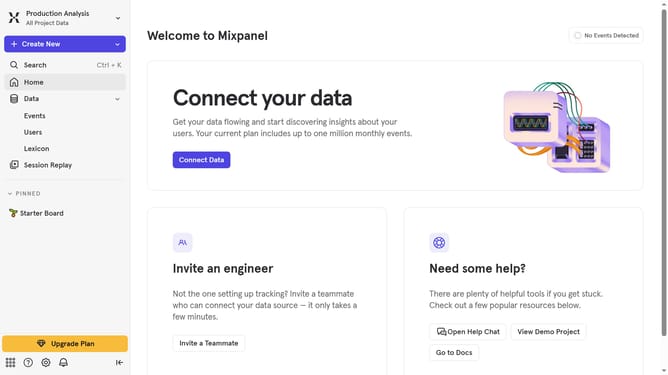
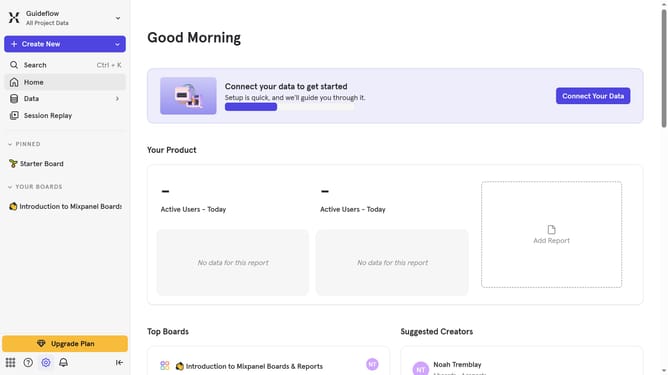
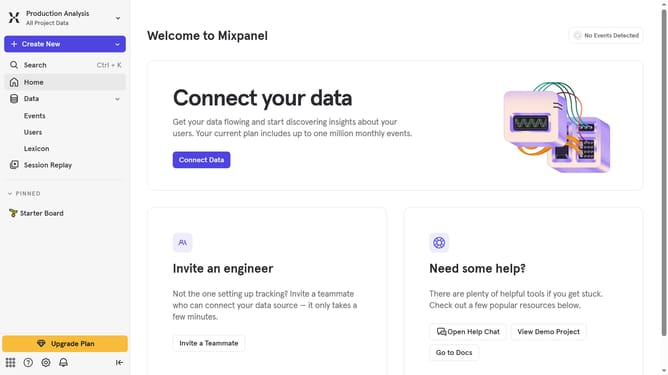
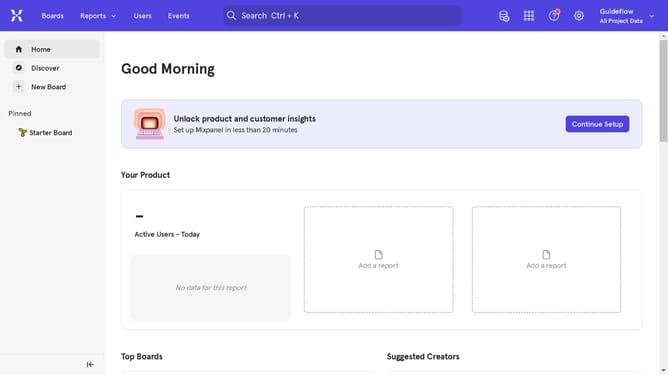
- First click on the settings icon
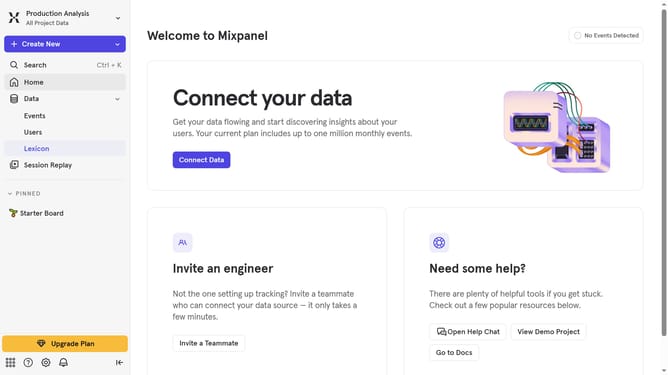
- Then click on "Integrations" in the left sidebar
- Next scroll down to view more options
- Then click on the "mParticle" integration option
- Next click on the "Disconnect" button
- Finally click on the "Disconnect" button in the confirmation dialog
Why should you disconnect mParticle in Mixpanel
Mixpanel is a powerful analytics platform designed to deeply understand user behavior and improve the user experience.
Knowing how to disconnect mParticle from Mixpanel can be advantageous as it allows for greater control over data integration. This feature is crucial for teams aiming to streamline their data sources and enhance clarity in their insights.
By managing this process effectively, you ensure that your analytics remain clean and focused, leading to more precise strategy development and improved decision-making. This exercise not only simplifies data management, it also promotes agility in adapting to evolving business needs.
Last update