How to hide example value column in profile properties in Mixpanel
Here is how to hide example value column in profile properties in mixpanel
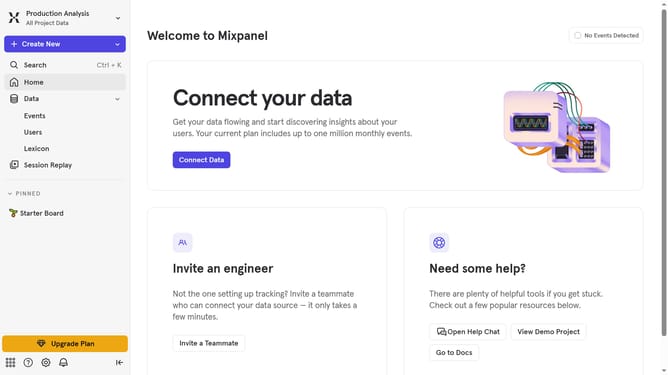
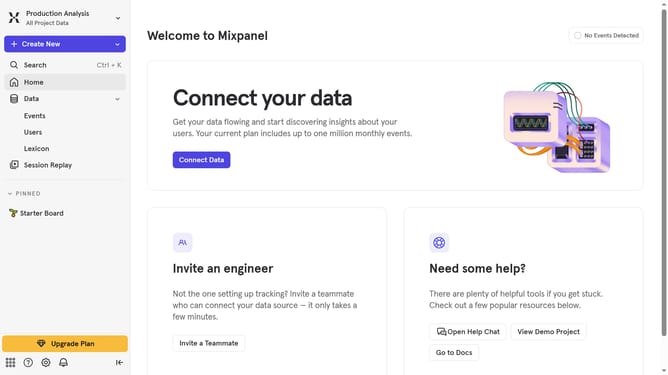
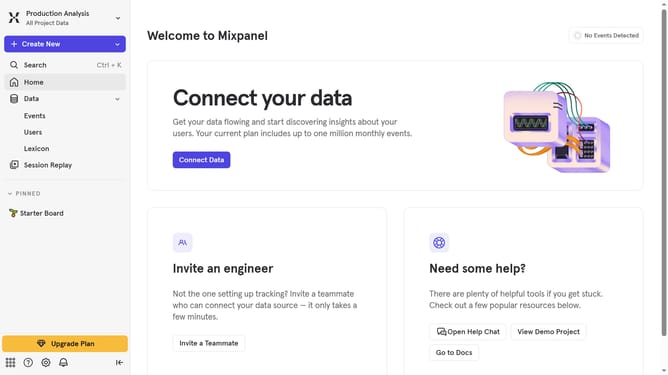
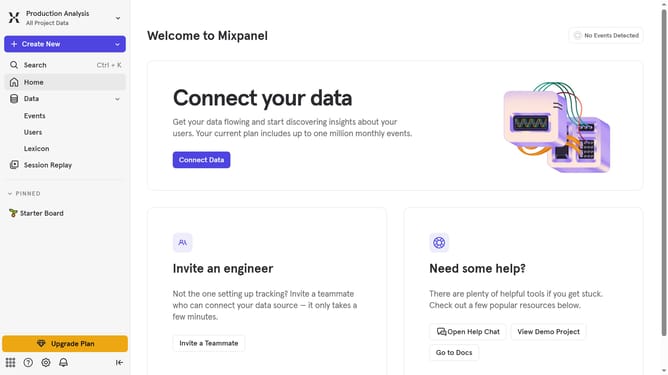
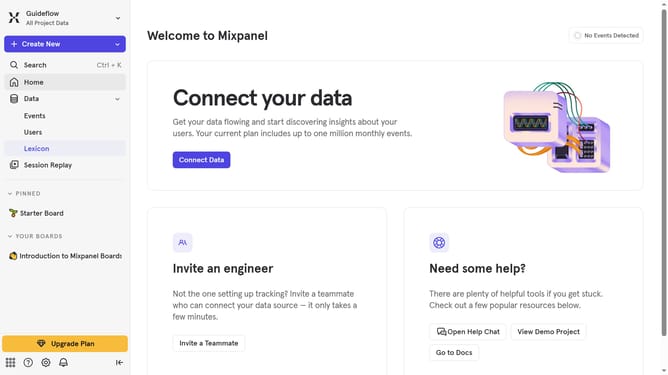
- First click on "Lexicon" in the siderbar
- Then click on "Profile Properties" in the siderbar
- Next click on "Edit Columns " button
- Finally uncheck the "Example Value" checkbox
Why should you hide example value column in profile properties in Mixpanel
Mixpanel is a cutting-edge analytics platform designed to enhance user engagement by providing deep insights into user behavior.
One useful feature in Mixpanel is the ability to hide the example value column in profile properties. This feature allows users to streamline their data view, eliminating distractions and focusing solely on the data that matters most.
By hiding unnecessary columns, you can enjoy a cleaner and more organized interface. This ensures that your workflow is efficient and helps teams quickly access the insights needed to drive strategic decisions.
Last update