How to filter audit logs by experiment launched in Mixpanel
Here is how to filter audit logs by experiment launched in mixpanel
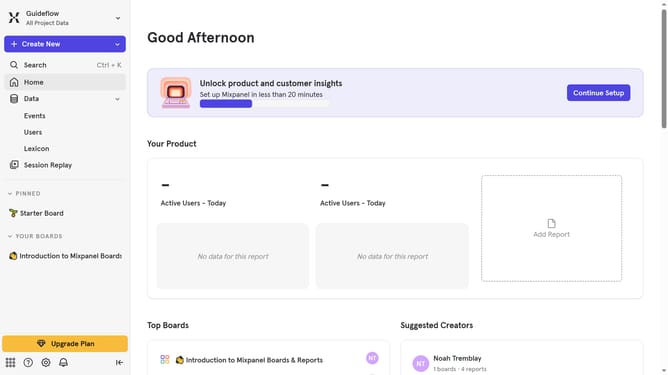
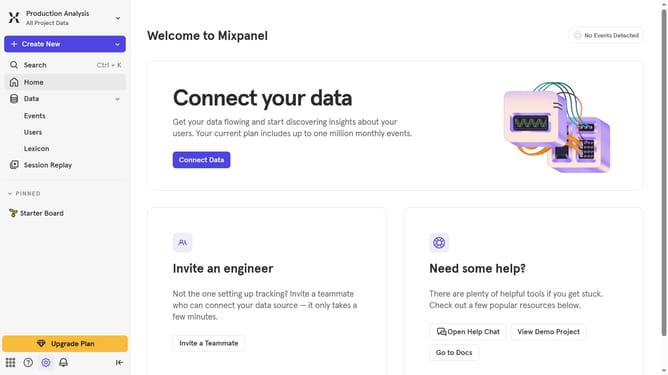
- First click on the "Settings" icon in the left sidebar
- Then hover your mouse cursor over the "Settings" in the dropdown menu
- Next, click on "Organization Settings"
- Then click on "Audit Log" in the left sidebar
- After that, click on the "Action" dropdown in the top menu
- Then scroll down in the dropdown menu
- Finally, click on the checkbox next to "Experiment Launched"
Why should you filter audit logs by experiment launched in Mixpanel
Mixpanel is a powerful analytics platform designed to help businesses understand and optimize their users' interactions.
The ability to filter audit logs by experiment launched in Mixpanel significantly enhances your analytical capabilities. This feature enables you to easily pinpoint and evaluate user activities and outcomes tied to specific experiments.
By utilizing this filtering option, deriving actionable insights becomes more streamlined, thus allowing you to make data-driven decisions with confidence. It's a vital tool for ensuring your experiments yield meaningful and impactful results.
Last update