How to change the weekend duration in time period settings in Mixpanel
Here is how to change the weekend duration in time period settings in mixpanel
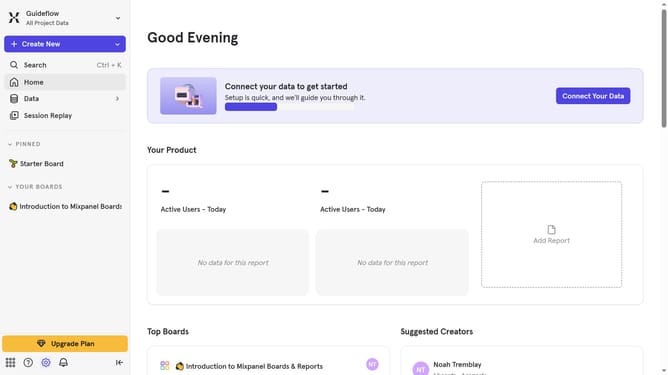
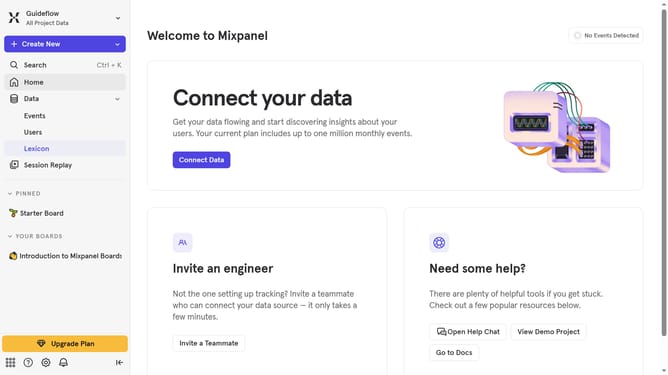
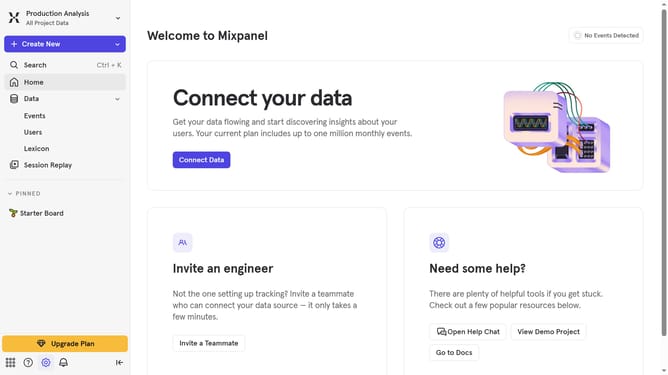
- First click on the gear icon in the sidebar
- Then hover your mouse cursor over the "Settings" menu
- Next click on "Project Settings" sub-menu
- Then scroll down to view more options
- Then click on the edit icon for the option "Duration of Weekend"
- Then select your preferred duration from the dropdown list
- Finally click on the "Save" button
Why should you change the weekend duration in time period settings in Mixpanel
Mixpanel is a powerful analytics platform designed to enhance decision-making through detailed user behavior insights.
One notable feature is the ability to adjust the weekend duration in time period settings. This customization allows users to define what constitutes a weekend based on specific needs, offering flexibility across different business models or regions.
By customizing weekend durations, businesses can align their data analysis with operational realities, enhancing the accuracy of trend interpretations and strategic planning.
Last update