How to hide display name column in events in Mixpanel
Here is how to hide display name column in events in mixpanel
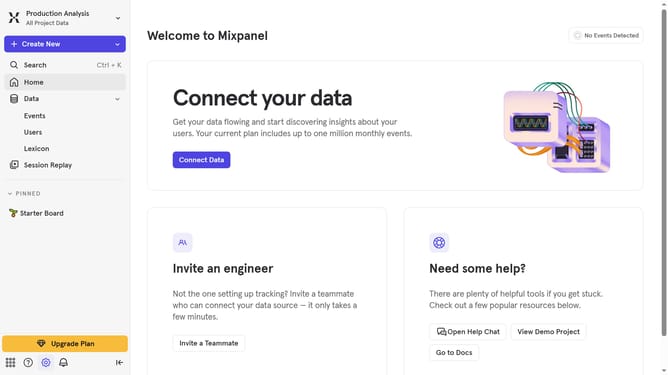
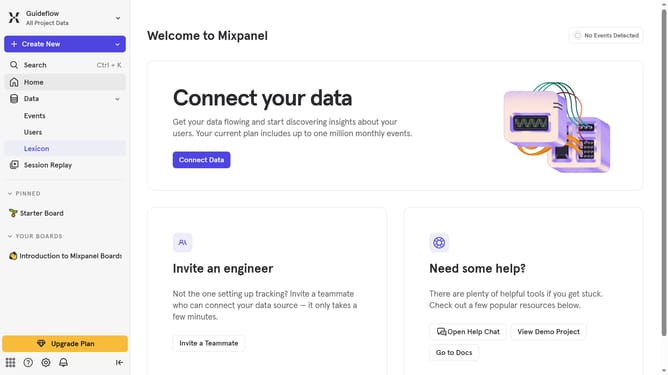
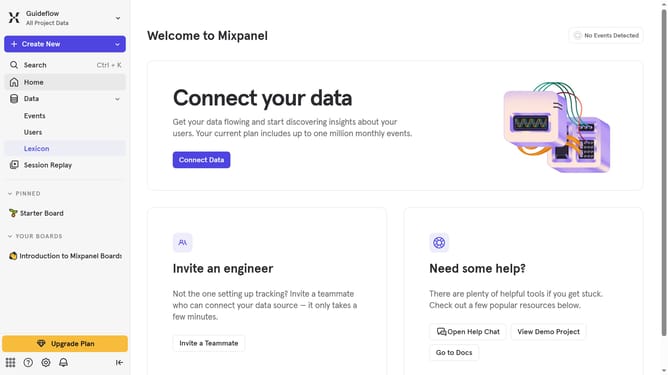
- First click on "Lexicon" in the left sidebar
- Then click on the "Edit Columns" button in the top menu
- Finally, click to check the checkbox next to the "Display name" option
Why should you hide display name column in events in Mixpanel
Mixpanel is a powerful analytics platform that helps businesses understand user behaviors to drive growth and engagement.
One of its intuitive features allows users to hide the display name column in events, simplifying data views for better focus. By minimizing visual complexities, you can streamline data analysis and swiftly identify patterns.
This feature enhances privacy, ensures compliance with data policies, and lets teams concentrate on critical insights without distractions. Hide the clutter, amplify clarity.
Last update