How to reconnect MoEngage in Mixpanel
Here is how to reconnect moengage in mixpanel
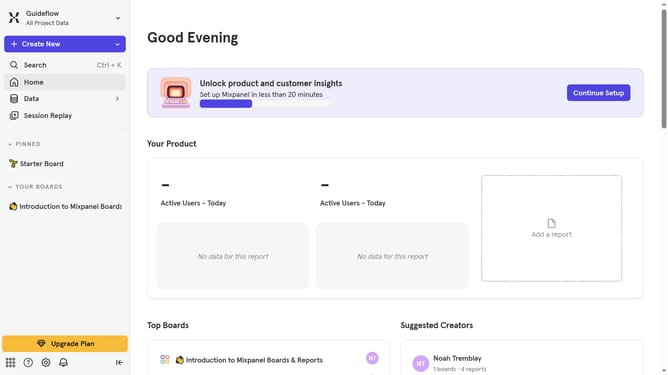
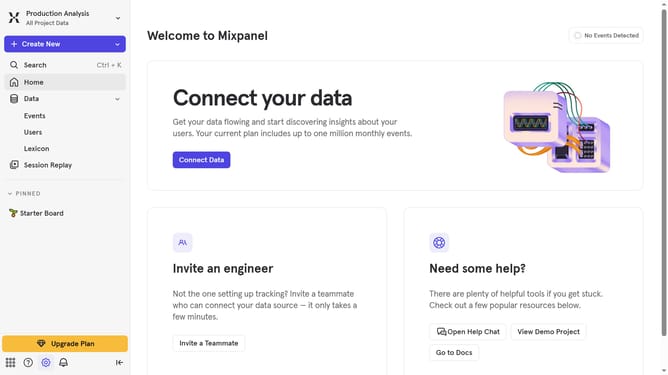
- First click on the gear icon in the bottom left corner
- Then click on "Integrations" in the left sidebar menu
- Next scroll down to view more options
- Then click on the "MoEngage" integration
- Next click on the "Re-connect" button
- Then click on the "USERNAME" text input field and type in your username
- Next click on the "PASSWORD" text input field and type in your password
- Then click on the "MOE-APPKEY" text input field and type in your moe-appkey
- Next click on the "MOENGAGE DATACENTER" dropdown menu
- Then select your preferred datacenter from the list
- Finally click on the "Continue" button
Why should you reconnect MoEngage in Mixpanel
Mixpanel is a powerful analytics tool designed to track user interactions and engagement.
When you reconnect MoEngage in Mixpanel, it revitalizes the synergy between your campaign efforts and user insights. This feature allows you to seamlessly merge MoEngage's comprehensive engagement capabilities with Mixpanel's deep data analysis.
Reconnecting the two platforms ensures that all your customer engagement data remains synchronized, providing an enriched experience. This integration helps in creating more effective campaigns, boosting user retention, and fostering data-driven decisions.
Last update