How to disconnect Appecues in Mixpanel
Here is how to disconnect appecues in mixpanel
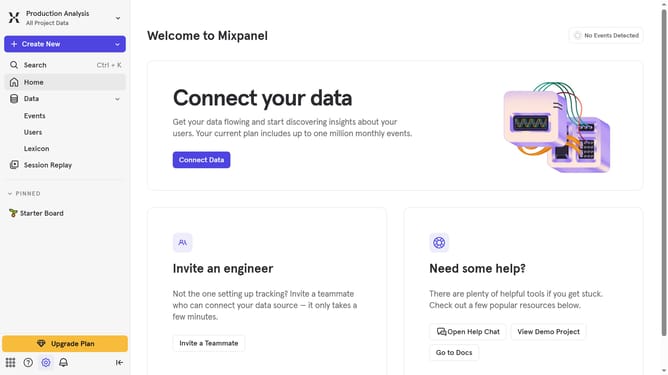
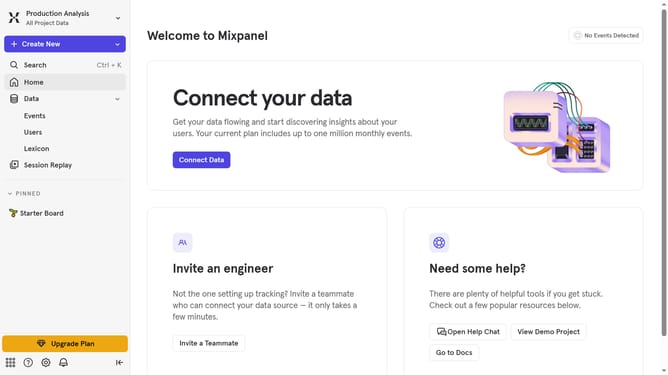
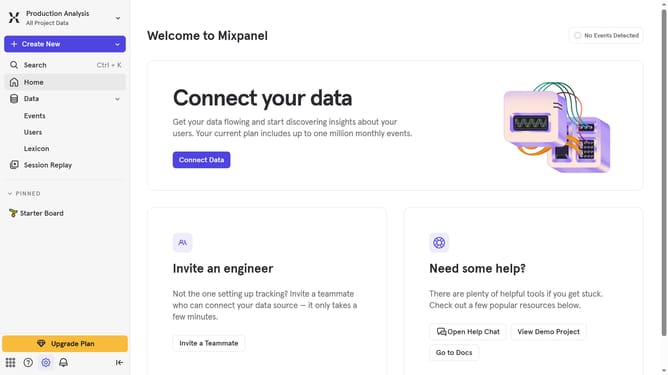
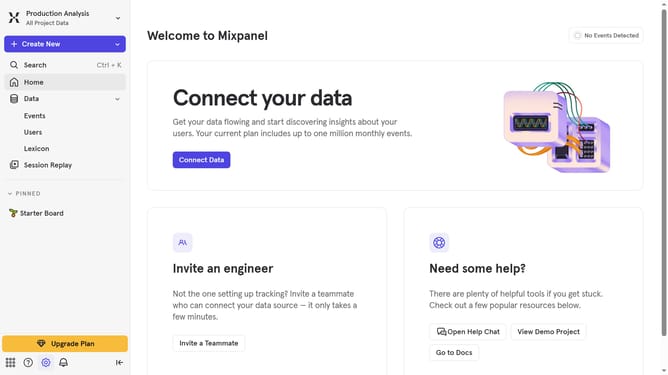
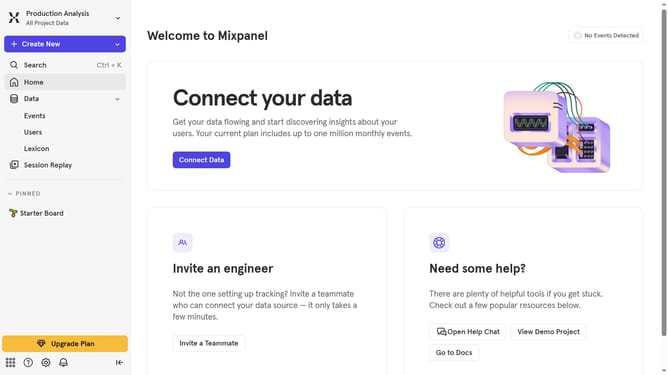
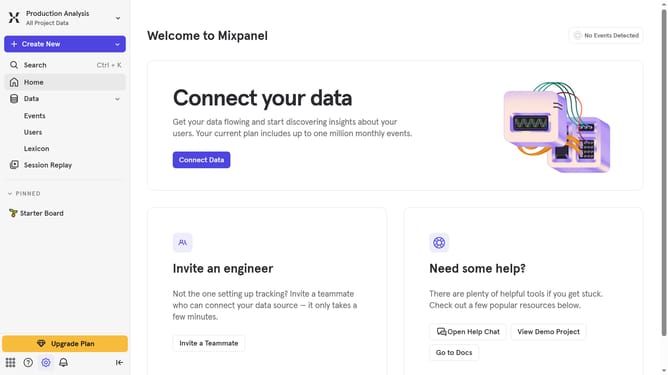
- First click on the "Settings" icon in the left sidebar
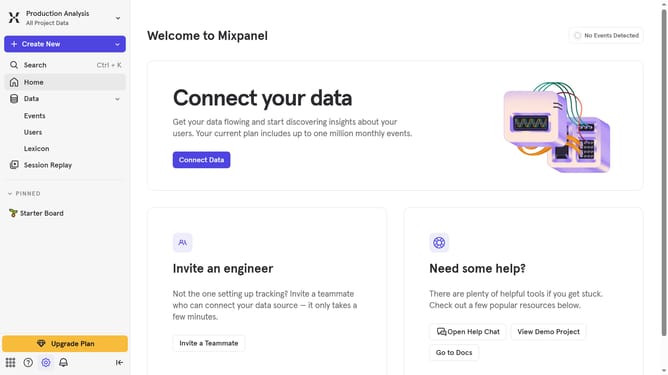
- Then select "Integrations" from the settings menu
- Scroll down ti view more options
- Next, click on the "Appcues" integration
- Click on the "Disconnect" button
- Finally, click on the "Disconnect" button on the confirmation dialog
Why should you disconnect Appecues in Mixpanel
Mixpanel, the powerful analytics platform, unlocks deeper insights into user behavior to drive data-informed decisions.
When it comes to disconnecting Appecues in Mixpanel, it's all about maintaining control and flexibility in your analytics workflow.
Disconnection allows you to streamline data flow by removing integrations that may no longer serve your current objectives or analytical focus.
This feature ensures that your data architecture remains agile, giving you the freedom to adapt and re-prioritize as new insights and goals emerge.
Last update