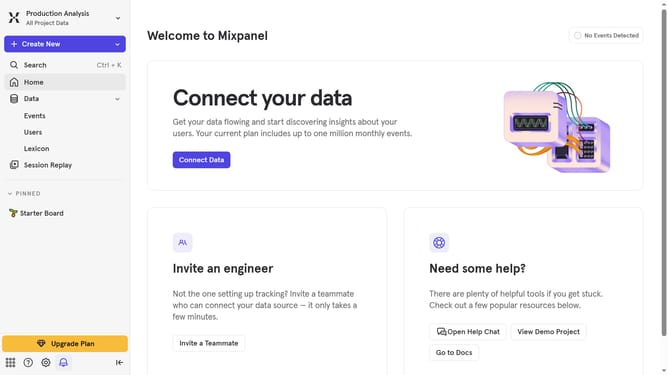
How to get API Secret in Mixpanel
Here is how to get api secret in mixpanel
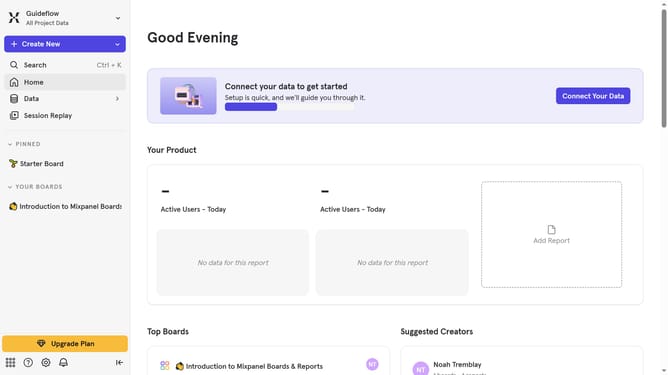
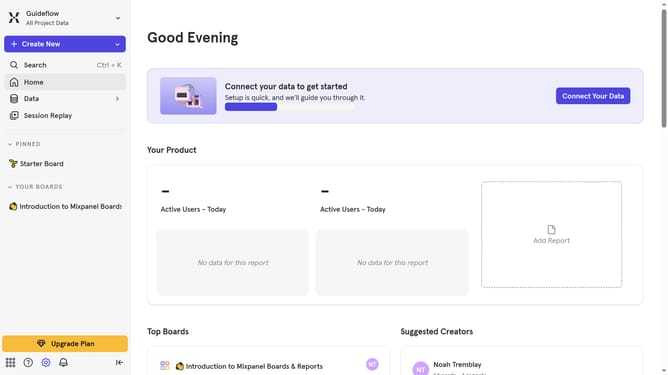
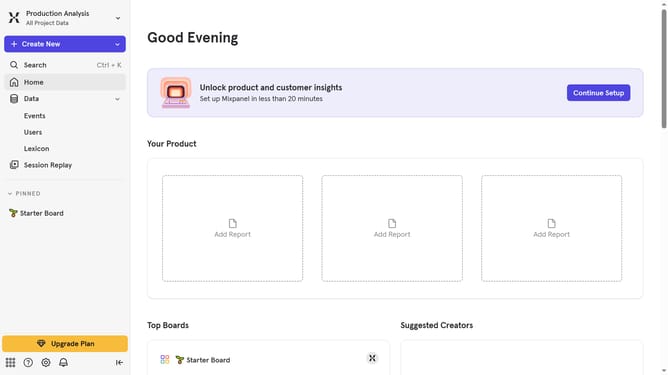
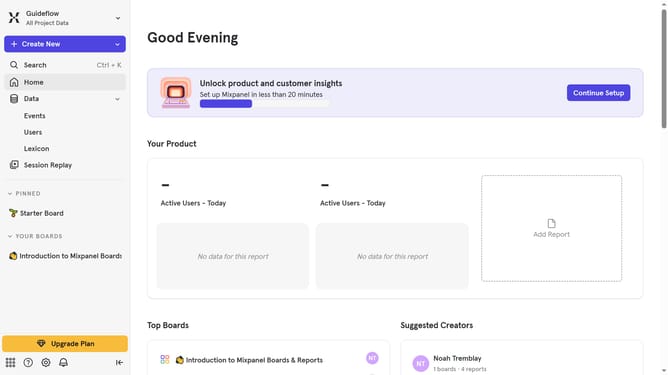
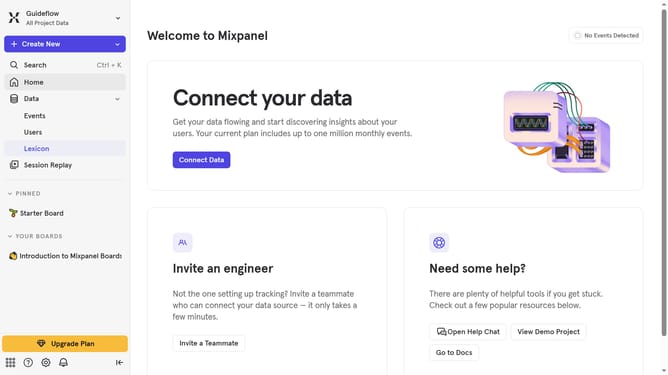
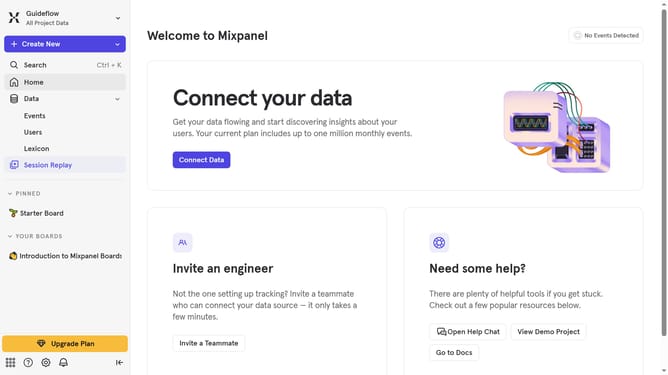
- First click on the "Settings" icon in the bottom left corner
- Then hover your mouse settings over the "Settings" option
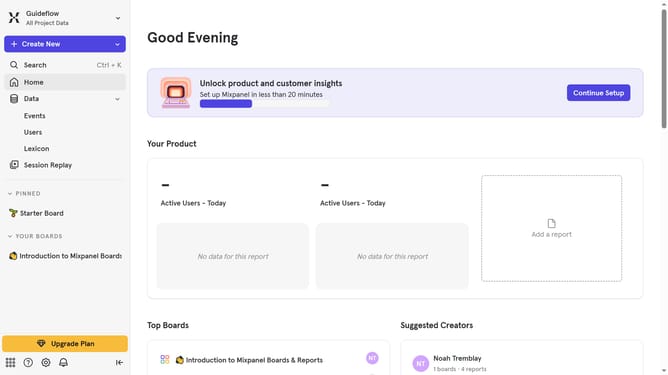
- Next select "Project Settings" from the dropdown menu
- Then scroll down to view more options
- Finally click on the "Copy" button next to the API Secret
Why should you get API Secret in Mixpanel
Mixpanel is a powerful analytics tool that helps businesses understand user engagement through detailed data tracking.
Obtaining the API Secret in Mixpanel unlocks advanced capabilities and ensures secure communication between applications.
Using this feature allows for the integration of third-party services, enhancing functionality and expanding data accessibility.
Furthermore, it ensures data integrity and secure data transfer, which is crucial for maintaining user trust and insightful analytics.
Last update