How to show event filter in Mixpanel
Here is how to show event filter in mixpanel
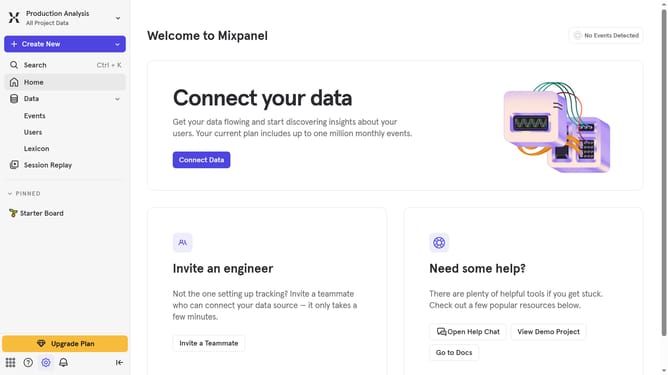
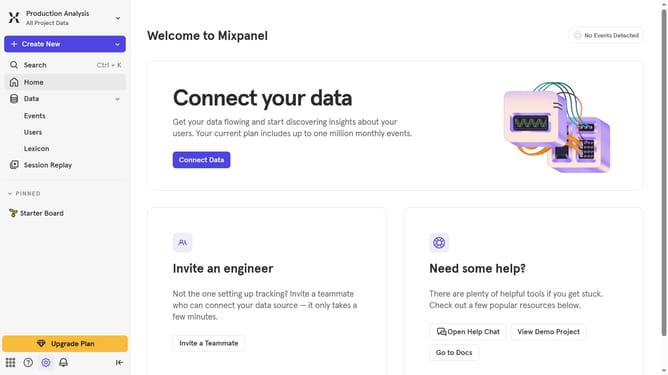
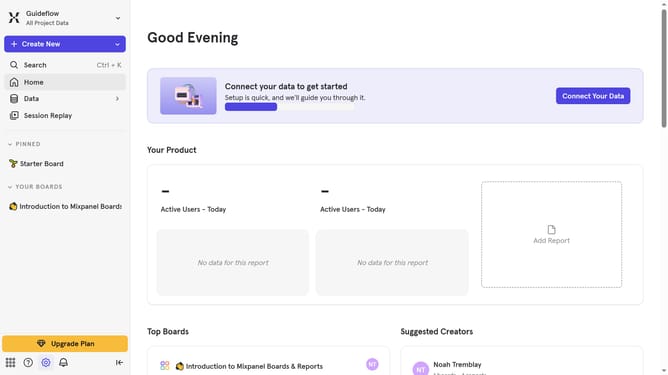
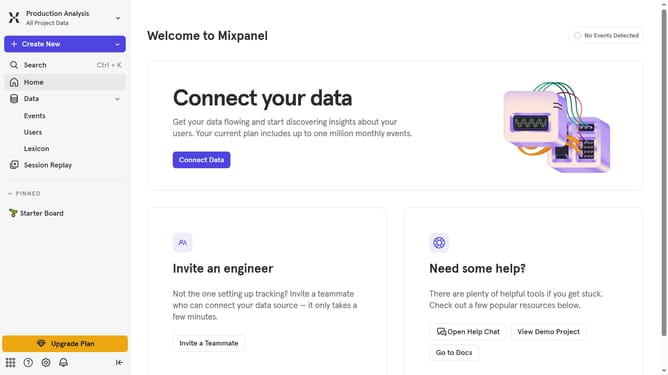
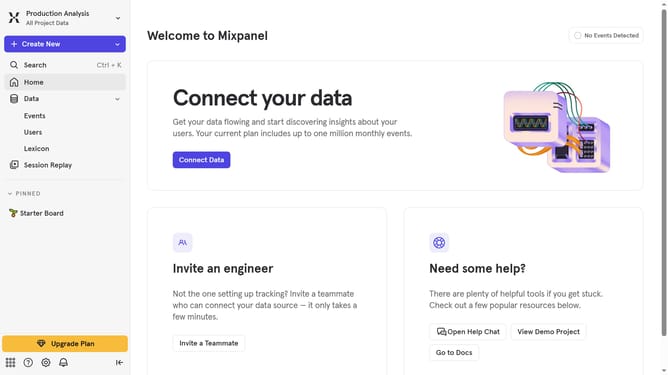
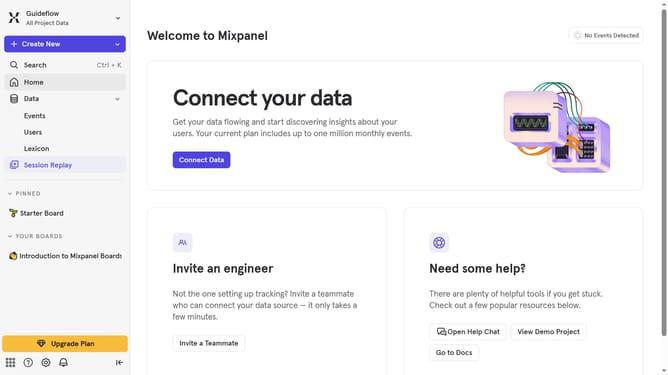
- First click on "Data" in the left sidebar
- Then click on "Events" in the left sidebar
- Then click on the "Show Filter" button
Why should you show event filter in Mixpanel
Mixpanel is a powerful analytics tool designed to help businesses understand user behavior effectively.
The event filter feature in Mixpanel allows users to focus precisely on specific interactions within their data sets. By showing event filters, users can tailor their analysis to hone in on the metrics that matter most to their objectives.
Utilizing event filters provides clarity, enabling businesses to identify trends, optimize performance, and make informed decisions more readily. This feature enhances the depth of insights, empowering strategic growth by ensuring only relevant data is analyzed.
Last update