How to show users with property column in profile properties in Mixpanel
Here is how to show users with property column in profile properties in mixpanel
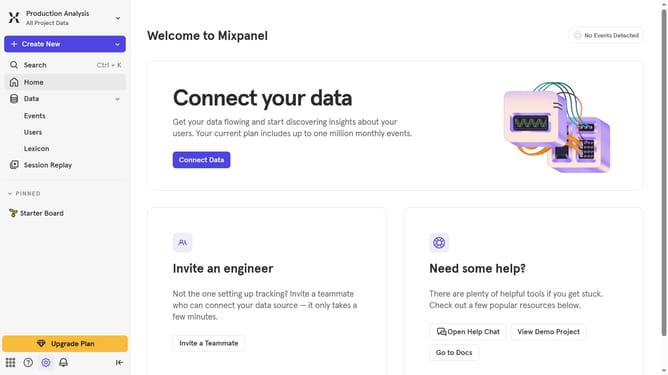
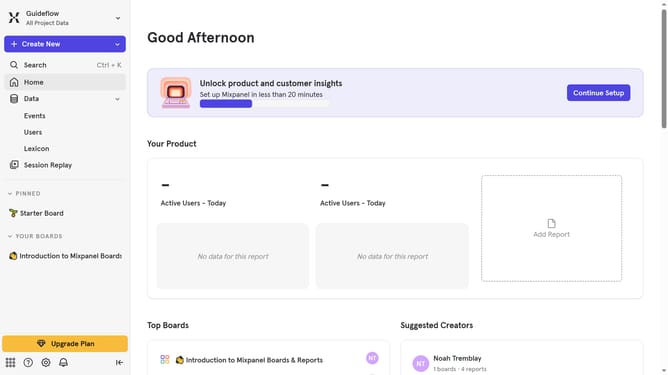
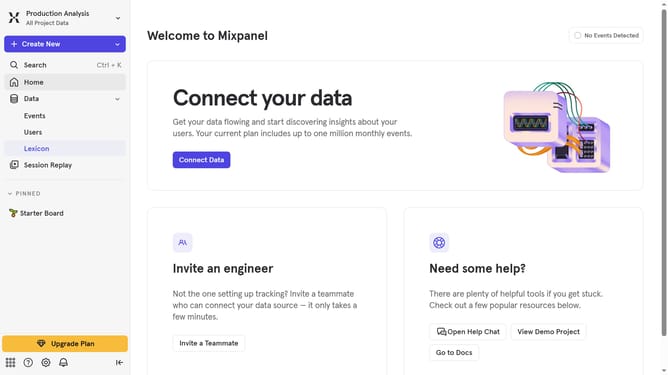
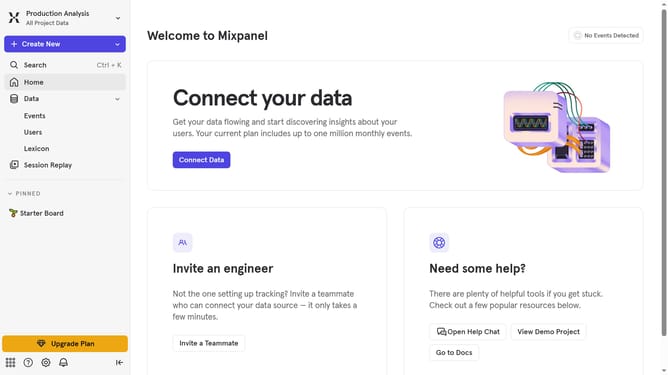
- First navigate to the "Lexicon" section from the left sidebar
- Then click on "Profile Properties" in the left sidebar
- Next, click on the "Edit Columns" button
- Finally select "Users With Property" checkbox
Why should you show users with property column in profile properties in Mixpanel
Mixpanel is a cutting-edge analytics platform designed to track user interactions and provide actionable insights for optimizing user experience.
Displaying users with a property column in profile properties is a valuable feature that enhances data analysis. It allows businesses to categorize users based on specific attributes, gaining deeper insights into user behavior.
This functionality streamlines the process of data segmentation, making it easier to tailor marketing strategies and improve customer engagement logically and efficiently.
Ultimately, this leads to more informed decision-making and better business outcomes.
Last update