How to reconnect Pushwoosh in Mixpanel
Here is how to reconnect pushwoosh in mixpanel
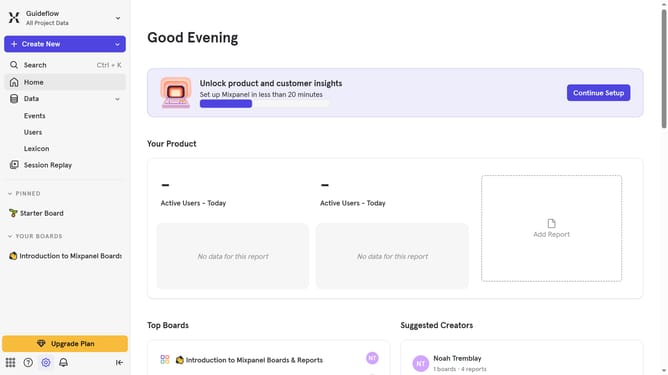
- First, click on the "Settings" icon in the bottom left sidebar
- Then, in the sidebar menu, click on "Integrations"
- Next, scroll down to view more options
- After that, click on the "Pushwoosh" integration option
- Then, click on the "Re-connect" button
- Next, click on the input field labeled "API Key" and enter the API KEY
- Then, click on the input field labeled "PW-APP-CODE" and enter the PW-APP-CODE
- Finally, click on the "Continue" button
Why should you reconnect Pushwoosh in Mixpanel
Mixpanel is a powerful analytics platform designed to help businesses understand user behavior and drive growth.
By reconnecting Pushwoosh in Mixpanel, users can enhance their ability to track and analyze push notification effectiveness.
This seamless reconnection allows for improved data flow, which is crucial for crafting data-driven strategies. The integration empowers users to send more targeted and timely notifications, refining user engagement and retention.
Reconnecting Pushwoosh in Mixpanel ensures that teams continue to make informed decisions based on comprehensive insights.
Last update