How to hide event filter in Mixpanel
Here is how to hide event filter in mixpanel
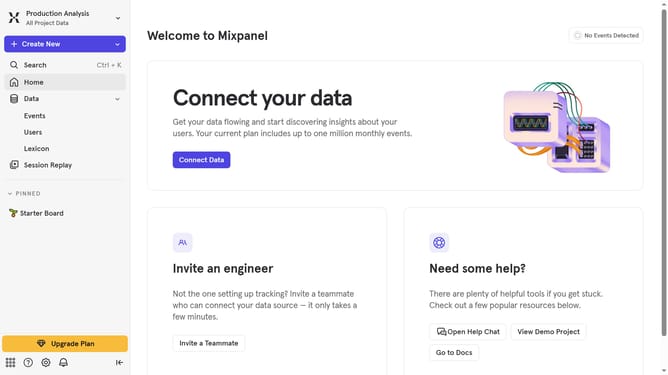
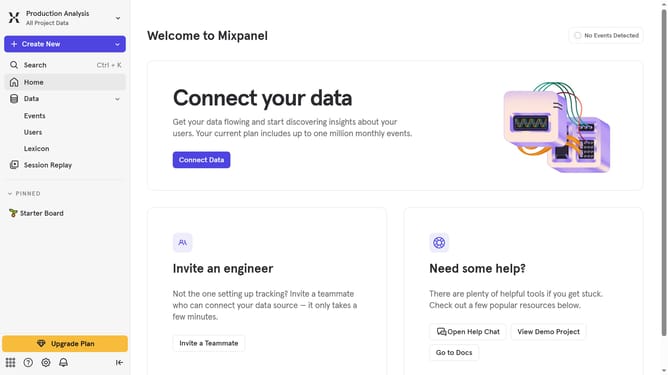
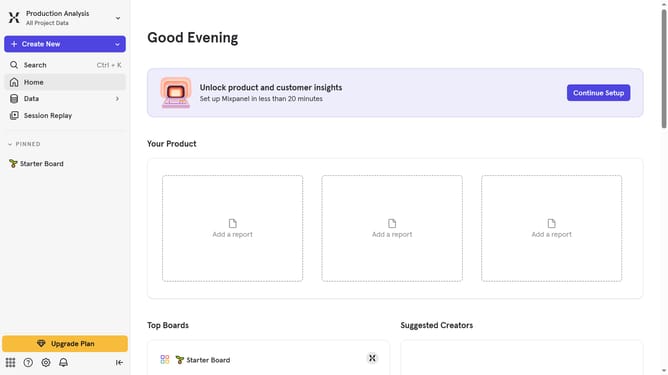
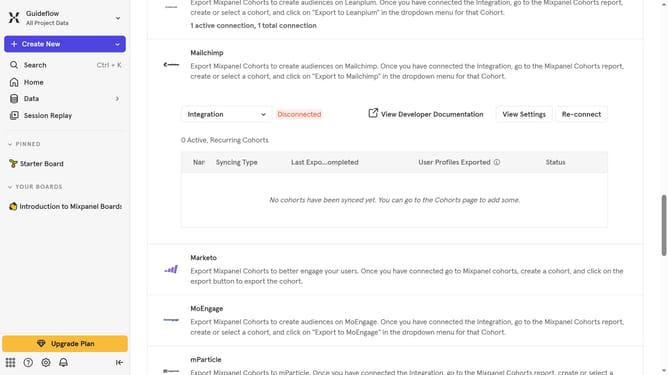
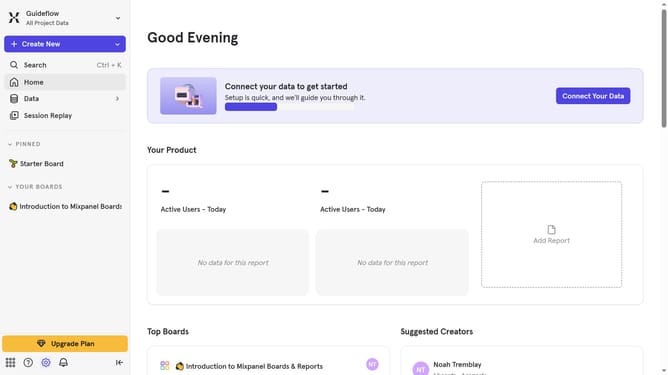
- First click on the "Data" item in the left sidebar
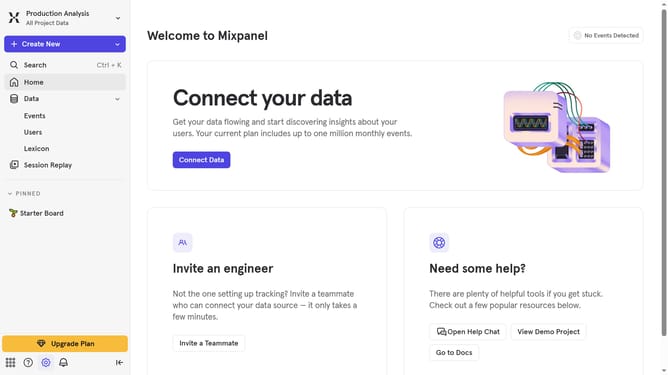
- Then click on the "Events" item in the left sidebar
- Finally click on the "Hide Filter" button
Why should you hide event filter in Mixpanel
Mixpanel is an advanced analytics tool designed to help businesses understand user interaction and optimize experiences.
One useful feature is the ability to hide event filters, streamlining your data view by focusing only on essential information.
This capability empowers you to maintain a clean and organized dashboard, making it easier to identify trends without unnecessary clutter.
Ultimately, it saves time by reducing noise, allowing for quicker insights and more effective decision-making.
Last update