How to invite user to a team in Mixpanel
Here is how to invite user to a team in mixpanel
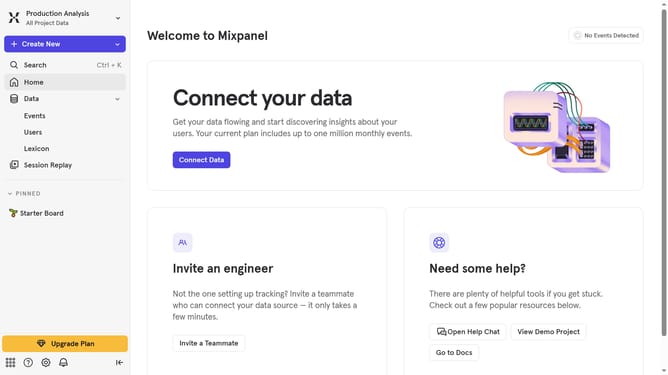
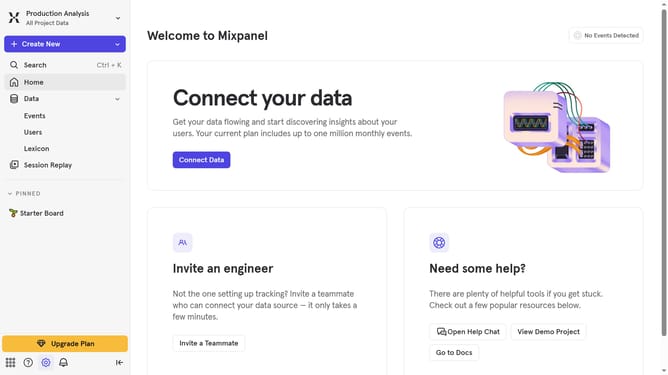
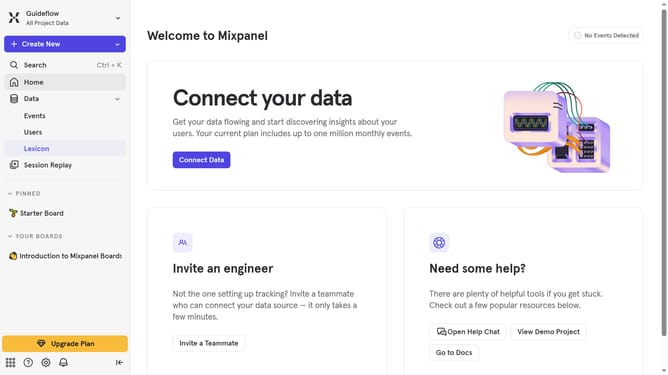
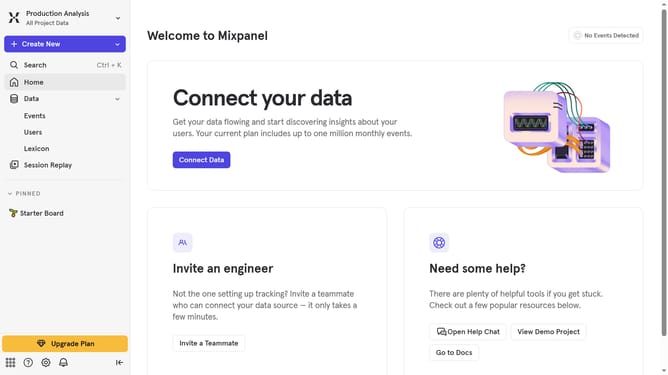
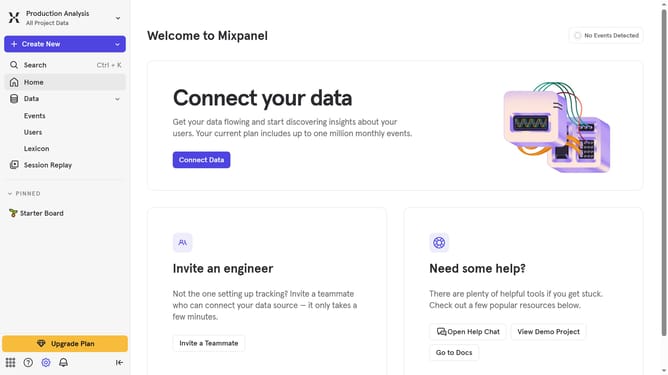
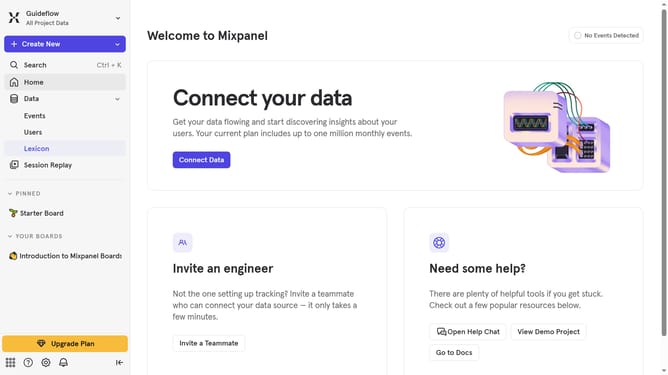
- First click on the "Settings" icon in the left sidebar
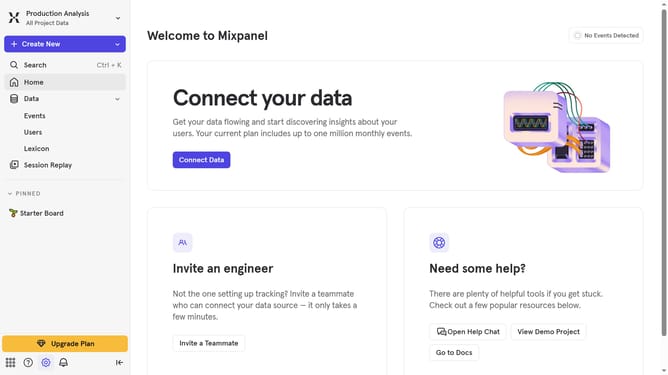
- Then hover your mouse over the "Settings" option
- Next click on "Organization Settings" option from the submenu
- Then click on the "Users & Teams"
- Now click the "Teams" tab on the Users & Teams page
- Then click the name of the team where you want to add a user
- Then scroll down to view more options
- Next click on the "Add Users" option
- Then empty input field and type in the name of the user you want to add to the team
- After that, select the user from the dropdown results
- Finally, click on the "Done" button
Why should you invite user to a team in Mixpanel
Mixpanel is a powerful analytics tool designed to help businesses gain deep insights into user behavior through intuitive data tracking.
Inviting a user to a team in Mixpanel is a seamless process that enhances collaboration and data-driven decision-making within your organization. By adding team members, businesses can ensure that everyone is on the same page, leading to more cohesive strategies and efficient project execution.
This feature fosters teamwork by enabling shared access to critical data and insights. As a result, more informed decisions can be made collectively, ultimately driving the success of your projects.
Last update